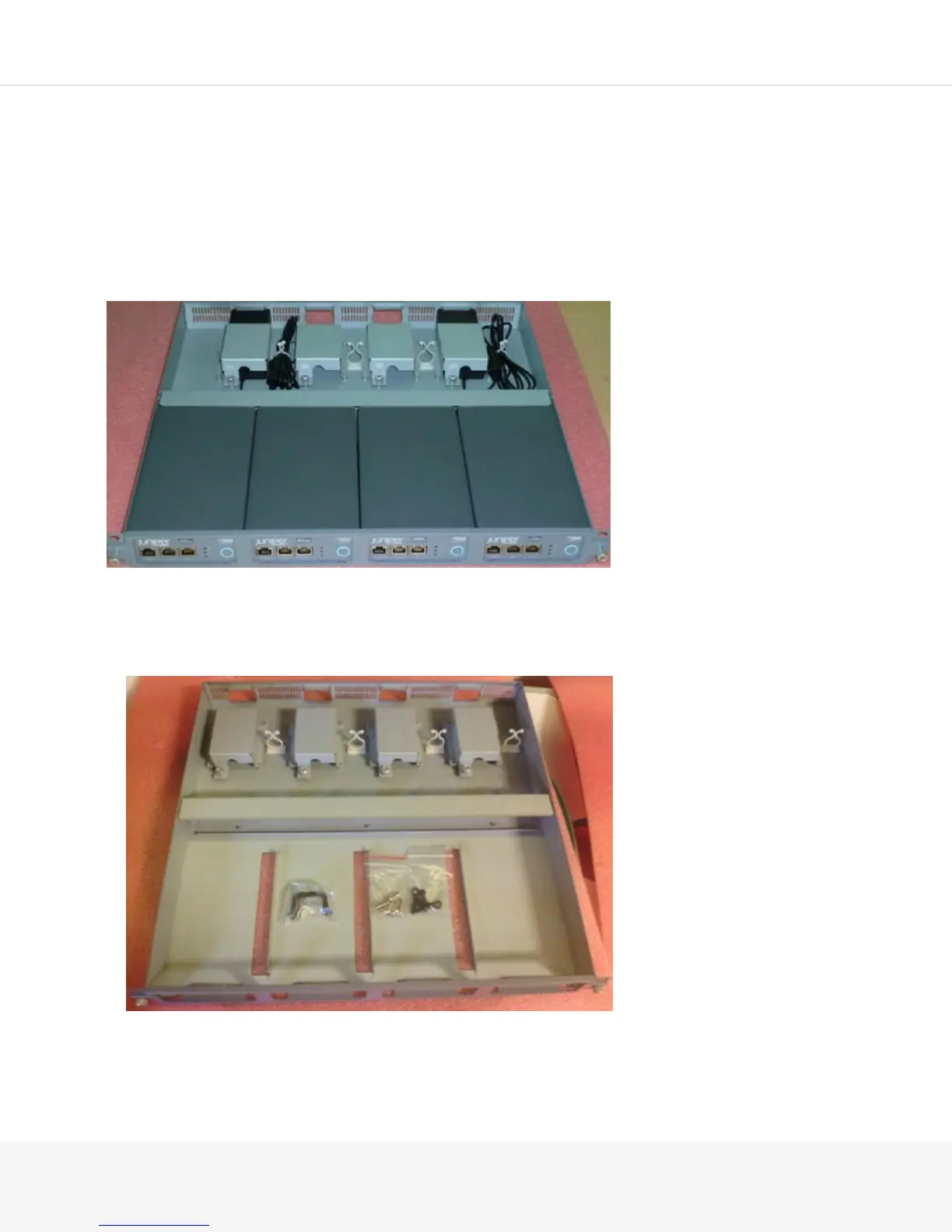
Installing the MAG2600 in the MAG-RK1U4 Tray
You can front-mount the MAG2600 in a MAG-RK1U4 tray. Mid-mounting or rear-mounting is not required.
Many types of racks are acceptable, including four-post (telco) racks, enclosed cabinets, and open-frame racks.
NOTE: The rack-mounting kit is not shipped with the device and must be ordered separately.
Up to four MAG2600 devices can be installed side-by-side using the rack-mounting kit:
To install a MAG2600 in the MAG-RK1U4 mounting tray:
1.
Loosen the two thumbscrews and remove the front panel from the MAG-RK1U4 mounting tray.



 To Next Page