2.
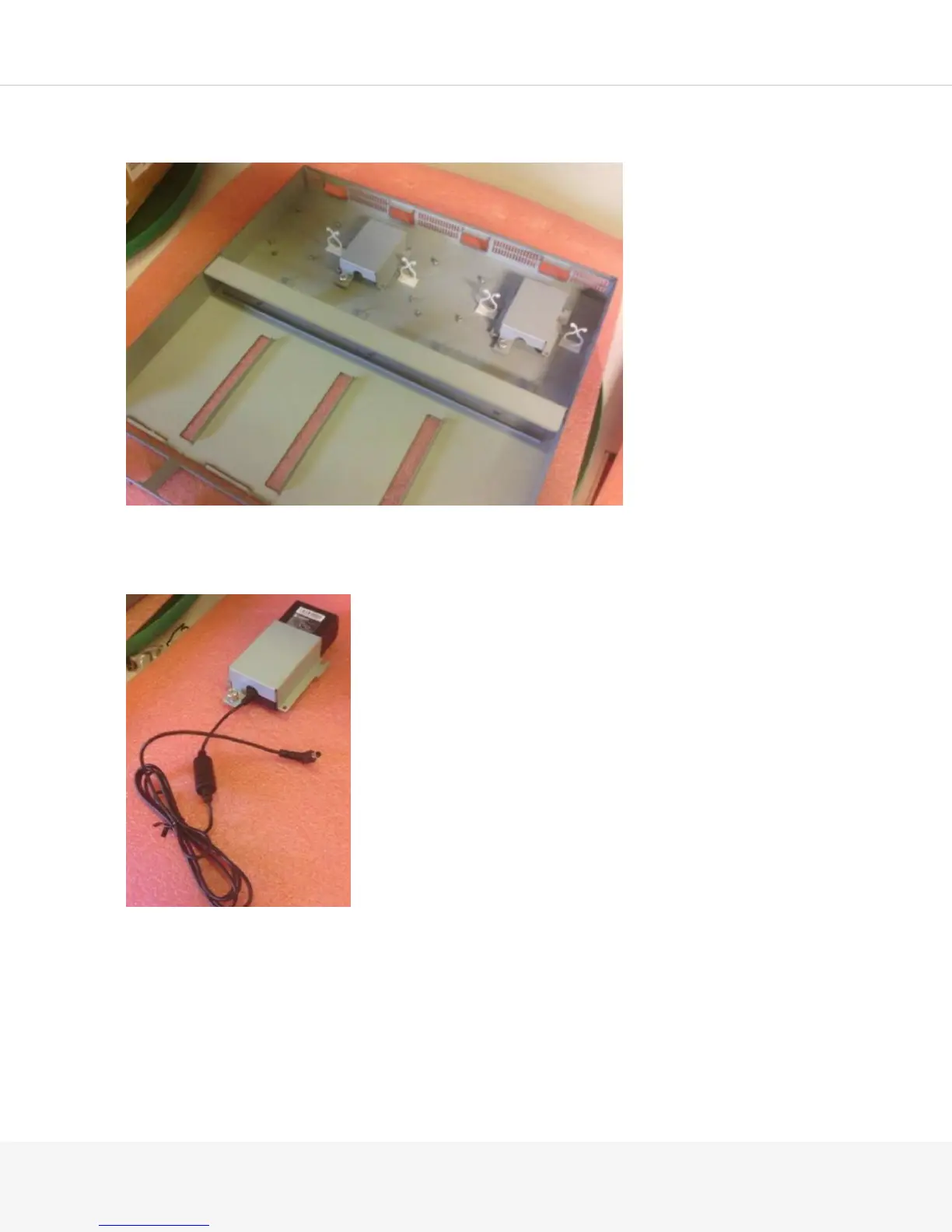
Loosen the thumbscrew and remove the power supply holder located directly behind the slot where
you want to place the MAG2600.
3.
Place the power supply holder over the MAG2600 power supply and drape the power cord through
the
notch. You must properly orient the MAG2600 power supply so that it fits snugly in the holder. The
power supply should be turned upside down so that the label is visible.
4.
Place the MAG2600 power supply and power supply holder onto the MAG-RK1U4 mounting tray and
tighten the thumbscrew using a number-1 Phillips screwdriver.
5.
The MAG2600 power supply should slide under the lip located on the back of the MAG-RK1U4
mounting tray.
6.
Route the cord through the opening located in the middle of the tray.



 To Next Page