Replacing and Monitoring Components
Removing the MAG6610 and MAG6611 AC Power
Supplies
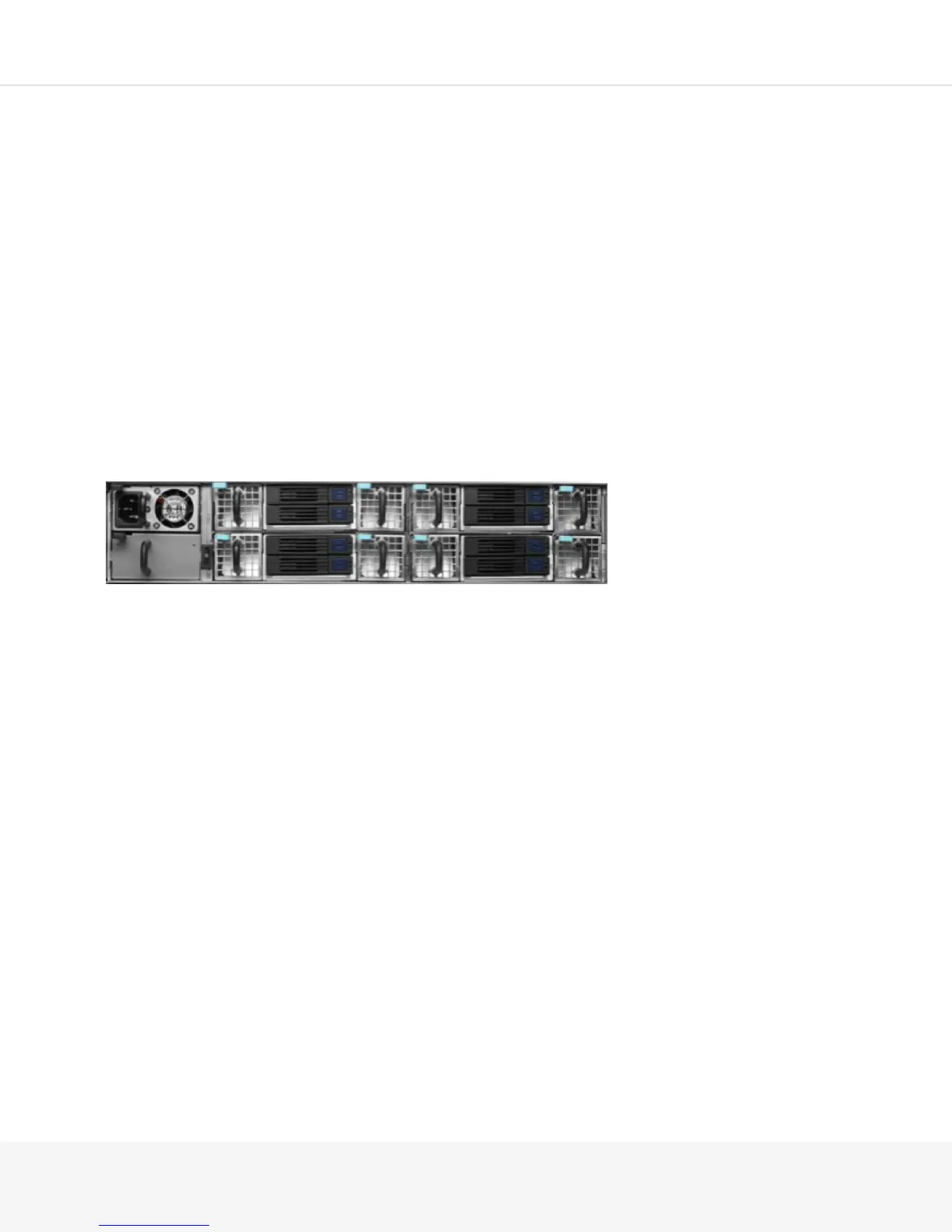
The AC power supply is a hot-removable and hot-insertable field-replaceable unit (FRU) on the MAG6611. If
you have two power supplies already installed, you can remove and replace one of the power supplies without
powering off the Pulse Secure Gateway.
MAG6611 With a Single AC Power Supply:
The AC power supply is neither a hot-removable nor a hot-insertable FRU on the MAG6610. You must power
off the MAG6610 before replacing the AC power supply.
Before you remove an AC power supply in the Pulse Secure Gateway, make sure that you understand how
to prevent ESD damage.
Make sure that you have the following parts and tools available for removing the power supply from the
Pulse Secure Gateway chassis:
•
An antistatic bag or an antistatic mat
•
Replacement power supply or a cover panel for the power supply slot
CAUTION: Do not leave the power supply slot empty for a long time while the Pulse Secure Gateway is
operational. Either replace the power supply promptly or install a cover panel over the empty slot.
To remove a power supply from the Pulse Secure Gateway:
1.
Place the antistatic bag or the antistatic mat on a flat, stable surface.
2.
Attach the electrostatic discharge (ESD) grounding strap to your bare wrist, and connect the strap to the
ESD point on the chassis.



 To Next Page