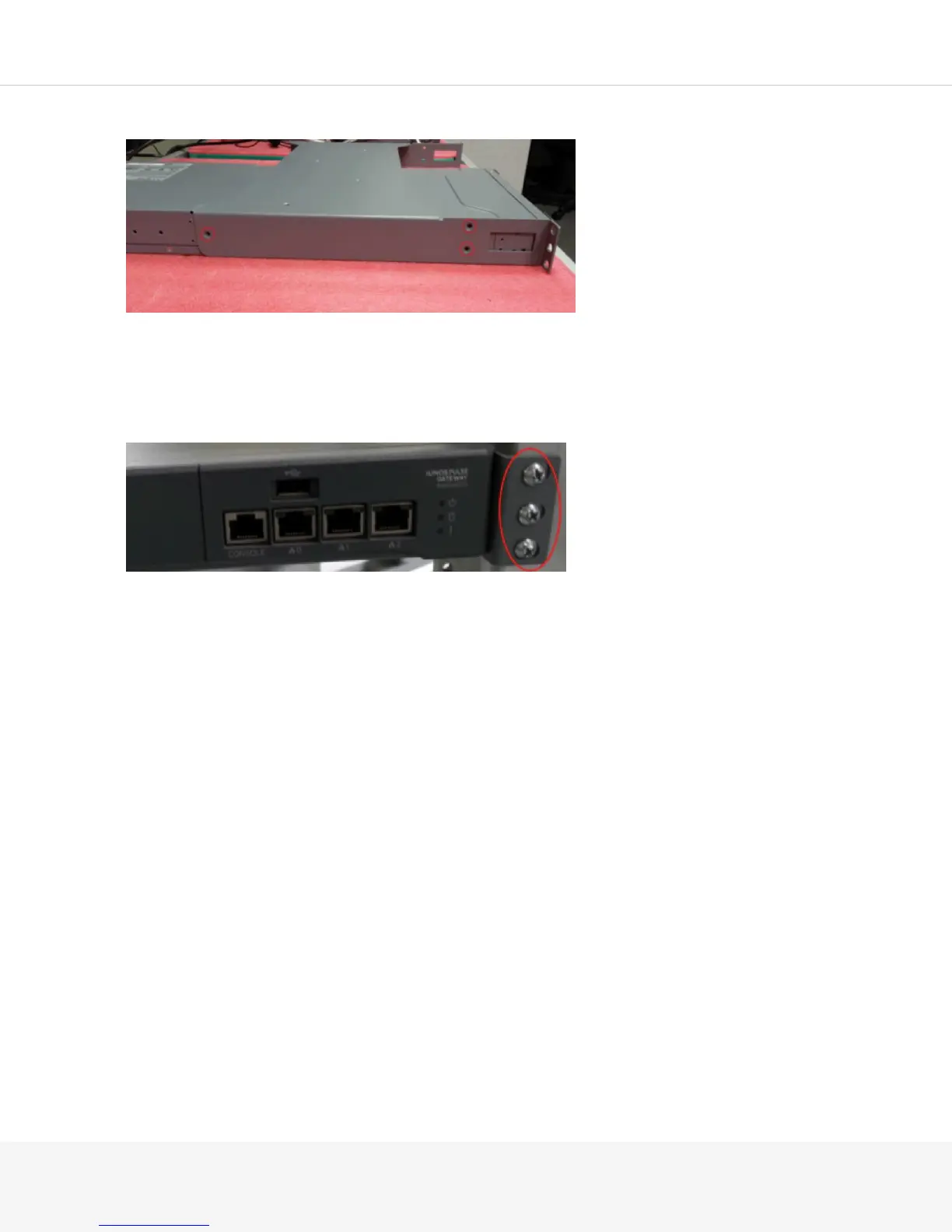
5.
Secure the MAG4610 devices to the sides of the mounting tray using three 8-32 flat-head screws:
NOTE: The MAG-RK1U2 is a front-only mount. It does not require rear rails. You must, however, use
three screws on each mounting ear to ensure the mounting tray does not sag. The MAG4610 rail kit
includes M5 and 10-32 Phillips round head screws that can be used if you do not have any mounting
screws.
6.
Sure the tray to the rack:



 To Next Page