66
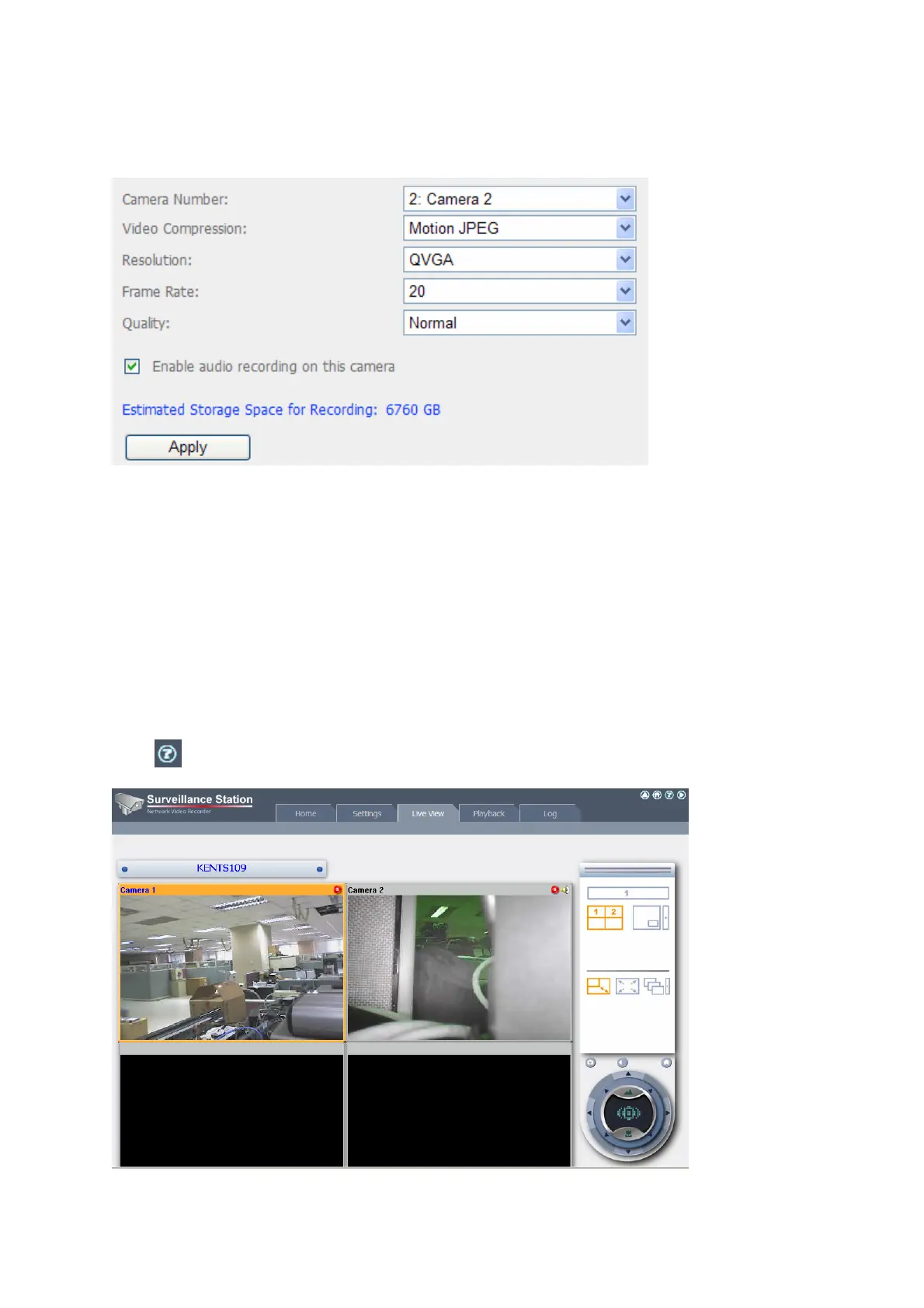
If your camera supports audio recording, you may enable the option in “Recording
Settings” page. Click “Apply” to save the changes.
Configure the settings of Camera 2 following the above steps.
After you have added the network cameras to NAS, go to the “Live View” page. The first
time you access this page by IE browser, you have to install the ActiveX control in order
to view the images of Camera 1 and Camera 2. You can start to use the monitoring and
recording functions of the Surveillance Station.
To use other functions of the Surveillance Station such as motion detection
recording, schedule recording, and video playback, please refer to the online
help
.



 To Next Page