Maintaining your Mailing System
165
11
Aligning the Printing Head
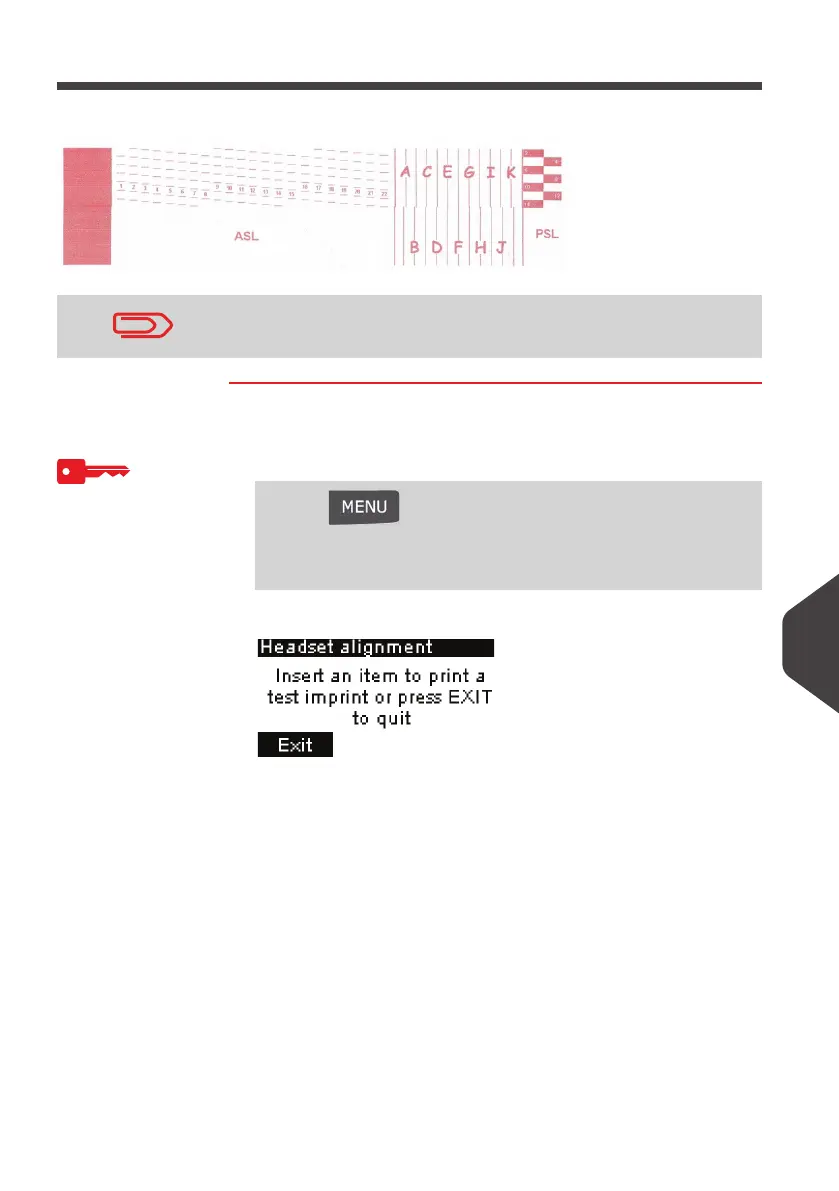
Align the printing head if there is a gap between the top and the bottom of the imprints.
How to Align the Print Heads
How to Align the
Print Heads
To align the print heads logged as Supervisor
(See
How to Log in as Supervisor
p.120):
1 Either:
The following screen is displayed:
The machine requires you to align the printing head after each
cartridge change.
Press and type 7.2.3
Or
Select the path:
> Maintenance > Ink Cartridge > Headset alignment
ALPHA1_UK.book Page 165 Jeudi, 6. septembre 2012 4:08 16



 To Next Page