980 DP Video Generator - User Guide Rev. A4
Page 139 July 14, 2014
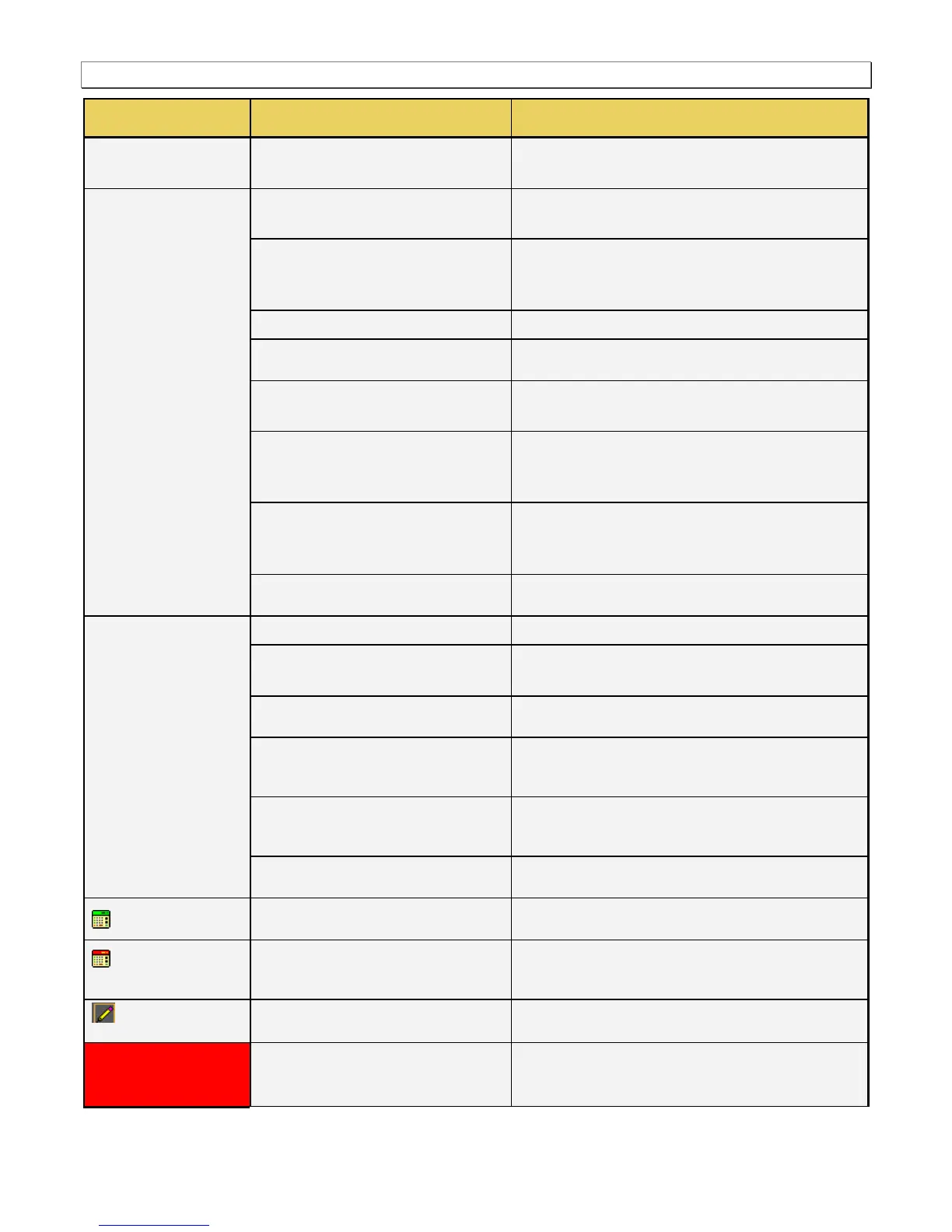
Sets the pixel rate in pixels (Machine) or microseconds
(Time) of the format.
The horizontal line rate of the format. The HRAT is the
fundamental frequency in the 882. Parameter: HRAT.
The tunning value of the base frame rate (base/tune) for
NTSC color broadcast compatibility. The tuning value is
base/1.001
The number of active pixels (machine) or microseconds
(Time) of the horizontal video. Parameter: HRES.
The number of active pixels (Machine) or microseconds
(Time) of the horizontal video. This parameter is calculated.
The total number of active pixels (Machine) or
microseconds (Time) of the horizontal video. The total is the
sum of the Active and Blanking. Parameter: HTOT.
The number of pixels (Machine) or microseconds (Time) in
the blanking preceding the horizontal sync pulse.
Parameter: HSPD.
The number of pixels (Machine) or microseconds (Time) of
the horizontal sync pulse. Parameter: HSPW.
The vertical frame rate of the format. Parameter: VRAT.
The number of active lines (machine) or milliseconds
(Time) of the vertical video. Parameter: VRES.
The number of active lines (Machine) or milliseconds (Time)
of the vertical video. This parameter is calculated.
The total number of active lines (Machine) or milliseconds
(Time) of the vertical video. The total is the sum of the Active
and Blanking. Parameter: VTOT.
The number of lines (Machine) or milliseconds (Time) in the
blanking preceding the vertical sync pulse. Parameter:
VSPD.
The number of lines (Machine) or milliseconds (Time) of the
vertical sync pulse. Parameter: VSPW.
Indicates that the value in the field is calculated by the
Format Editor.
Indicates that the value in the field is calculated by the
Format Editor, and that the new value has replaced the
value previously in the field.
Indicates that the values in this field are settable in the
current configuration.
Indicates that the fields are in the read only mode. These
fields will show a change in value when the value in a field
affecting these fields is modified.



 To Next Page