980 DP Video Generator - User Guide Rev. A4
Page 140 July 14, 2014
Indicates that the fields are in the read/write mode.
When you make a change and hit the enter key new
values will be calculated.
Indicates that the fields can be modified directly and are
calculated when other related fields are modified.
Indicates that the fields are disabled because the Entry
Units are selected such that the fields are not used.
However these fields will show a change when the value in
a field affecting these fields is modified.
7.3.2 New Format - Timing Tab (Right Side Panel)
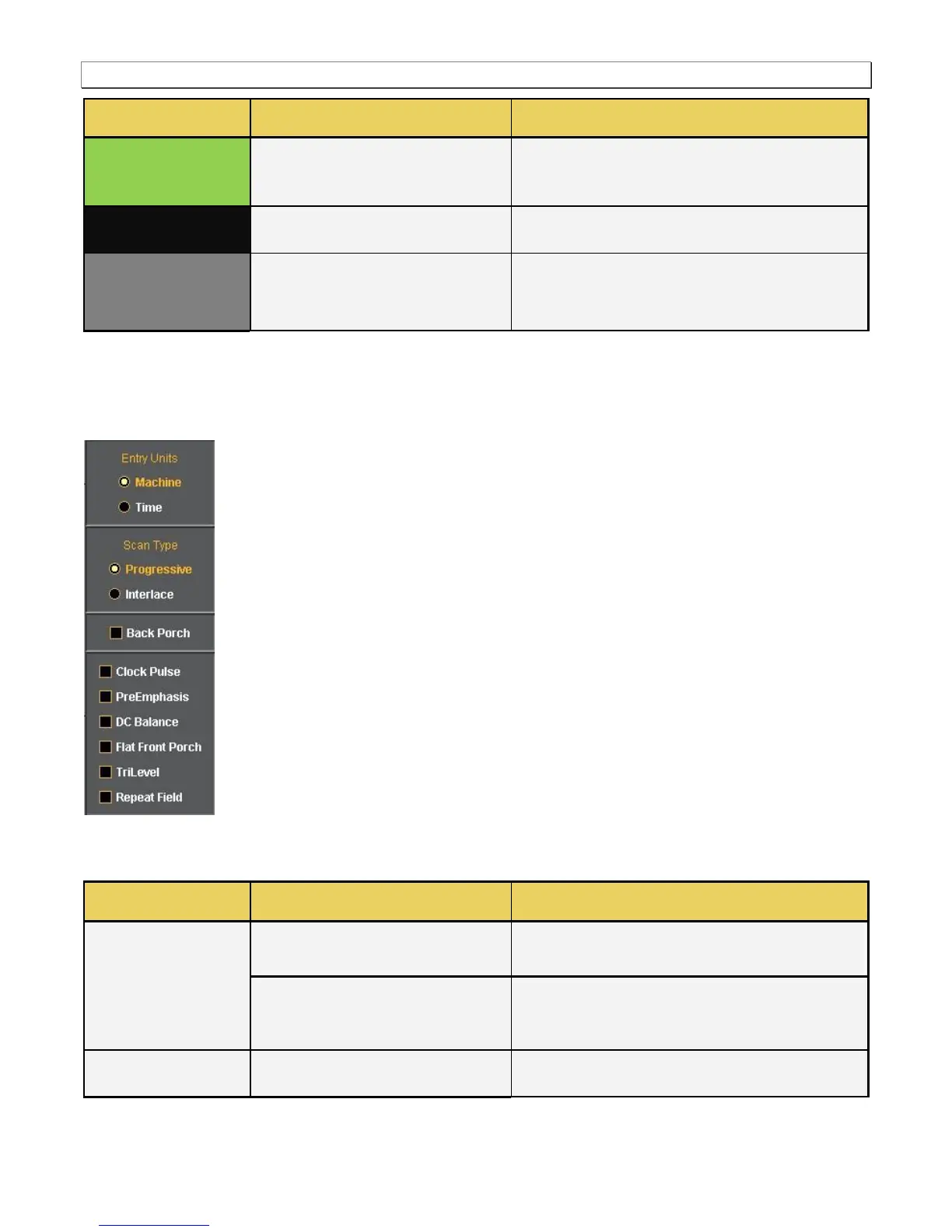
The right side panel of the Timing tab in the Format Editor is shown below. The table that follows describes each
of the fields in the panel.
The table that follows describes each of the fields in the main panel of the Timing tab.
Activates the fields in the timing tab window such that
the timing parameter values are expressed and settable in
terms of pixels and lines.
Activates the fields in the timing tab window such that
the timing parameter values are expressed and settable in
terms of time increments such as milliseconds and
microseconds.
Sets the format scan type to Progressive. Parameter:
SCAN = 2



 To Next Page