980 DP Video Generator - User Guide Rev. A4
Page 176 July 14, 2014
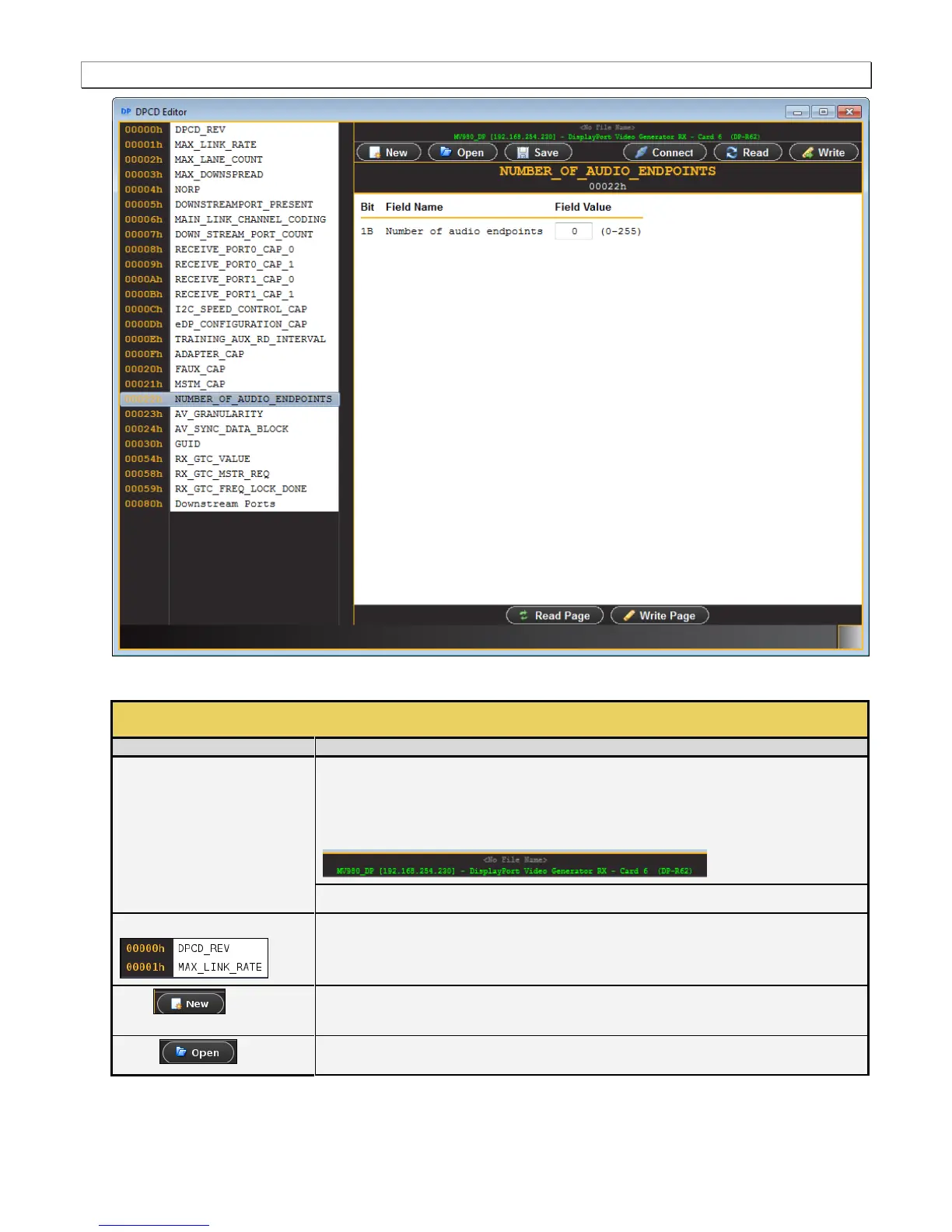
There are a set of controls available with the DPCD Editor. These are defined in the table below:
Indicates the current directory where the edited DPCD registers will be stored and opened
from. Also, when using the external 980 GUI Manager from a host PC and
connecting to a 980 system, this text area shows the IP address of the 980
system that the external 980 GUI Manager is connected to.
DP module description indicating the card slot location. Example slot 6.
Shows the various DPCD register blocks and enables selection of them for editing their
contents.
Enables you to create a new file for editing. A dialog box will appear enabling you to assign a
name to the DPCD file.
Enables you to open a DPCD configuration file for editing.



 To Next Page