980 DP Video Generator - User Guide Rev. A4
Page 24 July 14, 2014
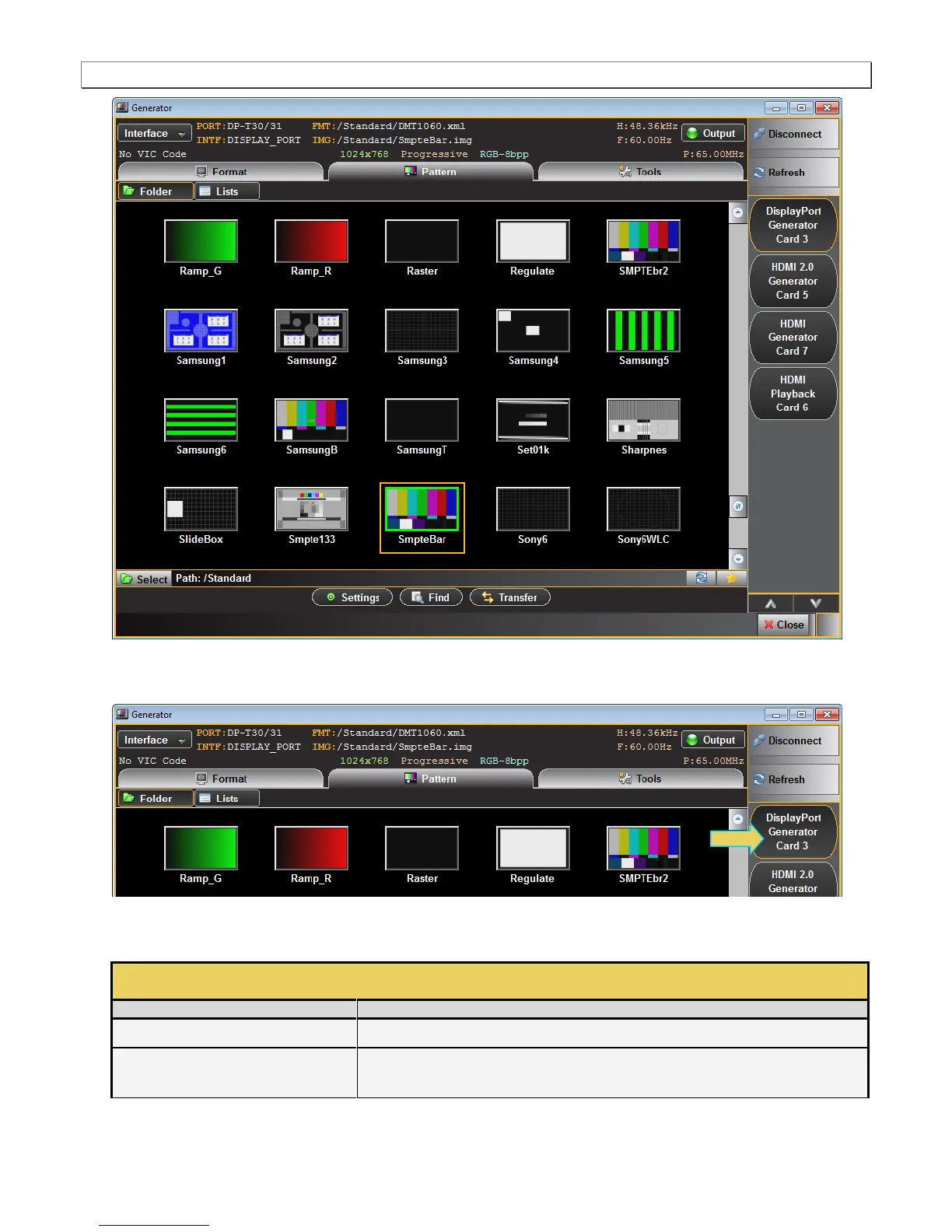
There is a port indicator on the right side of the panel (indicated below). The module will be in a slots 1 through
7 on the 980B/980R.
The Generator screen has a status area on the top of its panel. The status area provides the following
information:
Generator Status Area (Top)
Active port, in this case the two Tx connectors (T30 and T31).
The currently selected interface type for the module. This could be either, DP, HDMI or
DVI. The sampling mode is included in parentheses after the interface.



 To Next Page