980 DP Video Generator - User Guide Rev. A4
Page 30 July 14, 2014
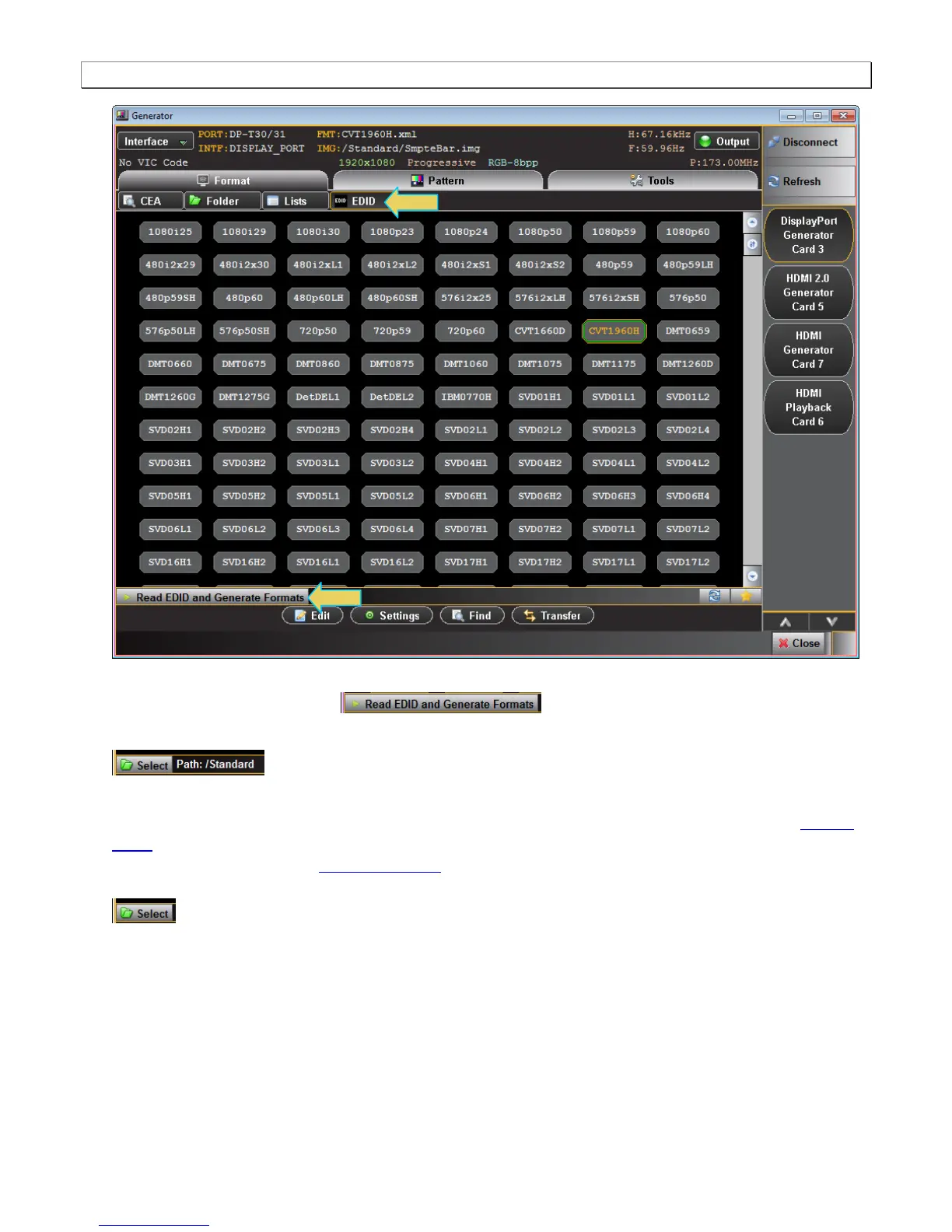
You can determine if the list of formats displayed is derived from the EDID of the connected display by looking
at lower status area of the panel .
When EDID formats are not active, the directory whose formats are being displayed is listed in the lower panel
. Typically this would be the Standard directory where the 980 module’s format list is
stored. The default path is the Standard path.
You might wish to change the directory path if you have created your own custom formats using the Format
Editor to create custom formats. Note also that you can configure a smaller list of formats to choose from using
the Format List Edit; refer to Format List Editor. By default when you create a custom format, the new format
will be saved in the User path. You can change the directory by clicking on the Select activation button
on the bottom of the panel which opens up a in the dialog box below.



 To Next Page