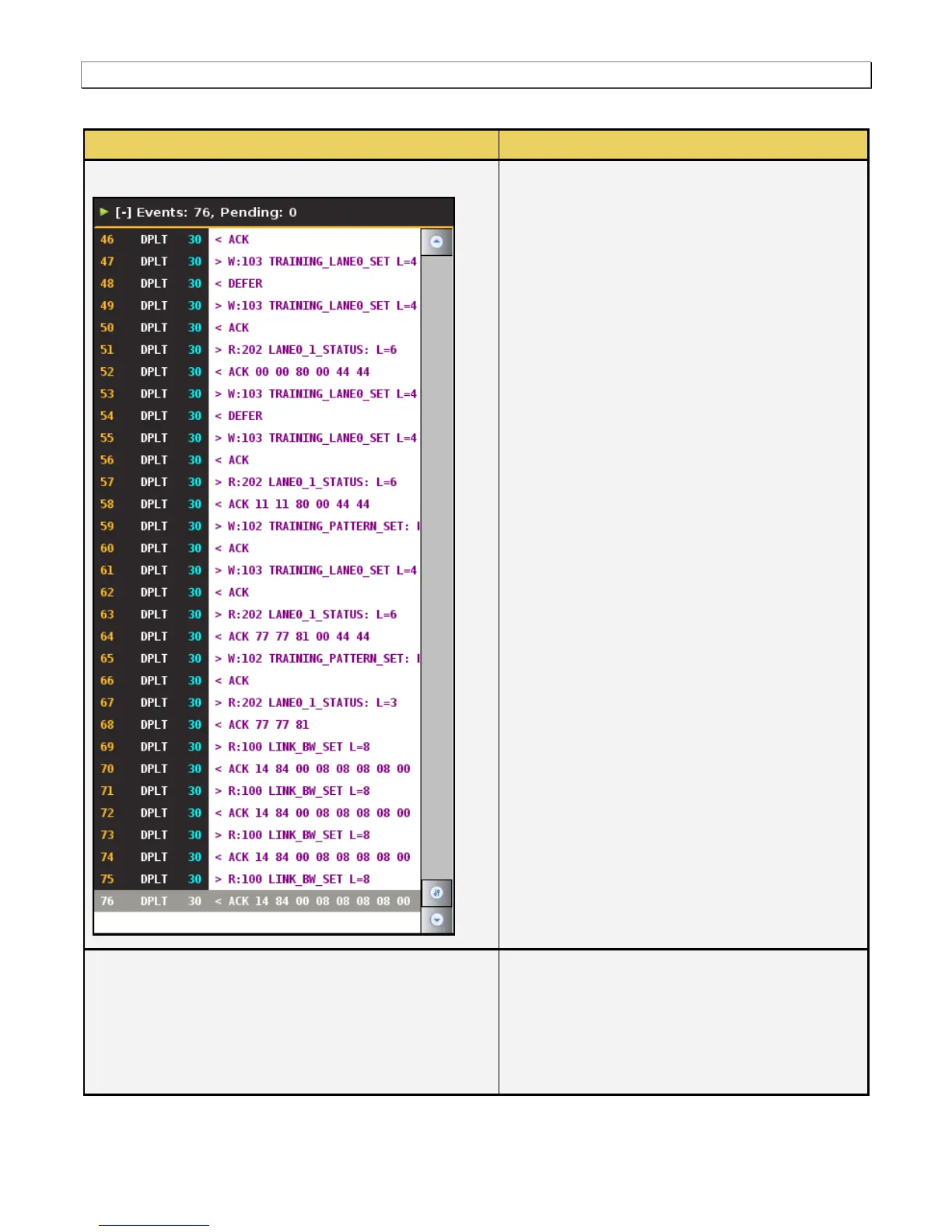
The following information is provided in the ACA
data dialog box for each Event:
Item number – This is a unique sequence
number of the transaction.
Type – The type of Aux Chan transaction;
either EDID, HDCP or Link Training.
980 Card number, Interface number
Time stamp (optional viewing field) – Shows
the timestamp of each transaction. Can either
be absolute time based (shown) on the 980
system clock or relative time (Time-deltas)
referenced from the initial transaction in the
trace.
Transaction Description – A description of the
transaction.
There is a menu associated with the ACA Remote
Control Info panel. It is location on the right side of
the panel:
Disconnect – Navigates you back to the Home
menu screen of the embedded 980 GUI
Manager.



 To Next Page