980 DP Video Generator - User Guide Rev. A4
Page 78 July 14, 2014
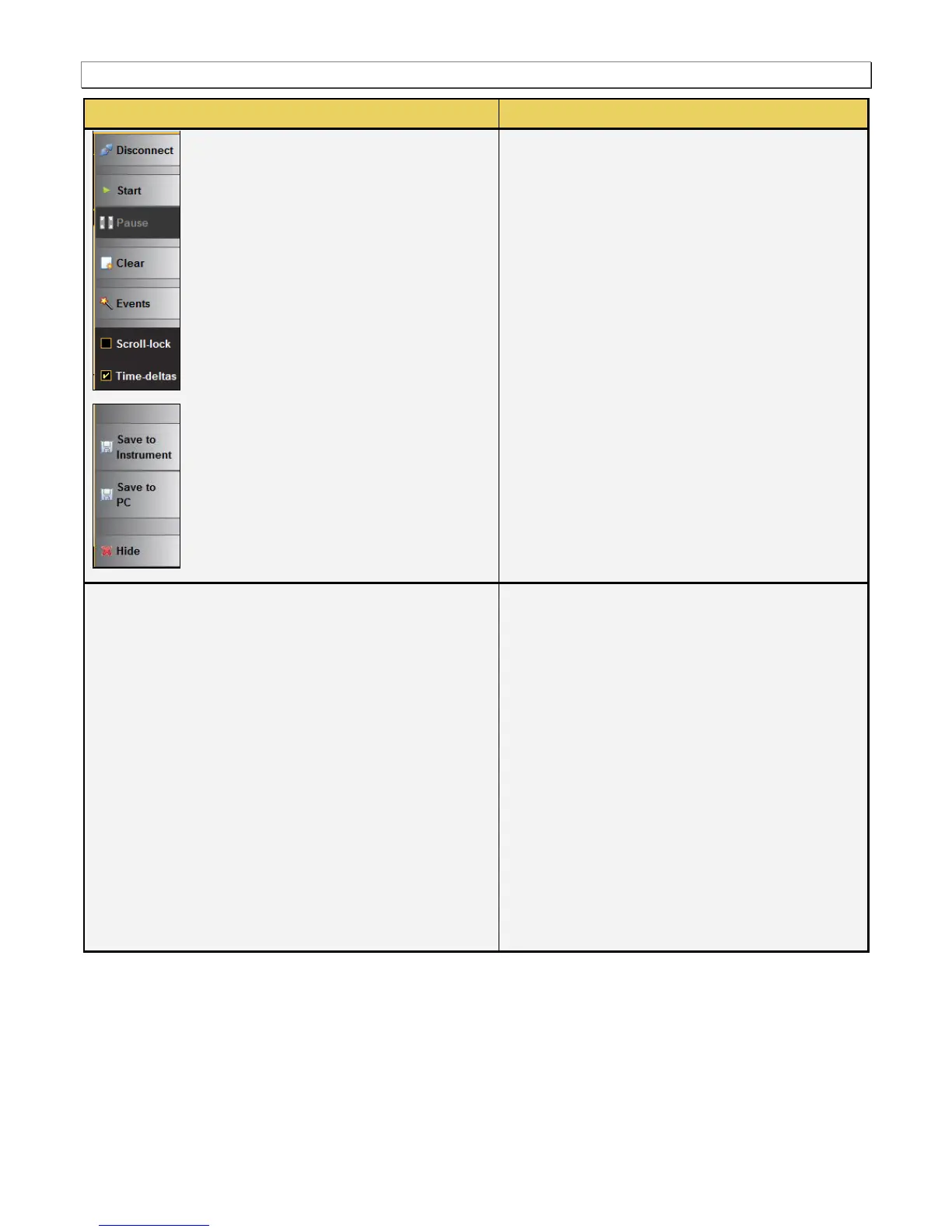
Start/Stop – Starts and Stops the collection of
DDC data.
Resume/Pause – Halts the updates of the data
to the ACA panel.
Events – Shows or hides events enabling you
to configure what events you see in the real
time panel.
Clear – Clears the ACA trace panel.
Events – Opens up the Events dialog box.
Scroll – Stops the trace files from scrolling.
Save to Instrument – Saves the file to the 980
system that the host PC is connected to.Save
to PC – Saves a current trace file to the Host
PC.
The following information is provided in the ACA
Event Details dialog box:
Type – The type of event, one of HDCP, EDID
or Link Training.
Start Time – This the start time of the
transaction in microseconds from a reference
time determined when the capture of real time
data began.
Duration – The duration in milliseconds of the
transaction.
Maximum I2C Rate – The rate that the DDC
channel clock is operating.
Details (text) – The contents of the transaction
in human readable text.
Details (hex) – The contents of the transaction
in hex data.



 To Next Page