980 DP Video Generator - User Guide Rev. A4
Page 80 July 14, 2014
Use the following procedures to monitor the DisplayPort Aux Chan transactions with a DisplayPort 1.2 sink device
in real time. The procedures assume that the DP sink device is powered up and connected to one of the 980 DP
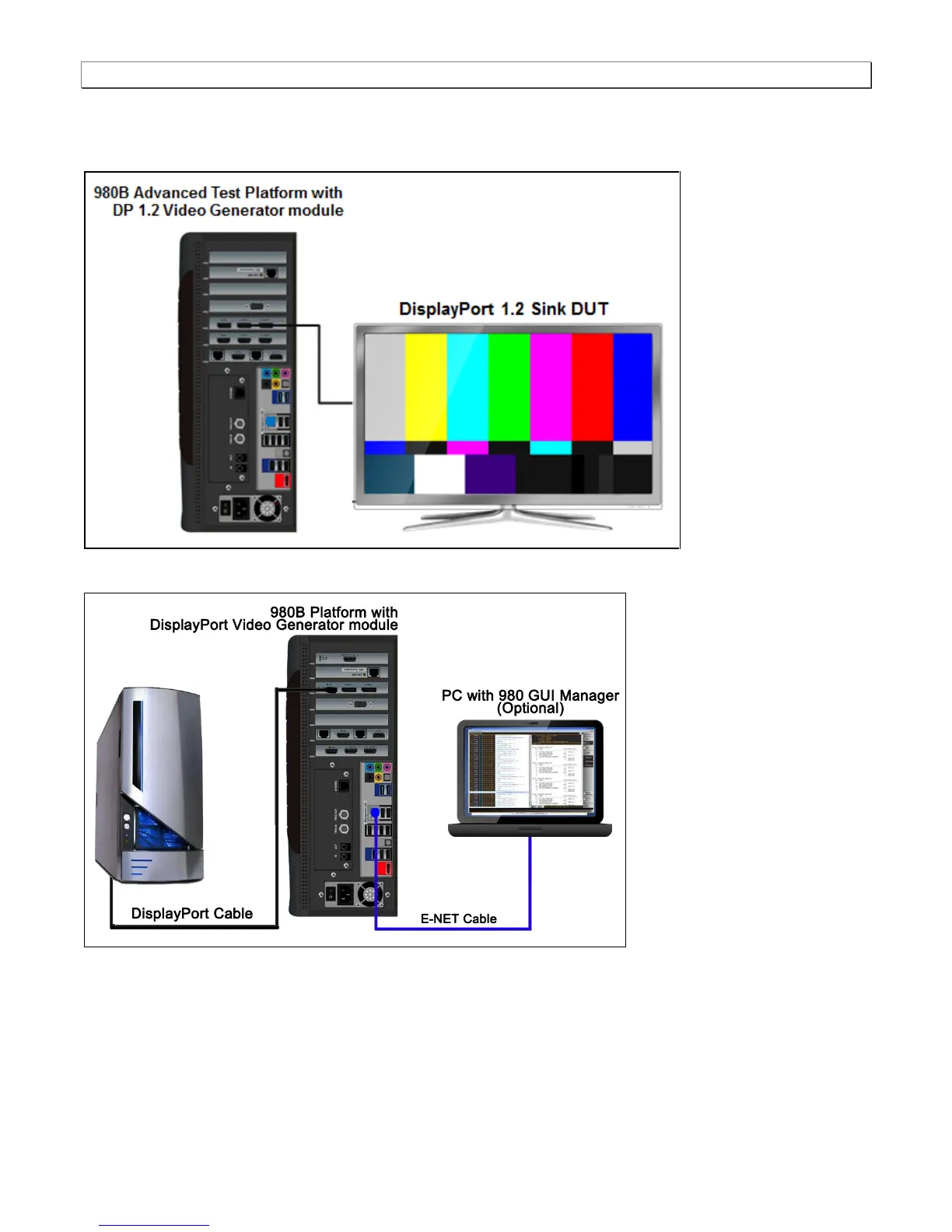
1.2 Video Generator’s Tx port. The following diagram depicts the test setup.
Connection for DP source emulation – 980B
Connection for DP sink emulation – 980B
To monitor the DisplayPort DDC transactions:
1. Touch select the Aux Channel Analyzer on the page 1 (Card Control) of the Apps panel:



 To Next Page