980 DP Video Generator - User Guide Rev. A4
Page 83 July 14, 2014
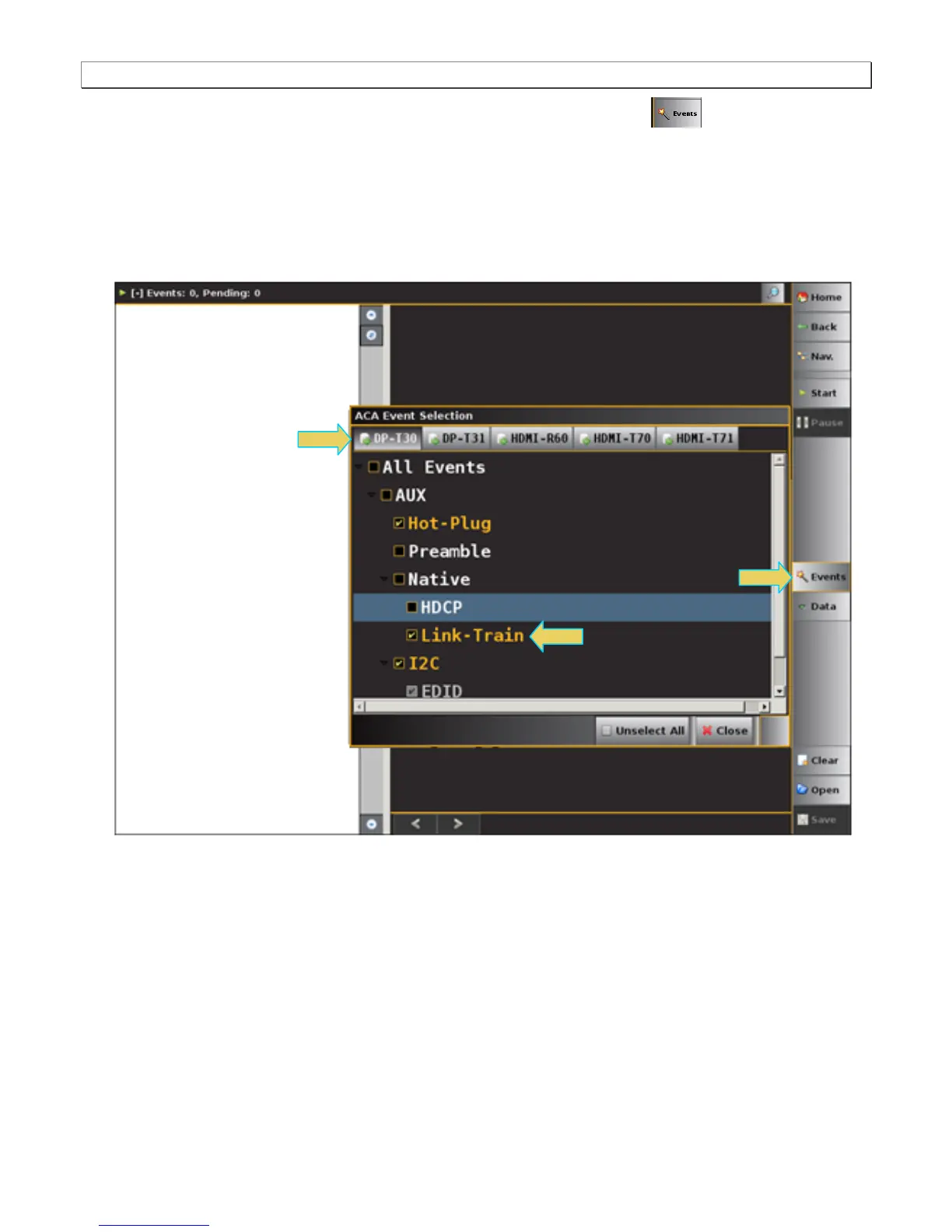
2. Select the event types that you wish to capture by touch selecting the Events button on the ACA
panel menu at the right. Refer to the screen example above.
The ACA Event Selection dialog box is shown below. You first need to select the tab associated with the
physical module and interface you wish to monitor. The example below shows selecting the DP Video
Generator module in slot 3 interface 0 which is the DP Tx port 1. Note that only the HDCP and EDID items are
selected. You can also specify selecting All Events. If you wish to view only a subset of the events deselect
the All Events option and then select the specific event.



 To Next Page