980 DP Video Generator - User Guide Rev. A4
Page 94 July 14, 2014
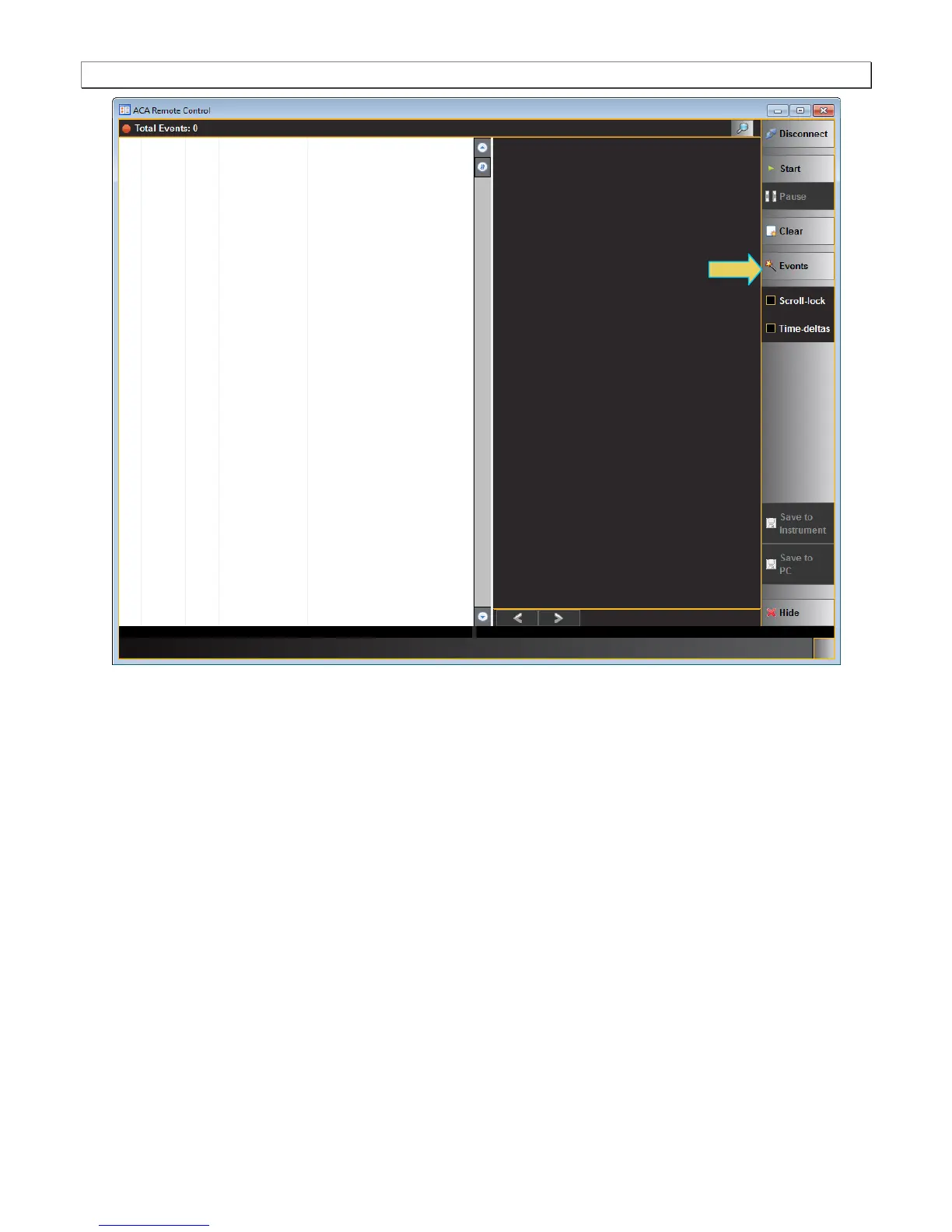
3. Touch select the Events activation button (refer to the screen above) to connect to your 980 system.
A dialog box appears enabling you to select the module and interface to monitor on the Remote Control ACA.
Note that you would select the DP-R32 port (not shown) if you are using the DP module’s Rx port to emulate a
DisplayPort sink and testing a DisplayPort source.



 To Next Page