980 DP Video Generator - User Guide Rev. A4
Page 95 July 14, 2014
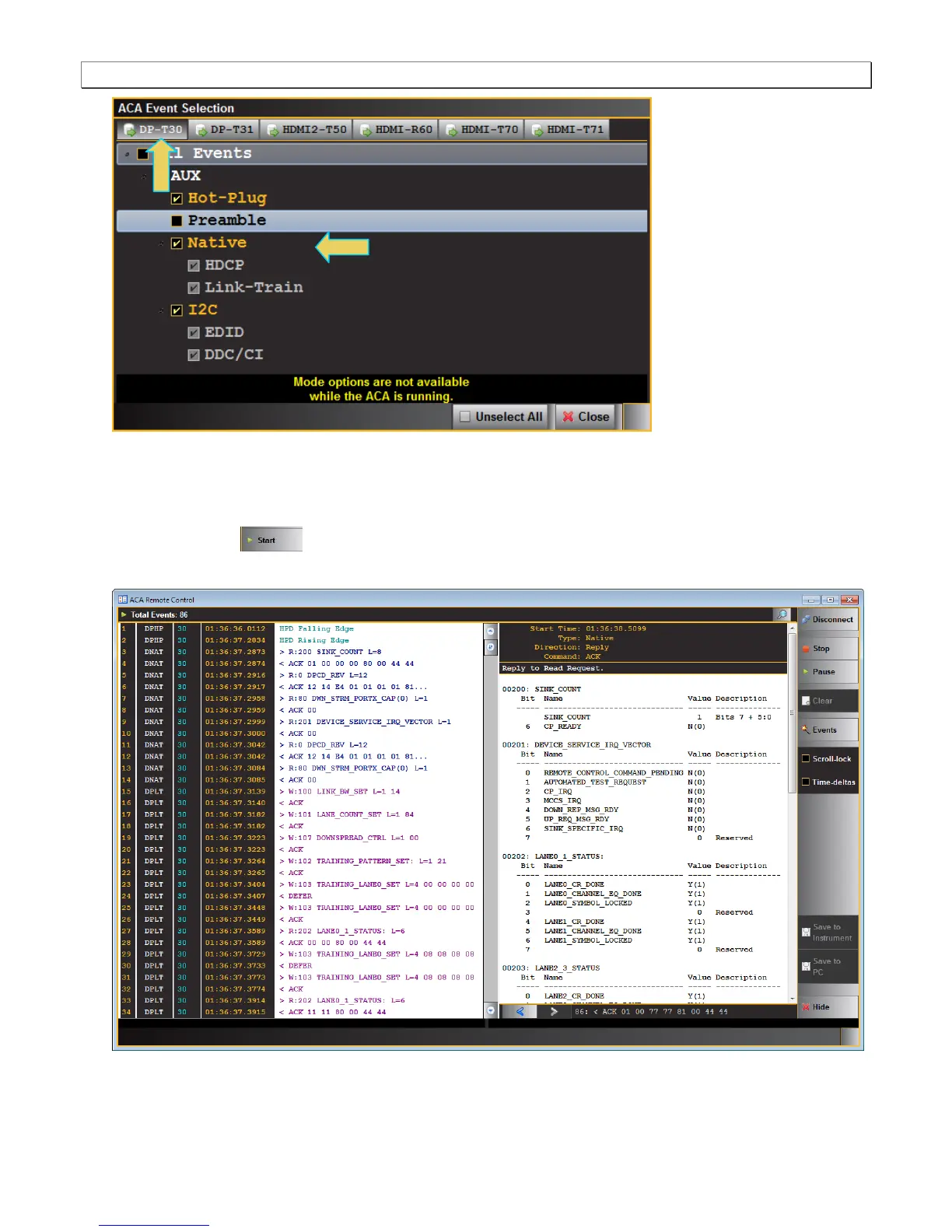
4. Select the DP Video Generator module (DP–T30).
5. Select the types of transactions you wish to monitor. In the example above, HDCP, EDID and Link Training
transactions are going to be logged. You can select All Events as well or any subset.
6. Click on the Start button to initiate the capturing of the transactions. An example of a trace file is
shown below.
You can save the traces either to the 980 test instrument or to your PC using the activation buttons provided.



 To Next Page