Quick Start
Kiaro! 50 User Guide 3
Installing the Printer
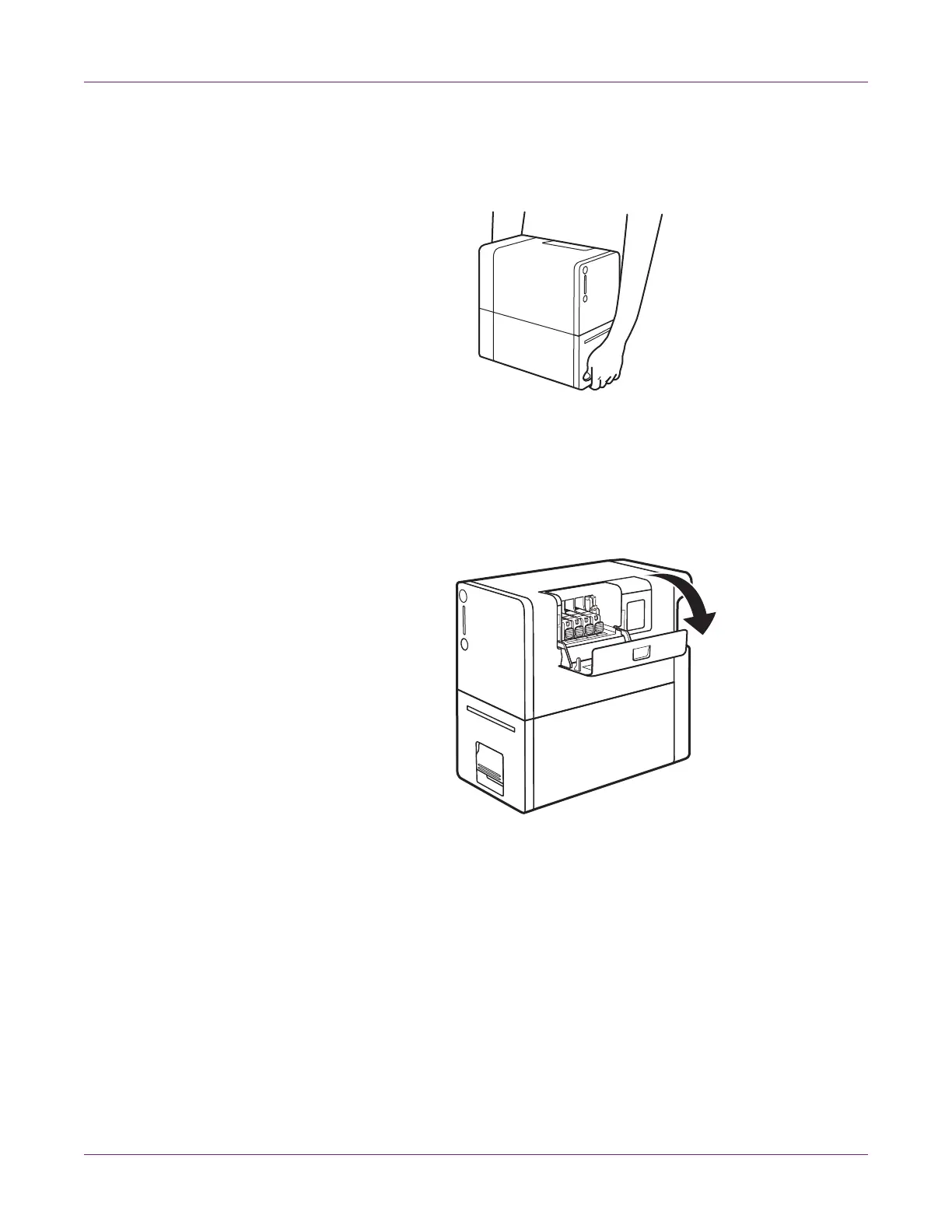
1 Remove the printer from the plastic shipping bag. When taking out the printer,
securely hold the printer at the bottom with both hands.
Caution: When carrying the printer, be sure to hold it at the bottom with both
hands so that it does not fall.
2 Remove all pieces of orange tape.
3 Open the ink tank cover.



 To Next Page