Printer Maintenance
Kiaro! 50 User Guide 79
Replacing the Maintenance Cartridge
When the maintenance cartridge becomes full of collected ink, the maintenance
cartridge LED lights up.
Note: For safety, keep the maintenance cartridge out of the reach of children. If ink is
accidentally ingested, contact a physician immediately.
• Do not leave the printer for a long time with the maintenance cartridge removed.
• Do not insert or remove the maintenance cartridge except when replacing it.
• Put the used maintenance cartridge in the included plastic bag, zip the plastic bag
closed completely, and then dispose of it.
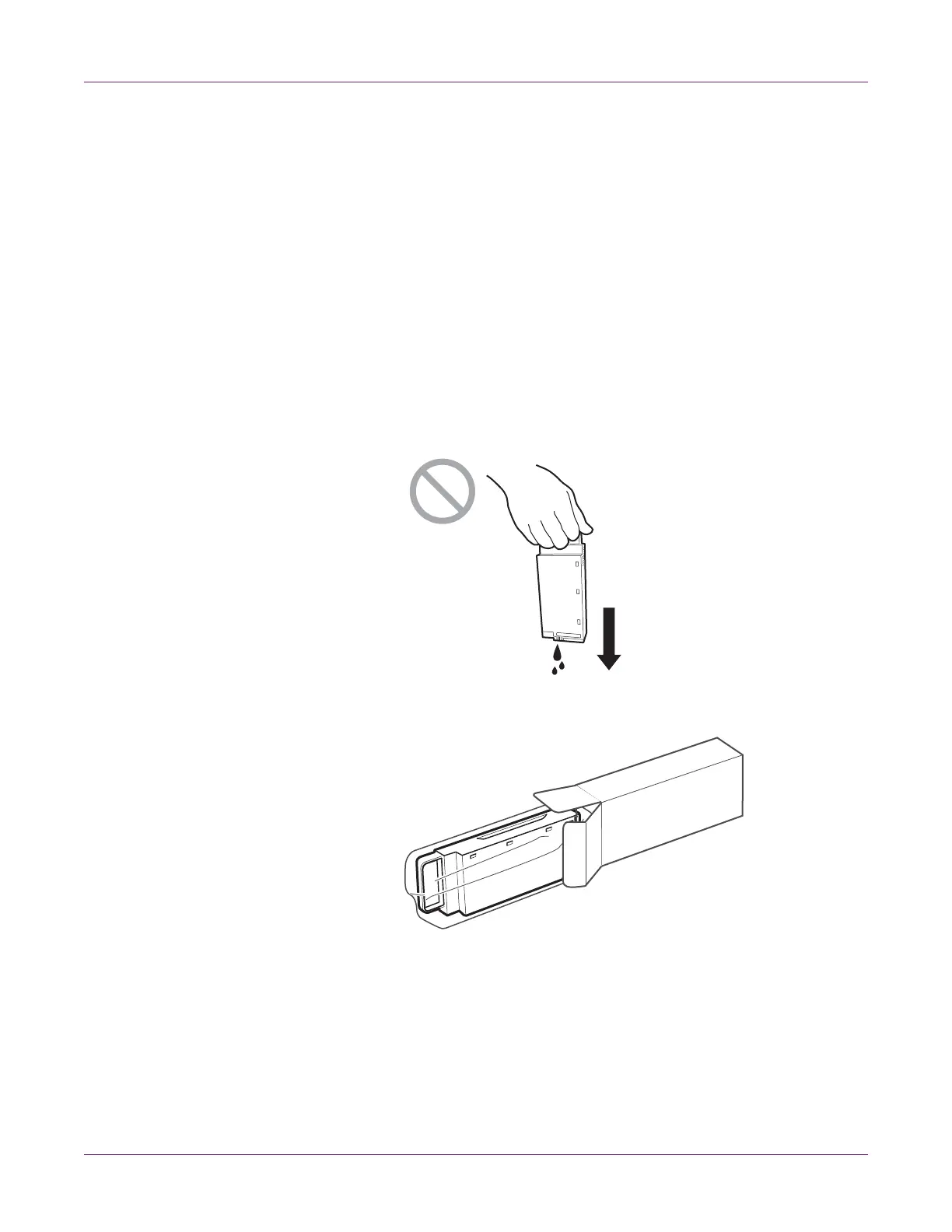
• Do not shake or strongly press on the maintenance cartridge or hold it with the ink
inlet down. Ink leaking from the ink inlet could stain your clothes or the area around
you.
1 Take the maintenance cartridge out of the shipping box.



 To Next Page