Designing and Printing Labels
50 Kiaro! 50 User Guide
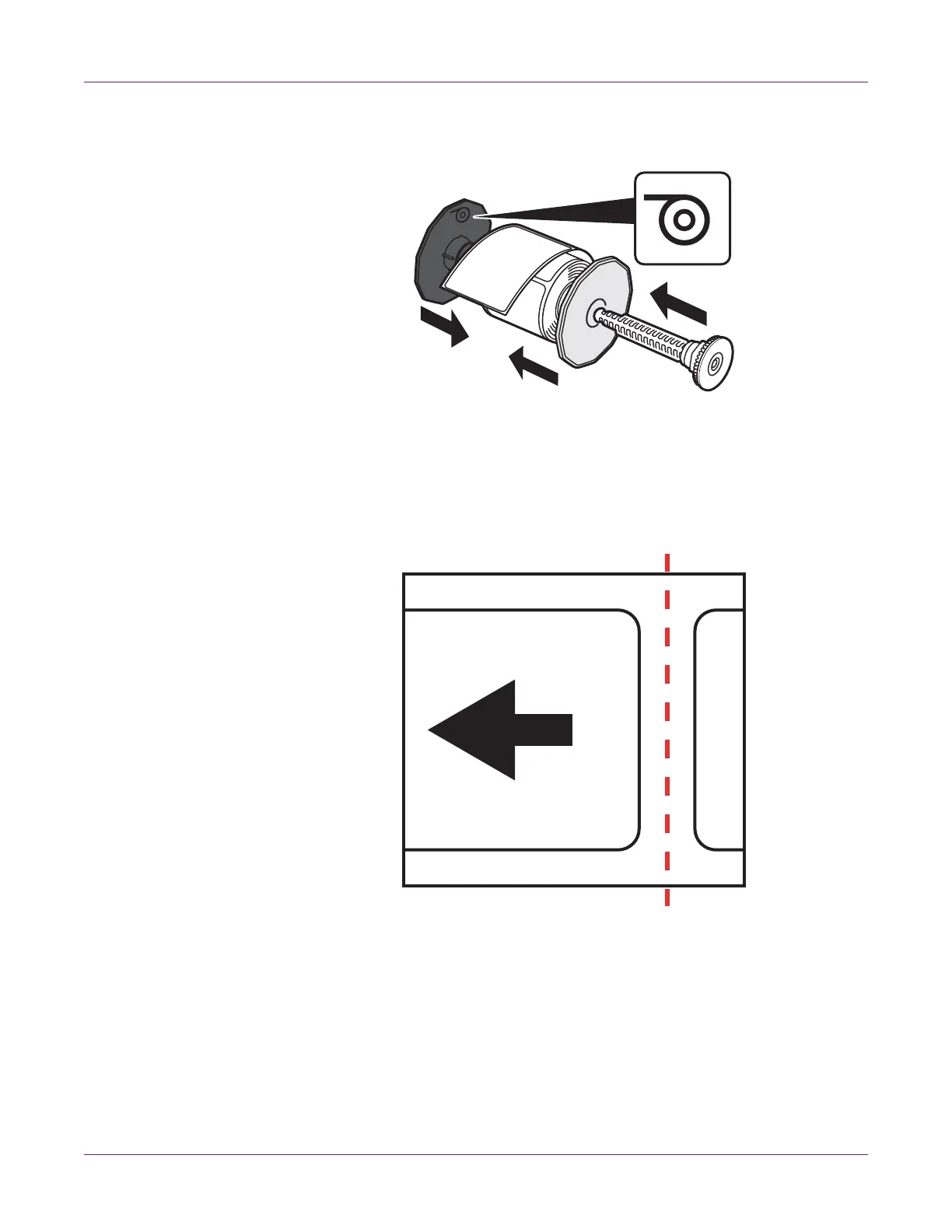
9 Attach the flanges to the media so the media is fed as indicated by the mark on the
flange.
Push the flanges until they are pressed against the media without clearance. Then
insert the roll holder shaft until it clicks.
10 Ensure the leading edge of the media has a clean, straight cut to avoid misfeeding
or jamming. If the leading edge contains a partial label, use scissors to cut in the
center of the gap as illustrated before the first full label. The arrow indicates the
direction of media feed into the printer.



 To Next Page