Kiaro! 50 Maintenance Utility
68 Kiaro! 50 User Guide
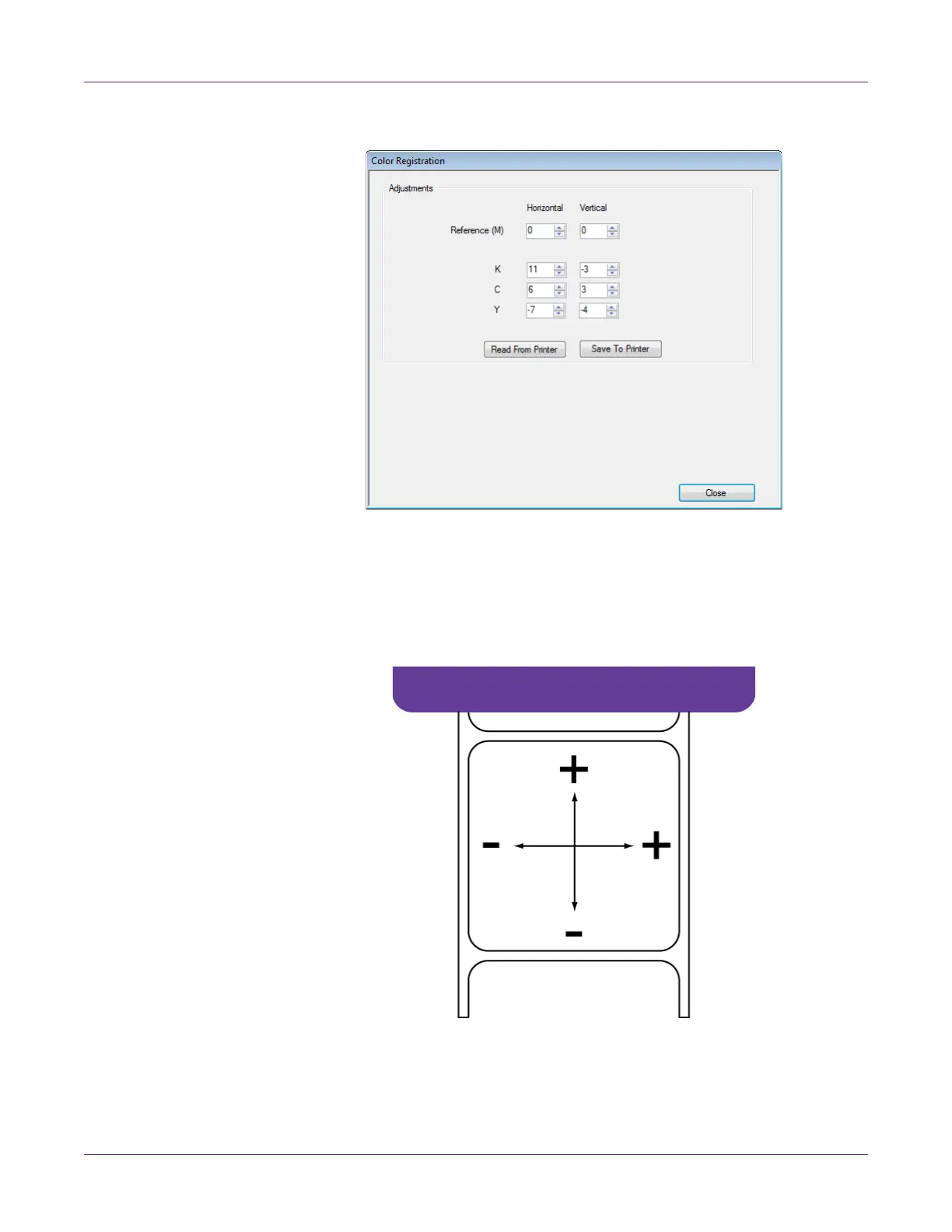
3 Choose Manual. The Color Registration window will open.
4 Adjust the horizontal and vertical registration of each color.
Magenta (M) is the reference color. Black (K), cyan (C), and yellow (Y) adjustments
are made relative to magenta.
In the following illustration, a label is exiting the printer. Note the positive and
negative adjustment directions.
5 Choose Save to Printer. The manual color registration settings will be saved.



 To Next Page