Extended Manual for RF919 v2.1
© 2024 page 45 of 63
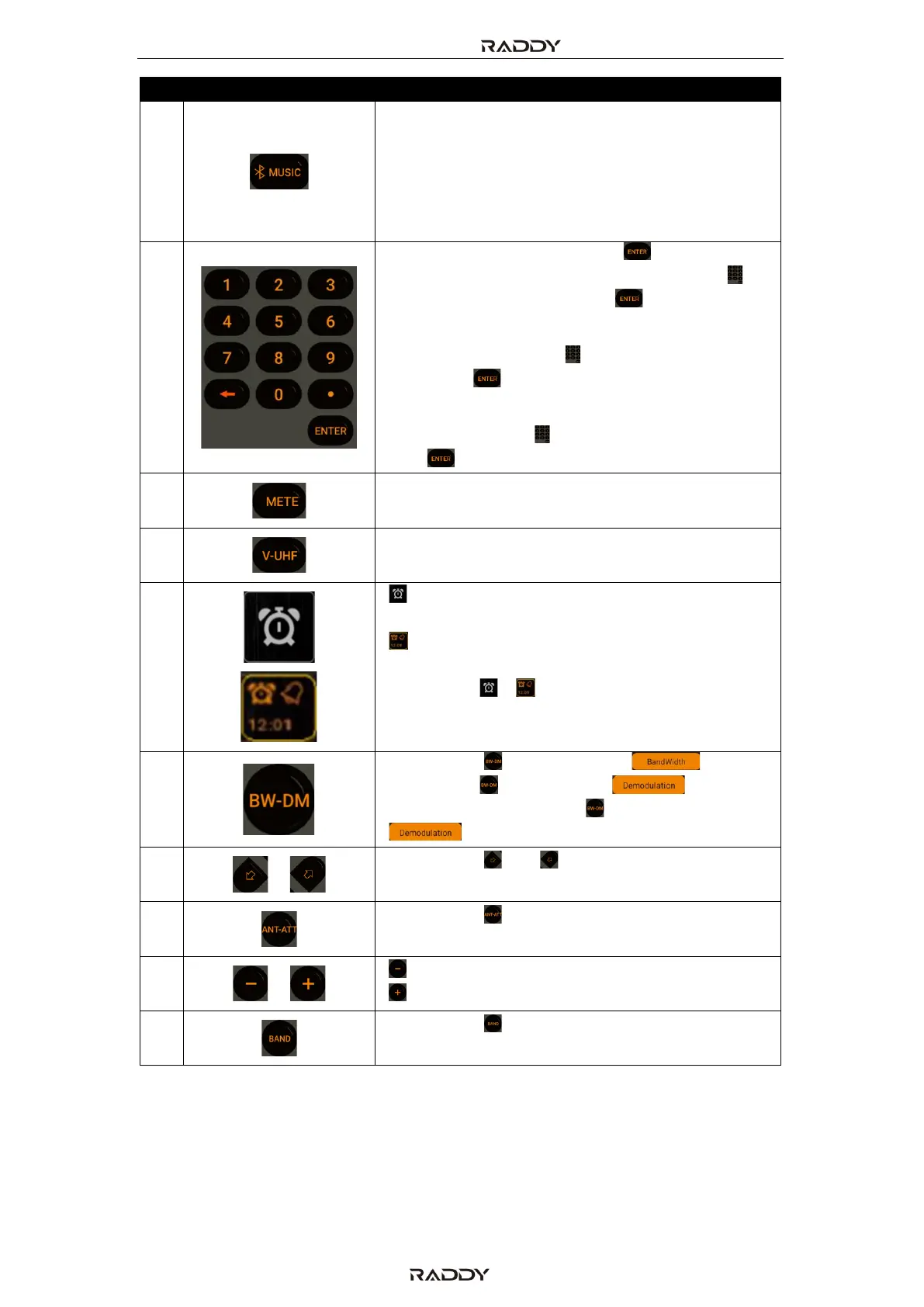
Switch between TF card playback mode , PC
mode and Bluetooth play mode
Note: If you need to play music in Bluetooth mode,
please open the mobile phone Bluetooth
connection, select "RF919" in the search list,
to playback after successful connection.
Specify frequency: Short press [ ], now enter
the frequency using the numerical keypad [ ]
and confirm your entry with [ ].
Recall channel: enter the channel number using
the numerical keypad [ ] and confirm your
entry with [ ].
Select track: enter the track number using the
numerical keypad [ ] and confirm your entry
with [ ].
In SW mode, select meter wave
Switch between AIR, CB, WB, VHF and UHF band
“ ” No alarm set, short press to activate alarm
1
“ ” Alarm 1 is activated, short press to
deactivate alarm 1
Long press [ ]/[ ] to modify alarm settings for
alarm 1
Note: Only alarm 1 can be set with the APP.
Short press [ ] to change the “ ”
Long press [ ], the current “ ” type
flashes, now short press [ ] to change the
“ ” type
Short press [ ] or [ ] to adjust the frequency,
choose a song, select a channel
Short press [ ] to select the antenna
attenuation
[ ] decrease volume
[ ] increase volume
Short press [ ] to switch between FM, SW, MW
and LW (see also #5).



 To Next Page