Line Scan
RD1500 Operation Manual 50 © Radiodetection 2016
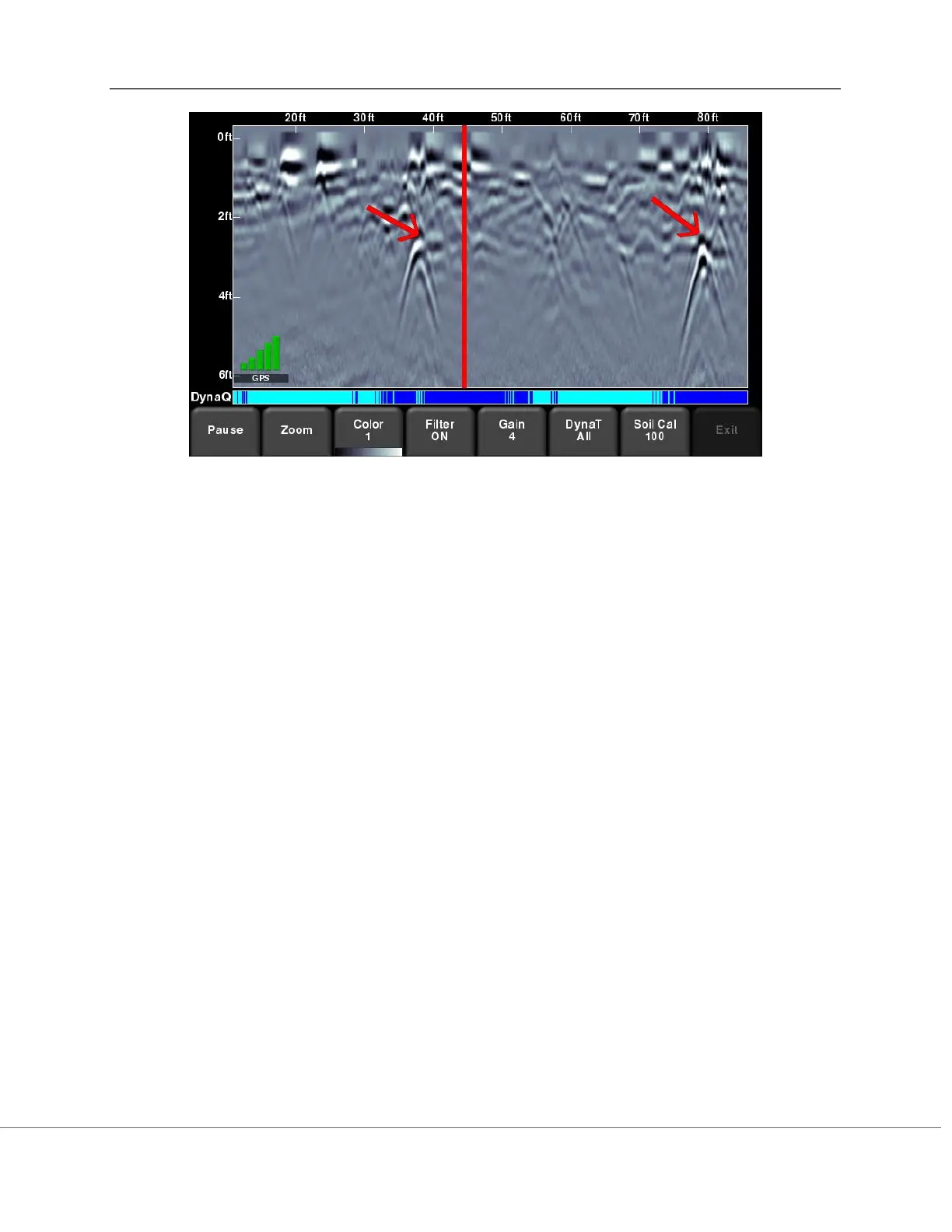
Figure 8-18: Drawing arrows on the screen to highlight targets and features
Touch the screen where you want the head of the arrow to appear, and then swipe away in the
direction of the shaft. In the example in Figure 8-18, the user touched near the hyperbola, then
swept their finger towards the top left to create the arrow. Just like Interps, any number of
arrows can be drawn on this screen. Touch any arrow to remove it.
Remember that pressing the Camera button will take a screenshot and save it in the currently
selected project.



 To Next Page