Tools & Setup
© Radiodetection 2016 31 RD1500 Operation Manual
Touch Screen
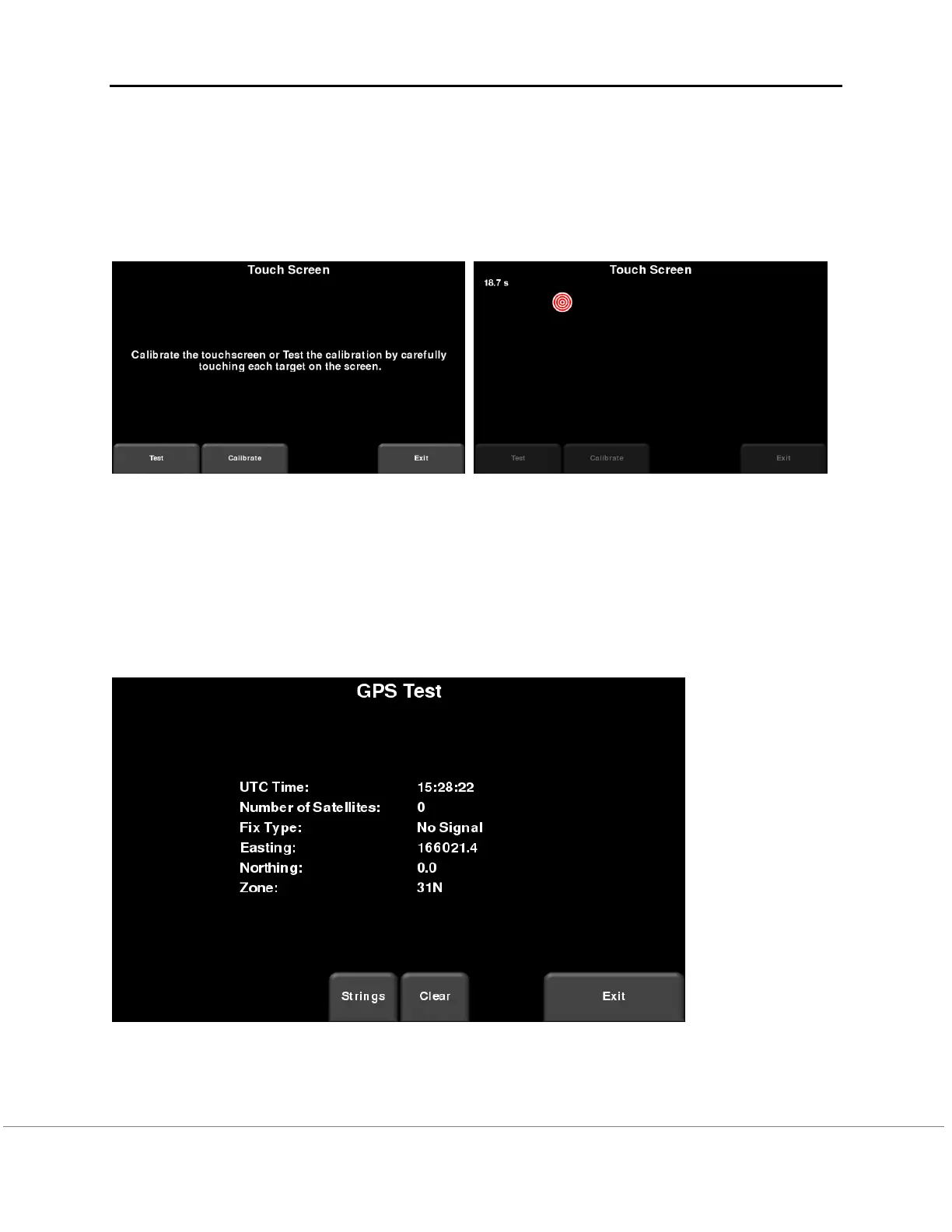
The test checks proper operation of the touch screen (Figure 6-15). It allows you to test the
screen (by pressing Test) or perform a quick calibration followed by a test (by pressing
Calibrate). Both involve touching targets on the screen in the allotted time.
Figure 6-15: Touch screen test on the left, Touch screen calibration test on the right
GPS
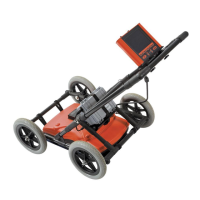
The GPS test will ensure that the system is communicating properly with the GPS and receiving
data. Whichever GPS mode is selected in the System Settings (6.2.3) will be the one used for
the test. Pressing GPS will show the screen in Figure 6-16.
Figure 6-16: GPS Test


 To Next Page