Capturing Screens and Emailing mini-reports
RD1500 Operation Manual 64 © Radiodetection 2016
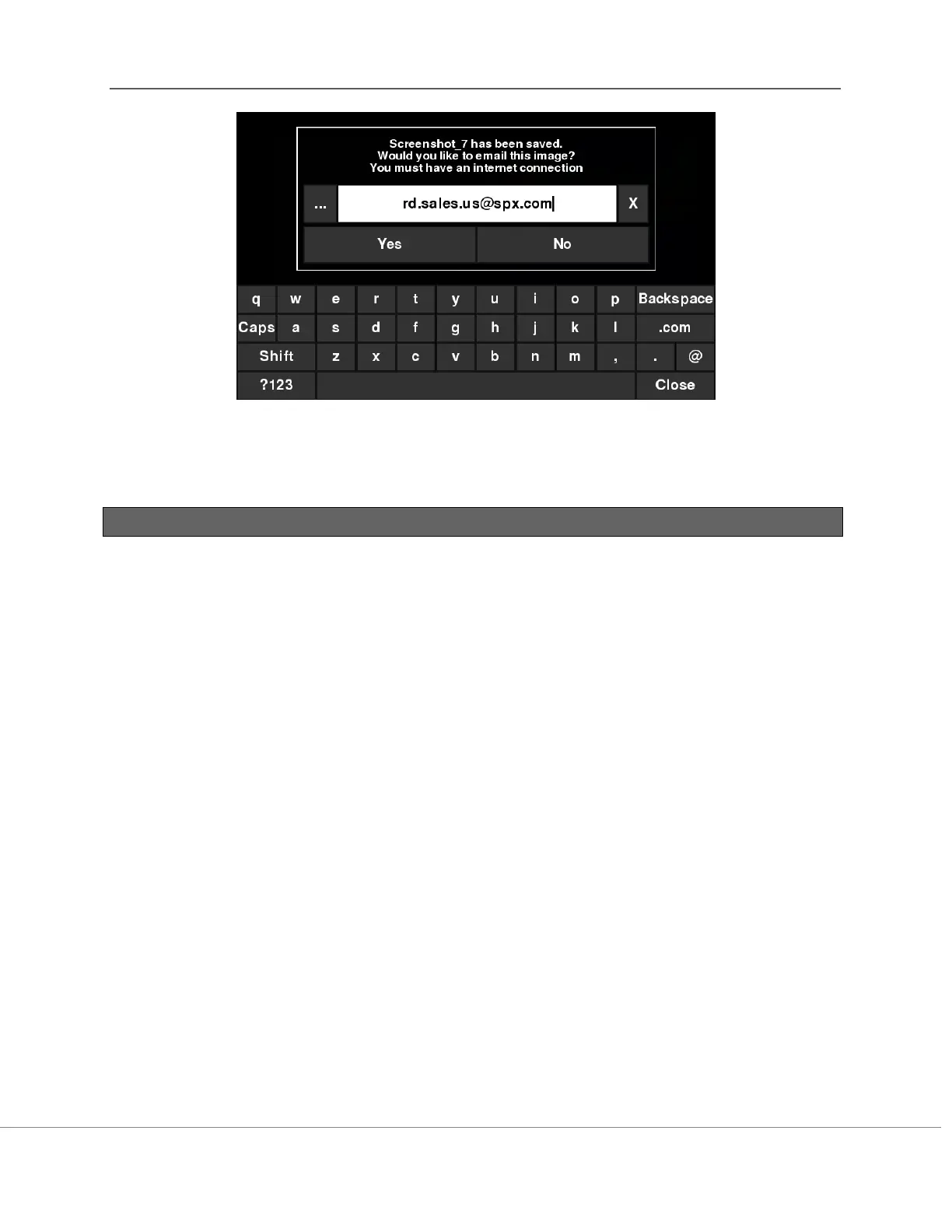
Figure 12-2: Message displayed after pressing the Camera button on the Display Unit to capture
the screen with WiFi enabled and a connection to a wireless network. The user can enter an
email address to send the mini-report to.
12.2 Mini-Reports
When a screenshot is emailed, it is sent as part of a mini-report. This mini-report also contains a
table with information about the collected data including the settings used, date and time (Figure
12-3)



 To Next Page