Page 16 WES
3
Installation and Operations Manual V2.0 Ramtech Electronics Limited 2020
During the System Test mode, the WES
3
network isolates all devices
in the network, allowing a full physical test of each unit, without
activating the site-wide alarm. Call Points can be triggered manually,
and Detectors can be triggered using standard test equipment such as
smoke spray or a heat probe.
Cancelling a System Test
Once the System Test is complete, return to the CONNECT unit and
press either the
R or Q button to complete the test. It is important
to be aware that, whilst in System Test mode, the WES
3
network
is inactive and a site wide alarm cannot be triggered from any unit.
System Test mode must be exited from the CONNECT unit in order to
reactivate the network.
Note : Following initial installation, wait for a minimum of 60 minutes
before starting the rst system test. During this time, the WES
3
units
will self-calibrate to adjust for background radio noise which may
impact the accuracy of the system test.
The test result is indicated as follows:
Pass Green LED solid illumination
Radio OK, other fault
detected
RedLEDashesfollowedbyAmberLED
groupashestoindicatefault(see‘Amber
LED Indication’).
No Radio Signal AmberLEDgroupashestoindicatefault
(see ‘Amber LED indication’).
System Integrity Test (Polling)
WES
3
includes a System Integrity Test that can report on changes to
thenetworkconguration,suchaswhenadditionalorunexpectedunits
are detected on the network, or when units have been removed.
The Integrity Test is conducted automatically twice daily and can also
be activated on-demand from the WES
3
CONNECT unit. To activate
the Integrity Test, go to the Test Menu and slect System Poll to initiate
the integrity test.
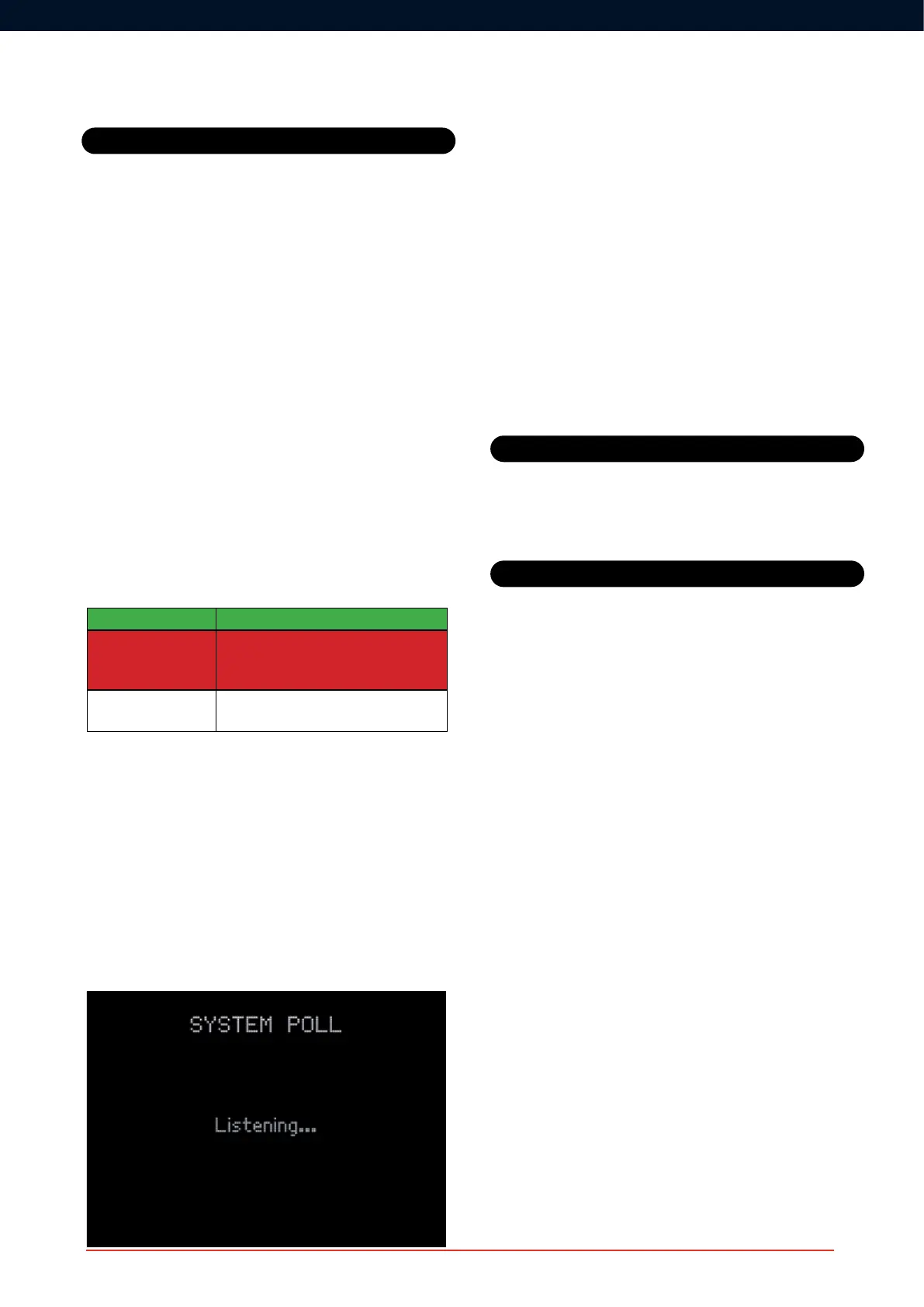
While the Integrity Test is being performed, a message will be displayed
on the screen:
Any additional units that have been found on the network since the last
systempollwillbedisplayedasa‘NEW’noticationontheCONNECT
unit. Any units that have been removed from the network since the last
systempollwillbedisplayedasa‘GON’notication.
In addition to the automatic system integrity test and the on-demand
polling feature, WES
3
providesimmediatereal-timenoticationwhena
unit is removed from the network, displayed on the CONNECT unit as
a‘REM’notication.Notethatsystempollingislimitedtotherst128
WES
3
units added to the network. Beyond this number, further units
can be added but will be excluded from the integrity test.
After moving a unit, we recommend that you conduct a system test
to check that the movement has not adversely affected radio
communication.Ensureanysitereplansareupdatedwithany
revisions to WES
3
unit numbering and location.
Beforeshippingaunitormovingittoanothersiteitmustrstbe
deactivated, in order to:
• prevent accidental triggering
• preserve battery unit life
• clear site information which would prevent it forming or joining
another site
First,removetheunittobedeactivatedfromthewall/ceilingandensure
the back tamper button is not pressed in.
Hold down ‘A’ and then press ‘B’ three times in quick succession. All
threeLEDswillbrieyilluminateandthenswitchoff.
Note:unitscannotbedeactivatedwhilearealarmisactive.
Moving a unit on site
Removing a unit from site
System Tests



 To Next Page