Page 30 WES
3
Installation and Operations Manual V2.0 Ramtech Electronics Limited 2020
WES
3
can receive and display multiple Medical Alerts on the Base
Station, and these can be managed and cancelled individually.
Multiple medical alerts are displayed in chronological order, and
prioritisedoverothersystemmessagesexceptrealarm.
In the event of a Fire Alarm being raised while a Medical Alert is active,
the system will give priority to the Fire Alarm. Any Medical Alert that
was active prior to the Fire alarm, will remain in the WES
3
system and
be displayed once the Fire alarm has been resolved.
Unit Alive Indication
ActiveunitswithnofaultswillashtheirgreenLEDonceevery4
seconds to indicate that the unit is operational.
Amber LED Indication
Each WES
3
unit monitors itself for a number of faults. These are
indicatedviatheamberLED,whichwillashingroupedpatternswith
longer than usual gaps in between them.
Units displaying one of these patterns require further investigation and
shouldnotberelieduponaspartoftherealarmanddetectionsystem
until the fault has been corrected. Use the chart below to determine the
nature of the issue:
Group Flash 1 - Low Battery
Group Flash 2 - Low signal
Group Flash 3 - Unpaired
Group Flash 4 - Tamper
Group Flash 5 - Re-arm or
Unit latched (potentially input
latched on Interface unit only)
Red LED Indication
Ifadetectorhasraisedthealarm,itsredLEDindicatorwillashduring
arealarm.
Itisrecommendedthattheresystemistestedweeklyorwhenever
asignicantchangehasbeenmadetotheinstallationorthebuilding
under construction. WES
3
is equipped with a system test function
that allows you to test the radio link between units without activating
anaudiblerealarm.Youcanthereforeensureeachunitinthe
systemhasarobustradiolinkwithsufcientcapacitytoallowfor
environmentaluctuationswithoutdisturbingthesite.
Raising a Medical Alert
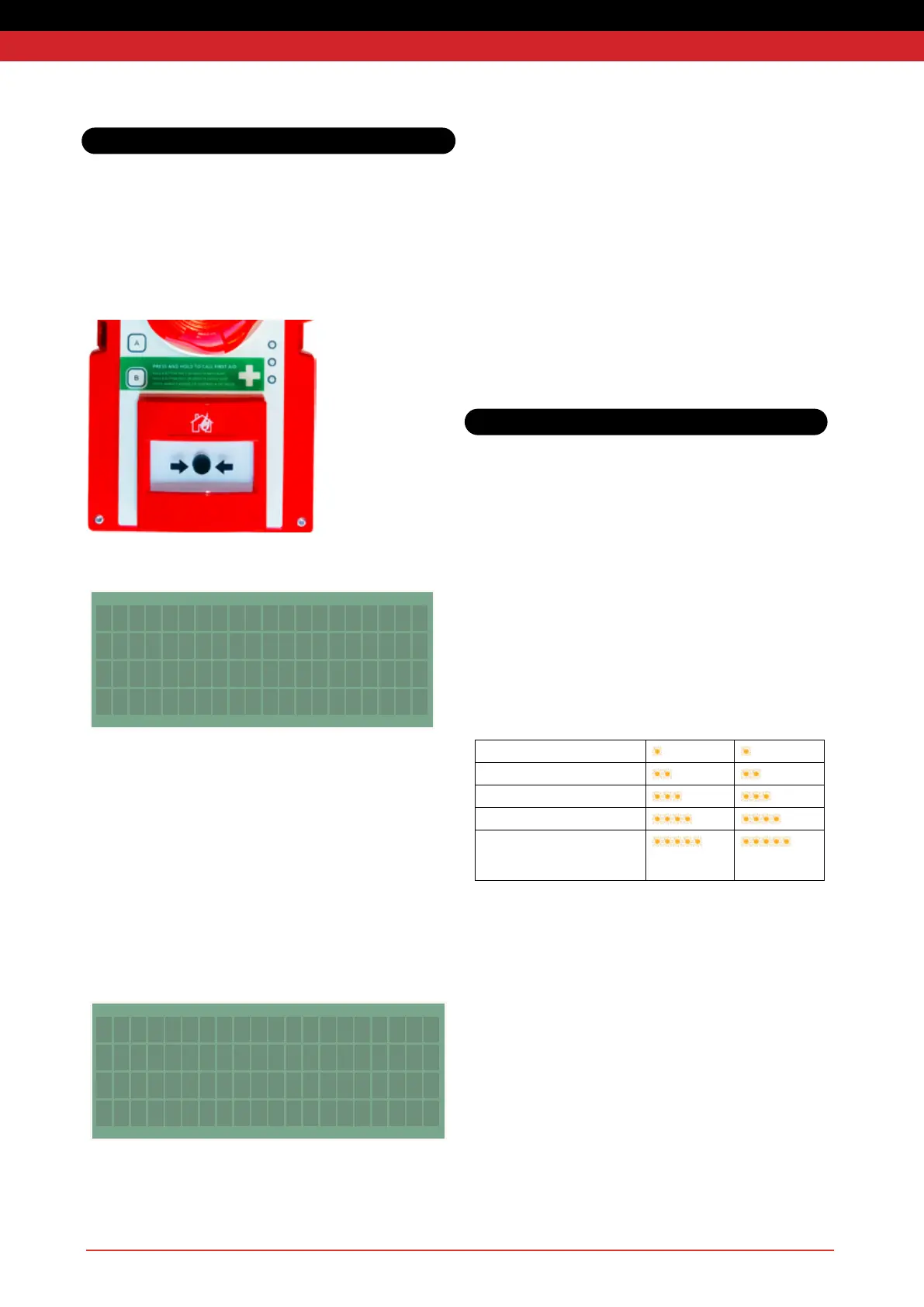
The medical alert can be raised from any call point by pressing and
holding the B button for 2 seconds, until the alternating amber-green
LEDsashrepeatedly.
Raising a medical alert sends a message to the Base Station. It does
not trigger any alert on other units.
Cancelling a Medical Alert
The medical alert can be cancelled either from the call point used to
create it, or from the Base Station.
To cancel from the call point, press and hold the B button for 5
seconds, until the alternating LEDs turn off.
To cancel from the Base Station, scroll to the alert on the Base Station
Screenandpressenter,scrolltoYes,thenpressentertoconrm.The
access code is required to cancel a medical alert. The default PIN
number is 1234.
Clear Medical
Assistance From
004F? Yes
SYSTEM WARNINGS
23/06 22:13 004F MED
LED Indications
System Operation



 To Next Page