Page 20 WES
3
Installation and Operations Manual V2.0 Ramtech Electronics Limited 2020
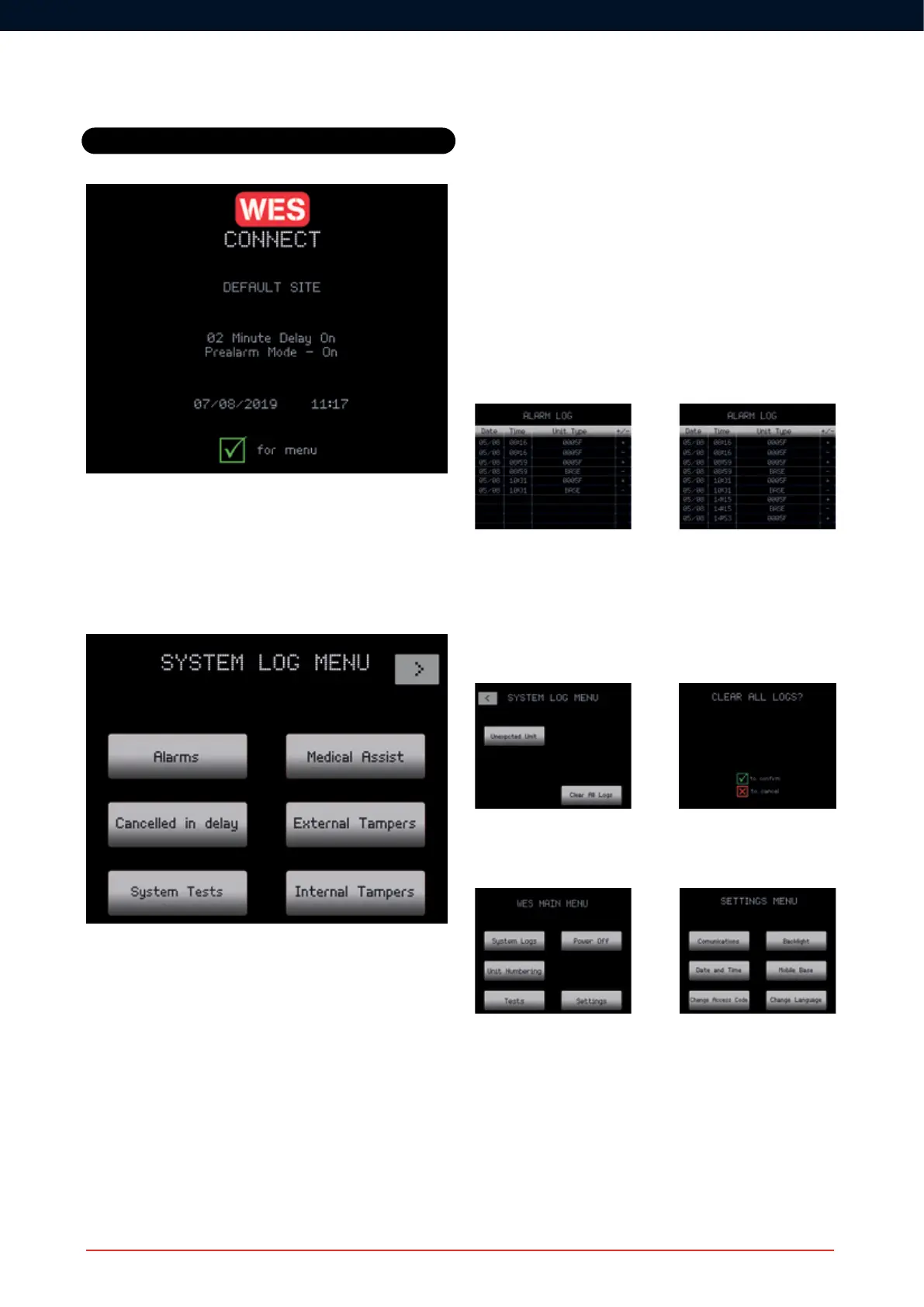
Once a unit has been added to a site group, the site name will be
displayed. Note: by default, this is ‘DEFAULT SITE’. Please ensure you
changeittoreectthelocationofyoursite,asthiswillbeusedintext
message alerts to identify the site where an alarm has been activated.
System Logs
The following logs are accessible from the System Log menu:
• Fire Alarms
• Cancelled in delay
• System Tests
• Medical Assist
• External Tampers
• Internal Tampers
• DT Head Tampers
• Low Signals
• Low Batteries
• Flat Batteries
• Latched Units
• Unit Removed
• Unit Missing
• Unexpected Unit
All logs are in the same format and are listed in chronological order
with the newest at the top of the list.
Each log entry has the date and time the event was logged, followed
by the unit number and type and then a + or – symbol to indicate the
raising (+) or clearing (-) of an event. If there are too many log entries
totonthescreen,ascrollbarisdisplayedontherightofthescreen.
Thesoftkeyscanbeusedtoscrollthroughthelogrecords(top/bottom
keys=pageup/down,middlekeys=lineup/down).
Exit the log display using the Q key.
Logs can be cleared by either deactivating the unit (see ‘Removing a
unit from the site’) or using the Clear All Logs option at the end of the
System Log Menu. This can only be performed by an authorised user
as it requires the access code.
Settings
The Settings menu can be accessed from the Main Menu:
Change Access Code
We recommend that you change the default 1234 access code to a
securecodespecictosite.
Advanced
CONNECT Operation



 To Next Page