Page 24 WES
3
Installation and Operations Manual V2.0 Ramtech Electronics Limited 2020
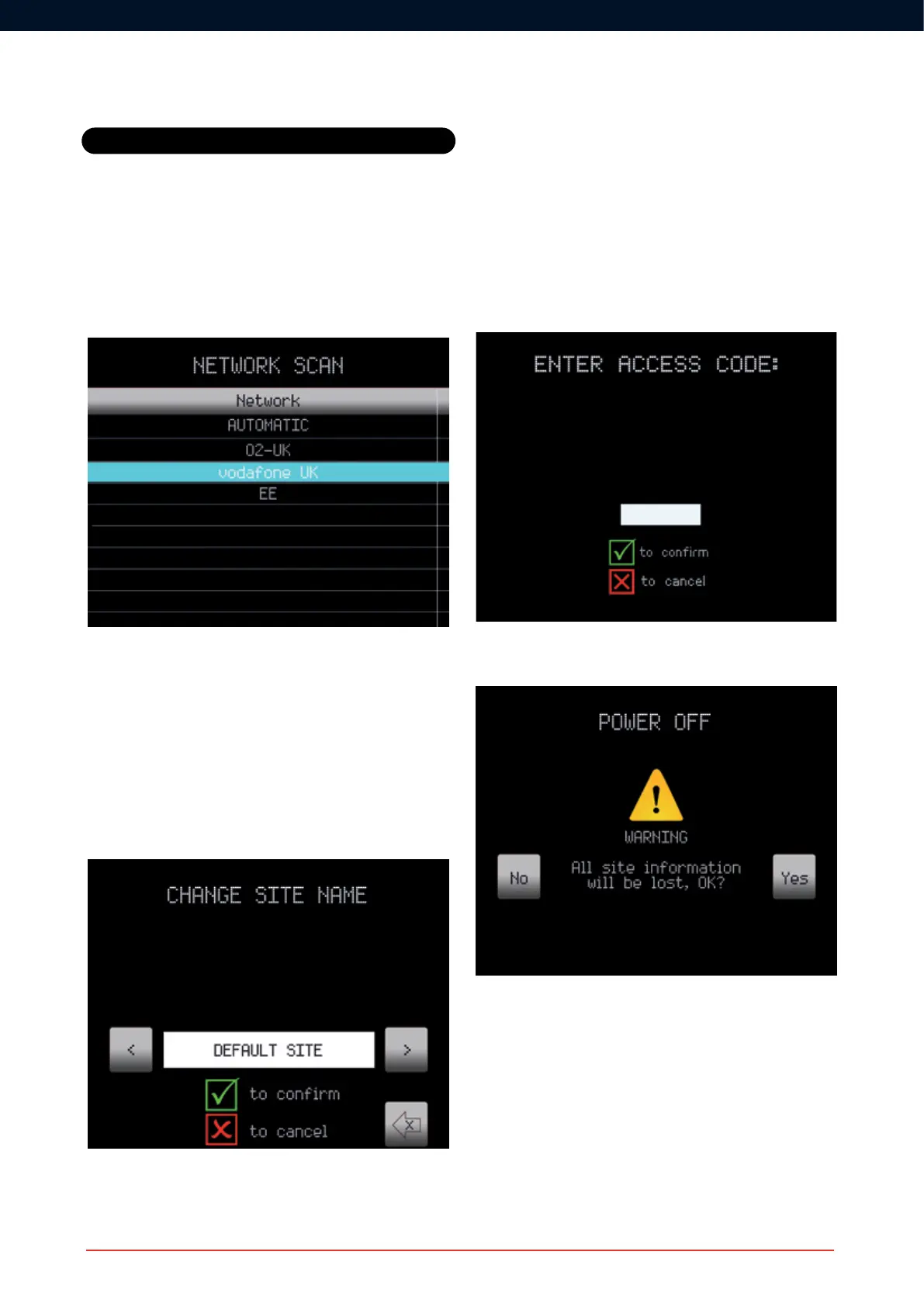
Network Scan
The selection of a mobile telephone network can be undertaken via
the Network Scan option. Note this scan can take a few minutes to
complete.
The network can be selected using the top & bottom soft keys to move
theselectionup&down.Thedesirednetworkisconrmedbypressing
R.
Change Site Name
The site name appears on the Home Screen and is included in every
text message so that you can quickly identify the source of the alarm or
warning. The site name should be changed to a uniquely recognisable
site location.
Settings
Power Off
To turn off the WES
3
CONNECT, the Power Off button must be pressed
on the Main Menu. The user will then be presented with the Enter
Access Code screen:
Uponsuccessfulentryoftheaccesscode,awarning/conrmation
screen is displayed:



 To Next Page