Page 37 WES
3
Installation and Operations Manual V2.0 Ramtech Electronics Limited 2020
The Settings menu can be accessed from the Main Menu by selecting
Settings with the directional pad then pressing Enter.
All settings are protected from unauthorised change by an access
code. By default, this is set to 1234.
Change Access Code
We recommend that you change the default 1234 access code to a
securecodespecictosite.
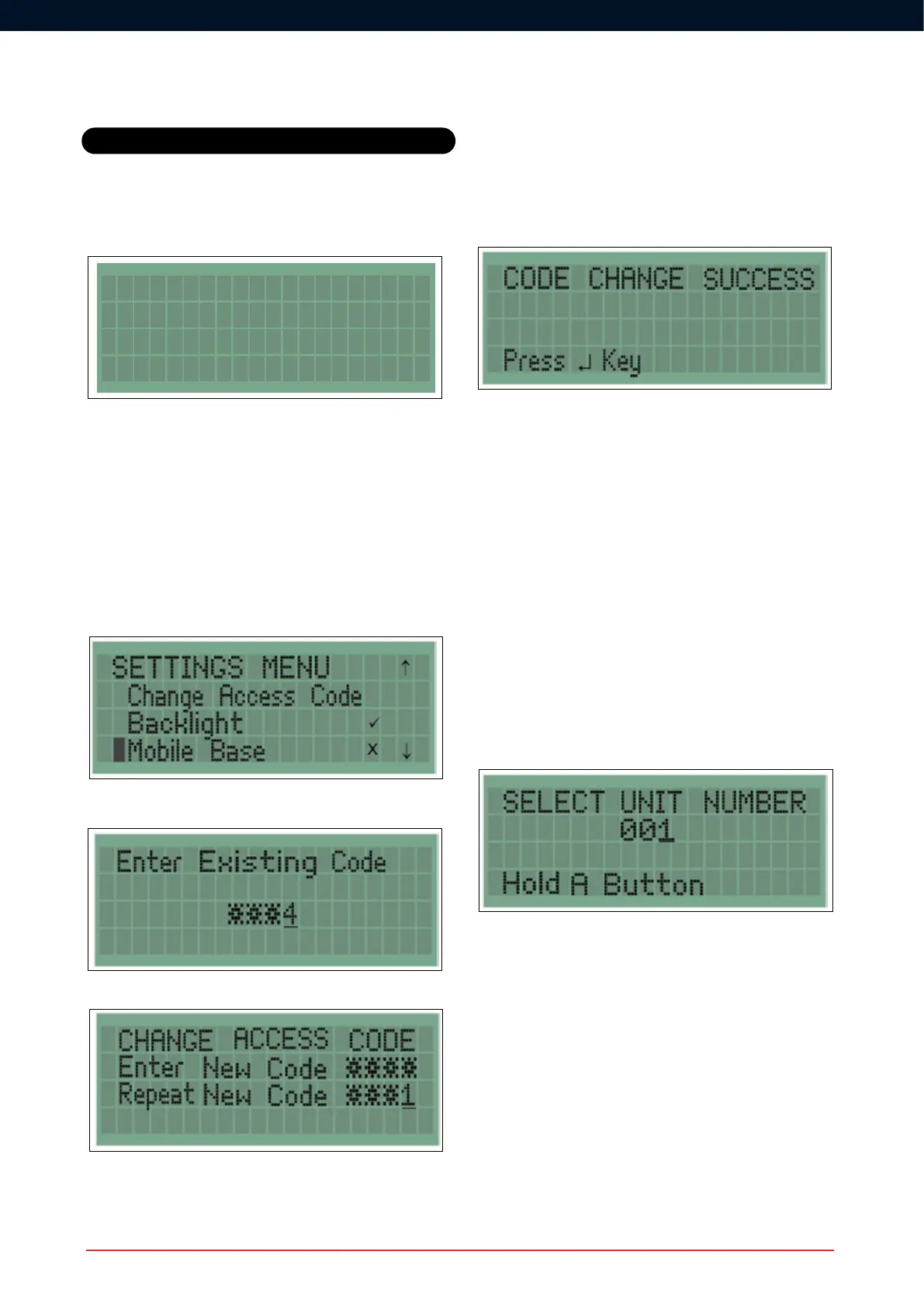
To change the access code, navigate down the Settings Menu until the
Change Access Code option is highlighted as shown. Press Enter to
select.
The existing Access Code will then be requested, as shown below.
The new Access Code then needs to be entered twice.
ConrmationoftheAccessCodechangewillbedisplayed.
Unit Numbering
Every WES
3
unitneedstobenumberedwhenrstpairedtotheWES
network. This unit number can be changed using the Unit Numbering
feature, and any number between 001 and 999 may be used - avoid
duplicating numbers.
Units must be either freshly activated or already paired to a unit on the
same site as the Base Station before renumbering.
Tonumberaunitfromadifferentsitenetwork,youwillrstneedtoturn
itoffandbackontoremovetheinformationspecictotheoriginalsite.
Select the number you wish to assign to a particular WES
3
unit using
the navigation pad. Once the correct number is displayed, press and
hold the A buttons on both the base station and the unit you are
numbering. The amber LEDs on both units will illuminate and then the
greenLEDswillashtoconrmsuccessfulrenumbering.
To exit the Unit Numbering screen, press the left arrow when at the left
most digit of the unit number.
Settings
WES MAIN MENU
System Logs
Settings



 To Next Page