Page 31 WES
3
Installation and Operations Manual V2.0 Ramtech Electronics Limited 2020
Initiating a System Test
The System Test is started from the Base Station Settings Menu:
1. Select
WES MAIN MENU
System Logs
Settings
The access code is required to access the Settings Menu. The default
PIN number is 1234.
From the Settings Menu, select System Test to
start test mode.
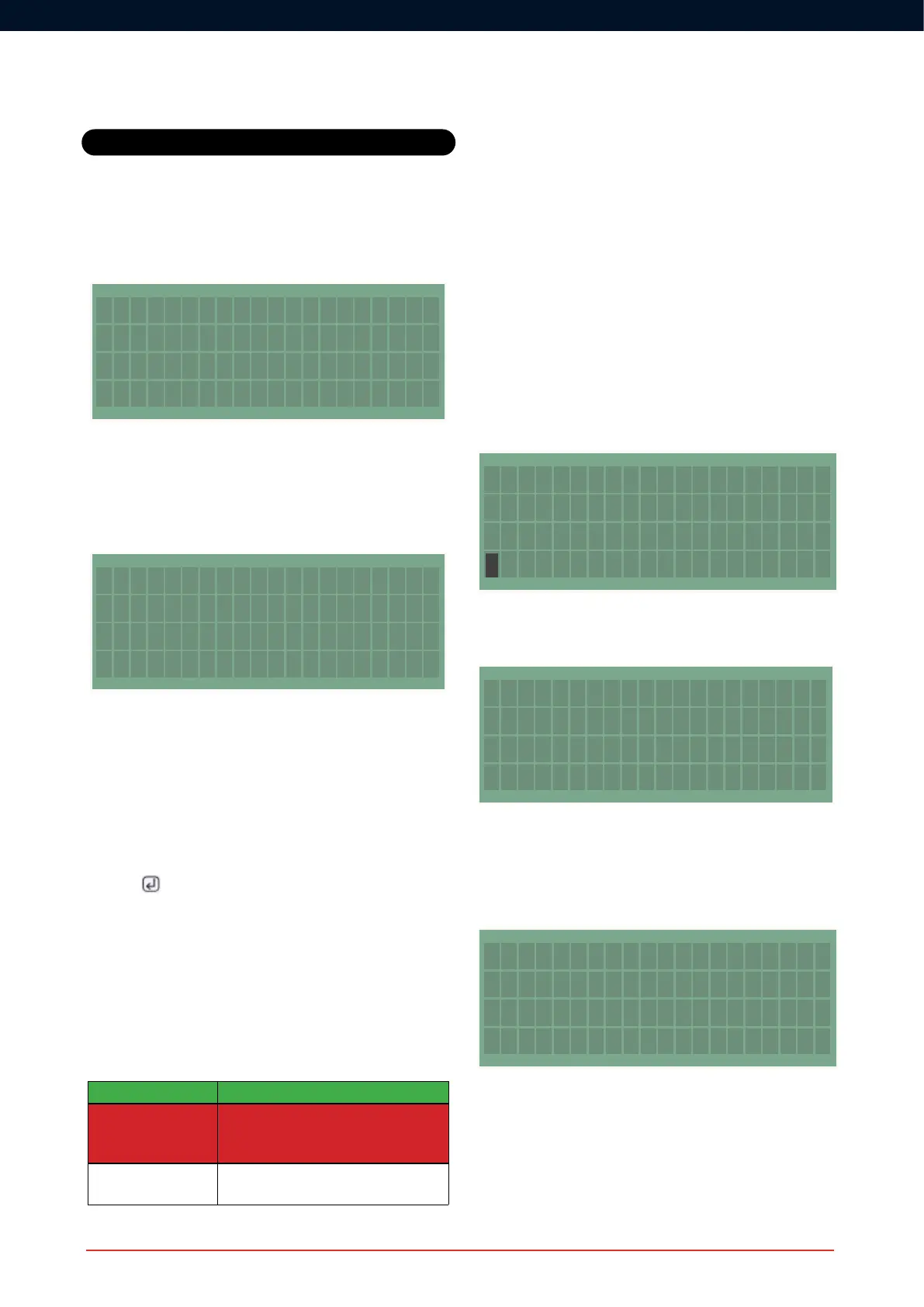
TheBaseStationwilldisplayaconrmationmessagethatthetesthas
started. Walk the site to check all units in the network.
System test started
Walk the site to
check all units OK
During System Test mode, the WES
3
network isolates all devices in the
network, allowing full physical testing of each unit, without activating
the site-wide alarm. Call points can be triggered manually, and
Detectors can be tested using standard test equipment such as smoke
spray or a heat probe.
Cancelling a System Test
Once the System Test is complete, return to the Base Station and
press the
button to complete the test. It is important to be aware
that, whilst in System Test mode, the WES
3
network is inactive and a
site wide alarm cannot be triggered from any unit. The test must be
exited from the Base Station in order to reactivate the network.
Note : Following initial installation, wait for a minimum of 60 minutes
before starting the rst system test. During this time, the WES
3
units
will self-calibrate to adjust for background radio noise which may
impact the accuracy of the system test.
The test result is indicated as follows:
Pass Green LED solid illumination
Radio OK, other fault
detected
RedLEDashesfollowedbyAmberLED
groupashestoindicatefault(see‘Amber
LED Indication’).
No Radio Signal AmberLEDgroupashestoindicatefault
(see ‘Amber LED indication’).
System Integrity Test (Polling)
WES
3
includes a System Integrity Test that can report on changes to
thenetworkconguration,suchaswhenadditionalorunexpectedunits
are detected on the network, or when units have been removed.
The Integrity Test is conducted automatically twice daily, and can also
be activated on-demand from the WES
3
Base Station. To activate the
Integrity Test, go to the Settings Menu of the Base Station. The access
code is required to access the Settings Menu. The default PIN number
is 1234.
From the Settings Menu, select System Poll to initiate the
integrity test.
WhiletheIntegrityTestisbeingperformed,themessage“SystemPoll;
Listening...” will be displayed on the screen.
System poll
Listening...
Any additional units that have been found on the network since the
lastsystempollwillbedisplayedasa‘NEW’noticationontheBase
Station. Any units that have been removed from the network since the
lastsystempollwillbedisplayedasa‘GON’noticationontheBase
Station.
In addition to the automatic system integrity test and the on-demand
polling feature, WES
3
providesimmediatereal-timenoticationwhen
a unit is removed from the network, displayed on the Base Station as
a‘REM’notication.Notethatsystempollingislimitedtotherst128
WES
3
units added to the network. Beyond this number, further units
can be added but will be excluded from the integrity test.
System Tests
SETTINGS MENU
Unit Numbering
System Test
System Poll
SYSTEM WARNINGS
04/11 14:39 101 NEW
04/11 14:39 098 GON
04/11 14:39 014 GON



 To Next Page