Page 21 WES
3
Installation and Operations Manual V2.0 Ramtech Electronics Limited 2020
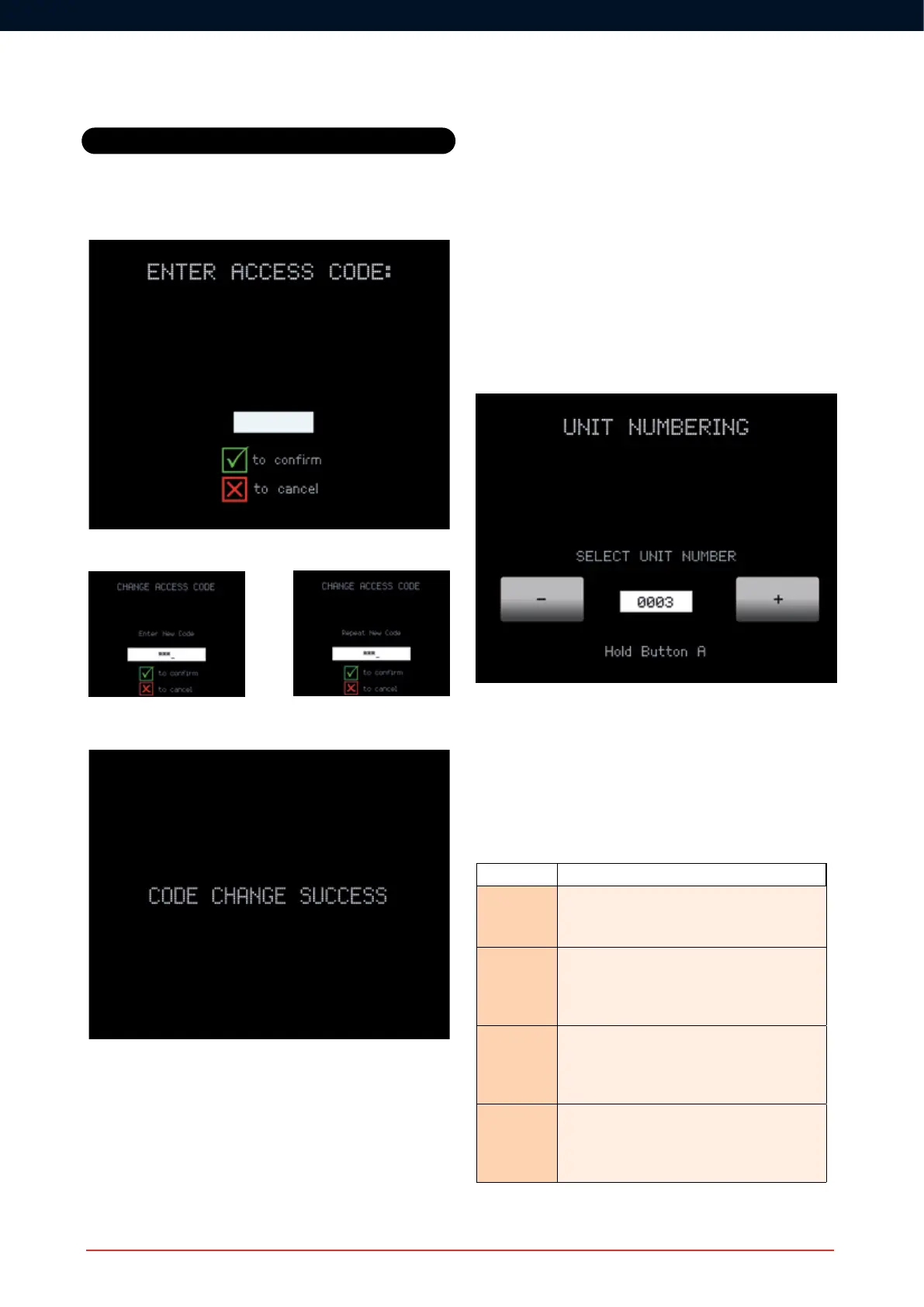
The existing Access Code will then be requested:
The new Access Code then needs to be entered twice.
ConrmationoftheAccessCodechangewillbedisplayed.
Unit Numbering
Unit Numbering can be accessed from the CONNECT’s WES Main
Menu. Every WES
3
unitneedstobenumberedwhenrstpairedto
the WES network. This unit number can be changed using the Unit
Numbering feature, and any number between 0001 and 9999 may be
used - avoid duplicating numbers.
Units must be either freshly activated or already paired to a unit on the
same site as the CONNECT unit before renumbering.
Tonumberaunitfromadifferentsitenetwork,youwillrstneedtoturn
itoffandbackontoremovetheinformationspecictotheoriginalsite.
Select the number you wish to assign to a particular WES
3
unit using
the appropriate arrows on the Soft Keys. Once the correct number
is displayed, press and hold the A buttons on both the CONNECT
and the unit you are numbering. The amber LEDs on both units will
illuminateandthenthegreenLEDswillashtoconrmsuccessful
renumbering. Stop pressing the ‘A’ button when both units go solid
green.
To exit the Unit Numbering screen, press the Q key.
Unit Numbering LED indications
When the A button is held down on two units, both will begin by
illuminatingtheamberLEDfollowedbyaconrmationLEDpattern.
The following table indicates the meaning of the various LED patterns.
One of the units needs to be the CONNECT unit.
LED pattern Description
● Red
● Amber
● Green
Pairing started
● Red
● Amber
● Green
Pairing success. The two units are on the same
site and have the same unit number. Both units
must display a green LED.
● Red
● Amber
● Green
Pairing failed. The units are already part of two
different existing sites. The units need to be
deactivated and reactivated to allow pairing to
succeed.
● Red
● Amber
● Green
Unit numbering success. The unit has successfully
joined the same site as the CONNECT Unit
and has the unit number selected in the Unit
Numbering Screen.
A unit whose amber LED fails to illuminate will not pair. This may be
due to an internal tamper.
Settings



 To Next Page