2 - STARTUP
10
2.4 Zero
2.4.1 Dynamic Zero (Dynamic Mode)
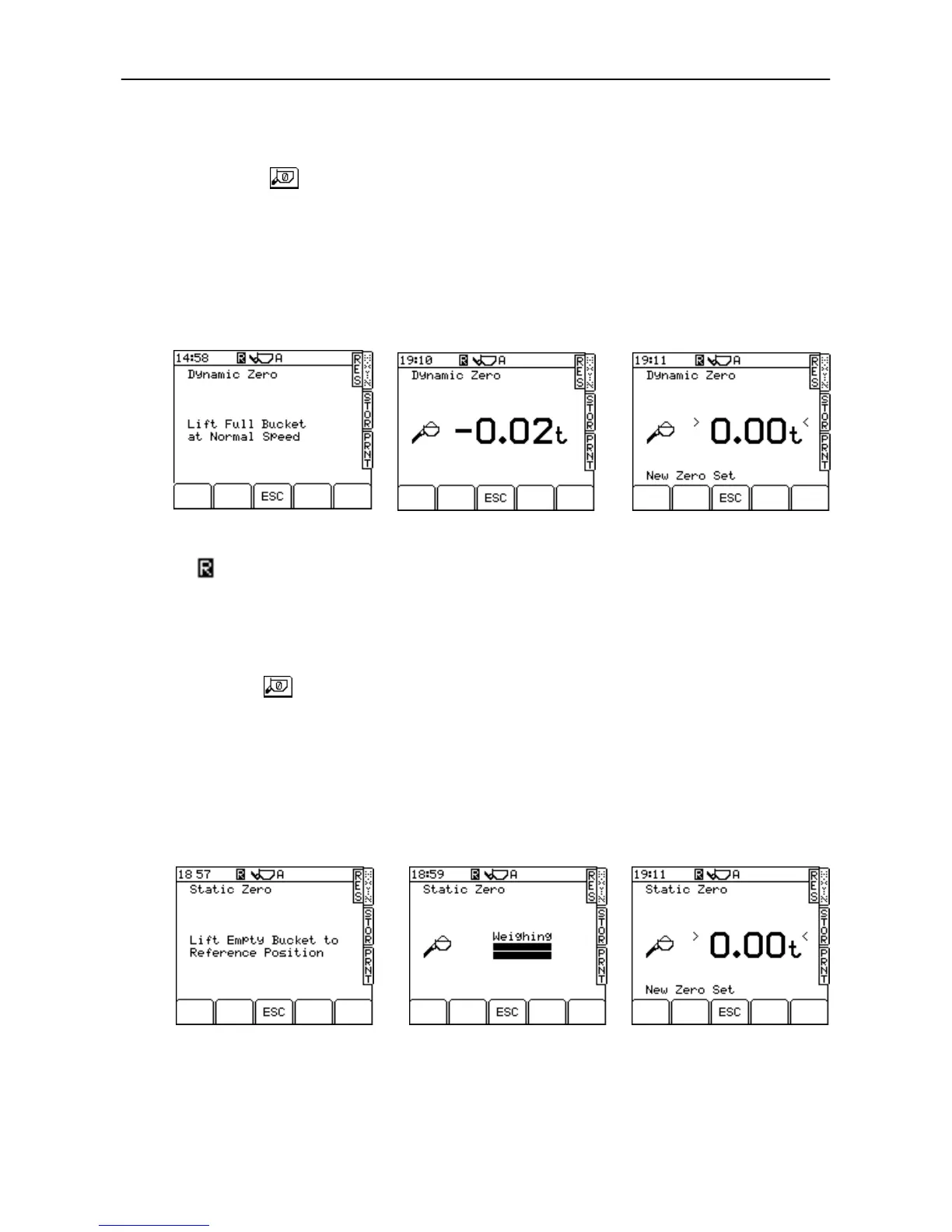
Pressing the key displays the "Dynamic Zero" screen when
dynamic weighing is selected in AWI mode (fig. 7).
Lift the empty bucket at medium lift speed. The weight will display very
briefly and then the instrument zeros automatically before returning to
the MAIN screen. The ">" and "<" signs (fig. 9) confirm that the
instrument has zeroed to with 0.25e, i.e.: -
- for 2000kg certification, "e" = 20kg, zero is within ±5kg.
- for 5000kg certification, "e" = 50kg, zero is within ±12.5kg.
- for 10000kg certification, "e" = 100kg, zero is within ±25kg.
The symbol denotes that this is a zero done during normal operation.
NOTE: If the "live last bucket" is used, the dynamic zero is followed by the static
zero (as described below).
2.4.2 Static Zero (NAWI Mode)
Pressing the key displays the "Static Zero" screen (fig. 10) if the
Loadmaster is in NAWI Mode (or if static weighing is selected in AWI
mode).
Raise the bucket to the reference position. The loader kickout operates,
stopping the lift. A short delay will occur as a weight reading is taken
(fig. 11). The instrument will then sound a single bleep and zero
automatically before returning to the MAIN operating screen.
The ">" and "<" signs (as in fig. 9) confirm that the instrument has
zeroed to with 0.25e as for dynamic zero.
Figure 7



 To Next Page