4 - STORE FUNCTIONS
18
4 Store Functions
There are 6 separate Reference stores which to which you can programme whatever information you require
e.g. Customers, Products, etc. All data is stored on the internal SD Card - Data Management Module (DMM),
as .CSV (Comma Separated Variable) text files. No data is held in the head unit memory. The data module
therefore, must be connected and a data card inserted with the correct system files (section 4.1.1), for the
store functions to operate.
New stores information can be added in MS Excel, or via the instrument keypad. Existing store information
however, can only be edited in MS Excel, and not via the instrument. Each store can up to 10,000 entries.
NOTE: Each entry has an "Index No". The index no is the primary reference that the instrument uses to search the
database, for printing a load summary, or saving the store reference data with each completed load. It is the
index no's and not the text entries, that appear in the load data file LMTOTALS.CSV.
?? Once each load is entered, the data (bucket weight, total weight, time/date etc) along with the selected store
reference information (in a shorthand form using just the Index No's of each store) is saved to the data module.
?? Print out a load ticket each time the load is entered.
?? Search the database by store reference, dates, etc and print out a summary of the loads found within your
search criteria.
?? Transfer load records into your own accounting /data management software on the PC, for billing and
traceability purposes.
4.1 Stores Setup
Section 4.1 explains everything you need to know to begin using the store functions on the Loadmaster
including,
?? Hardware Setup - Data Module (4.1.1) and Printer (4.1.2)
?? Instrument Software Setup (4.1.3)
?? Data Card format and file transfer (4.1.4 - 4.1.5)
?? Programming your own Stores Data (e.g. Customers, Products etc - 4.2, 4.3)
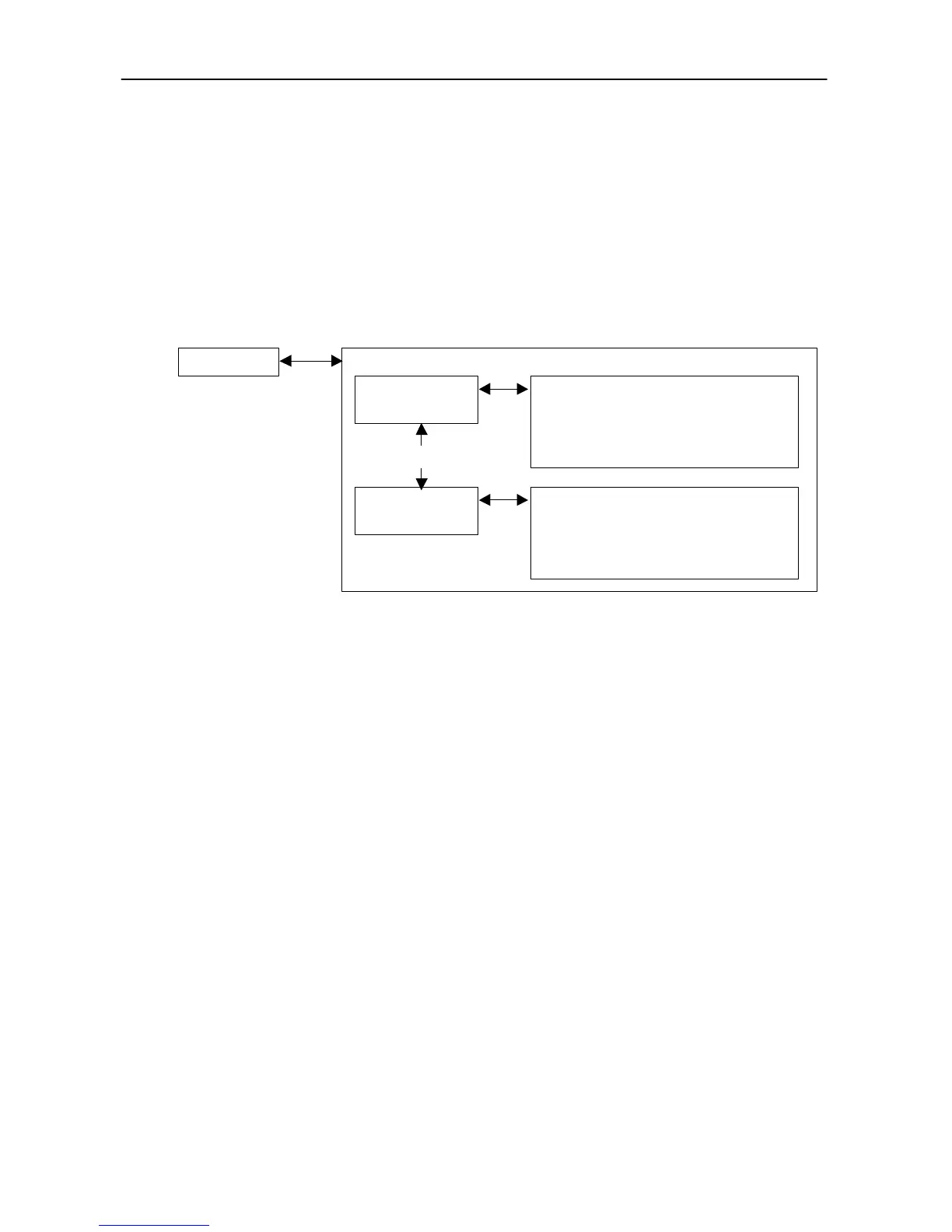
Head Unit Data Module containing database:
Store Ref.1
(REFDAT01.CSV



 To Next Page