4 - STORE FUNCTIONS
29
4.6.5 Overload logging facility
The instrument can log any weight entered over and above the target
weight. This facility is enabled/disabled from the "System Settings" »
"Weighing Units" menu.
The accumulated overload weight ( ) is displayed on the GRAND
TOTAL page (fig. 35). It is reset when you press the CLR button.
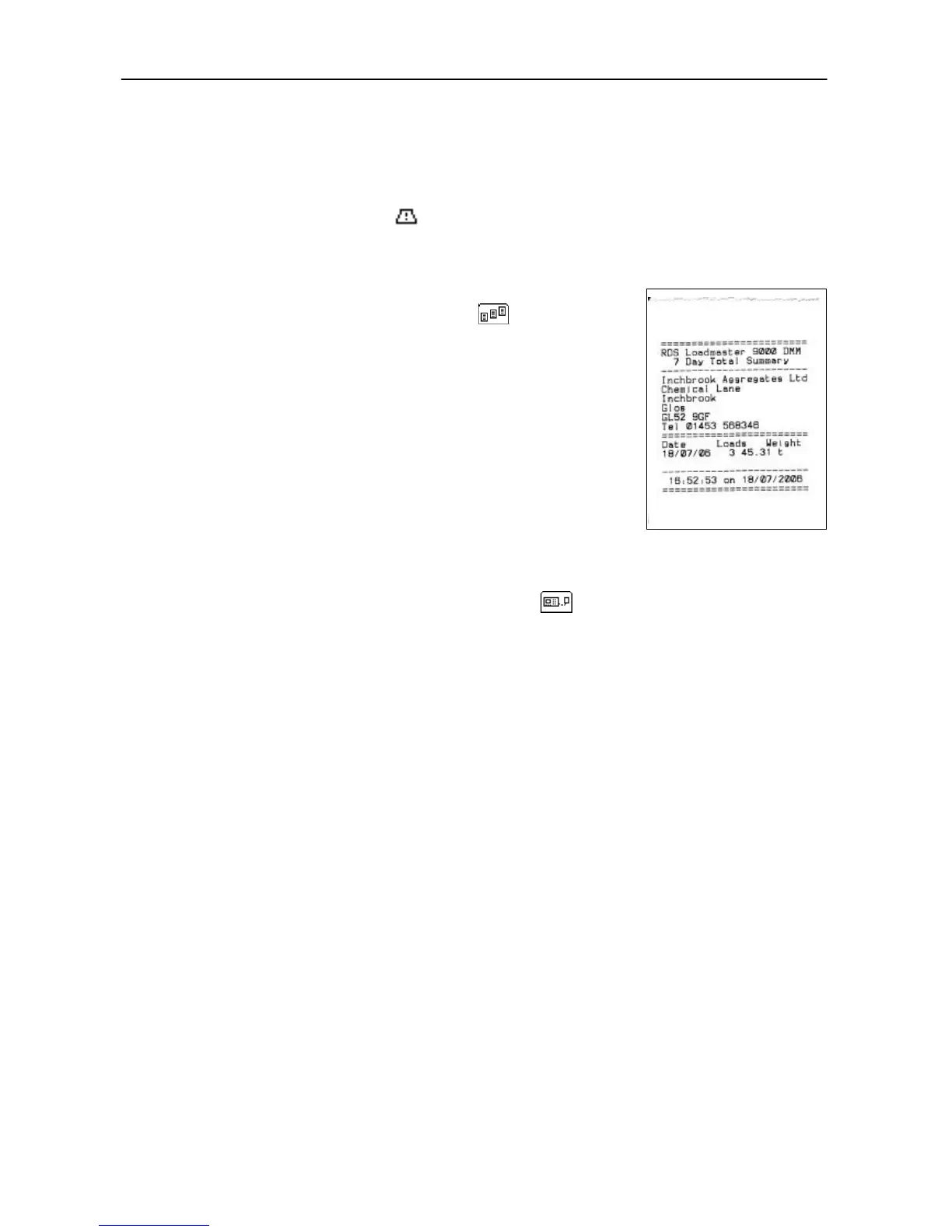
4.6.6 View / Print the 7-day Total
From the GRAND TOTAL screen (fig.43), press the key to view the
daily totals of the last seven days.
Press PRNT to print the 7-day total summary (fig. 45).
4.6.7 View Data Card Status
Press the STOR key twice.
Select the "Data Card Status" line (fig. 42) and press the key to view the data card capacity and
remaining space for load data.



 To Next Page