4 - STORE FUNCTIONS
26
4.6 Search / Print Load Records
4.6.1 Select Printer Output Mode
By default, the print mode is OFF.
Select the PRNT screen and set the print mode
using the key (fig. 39a).
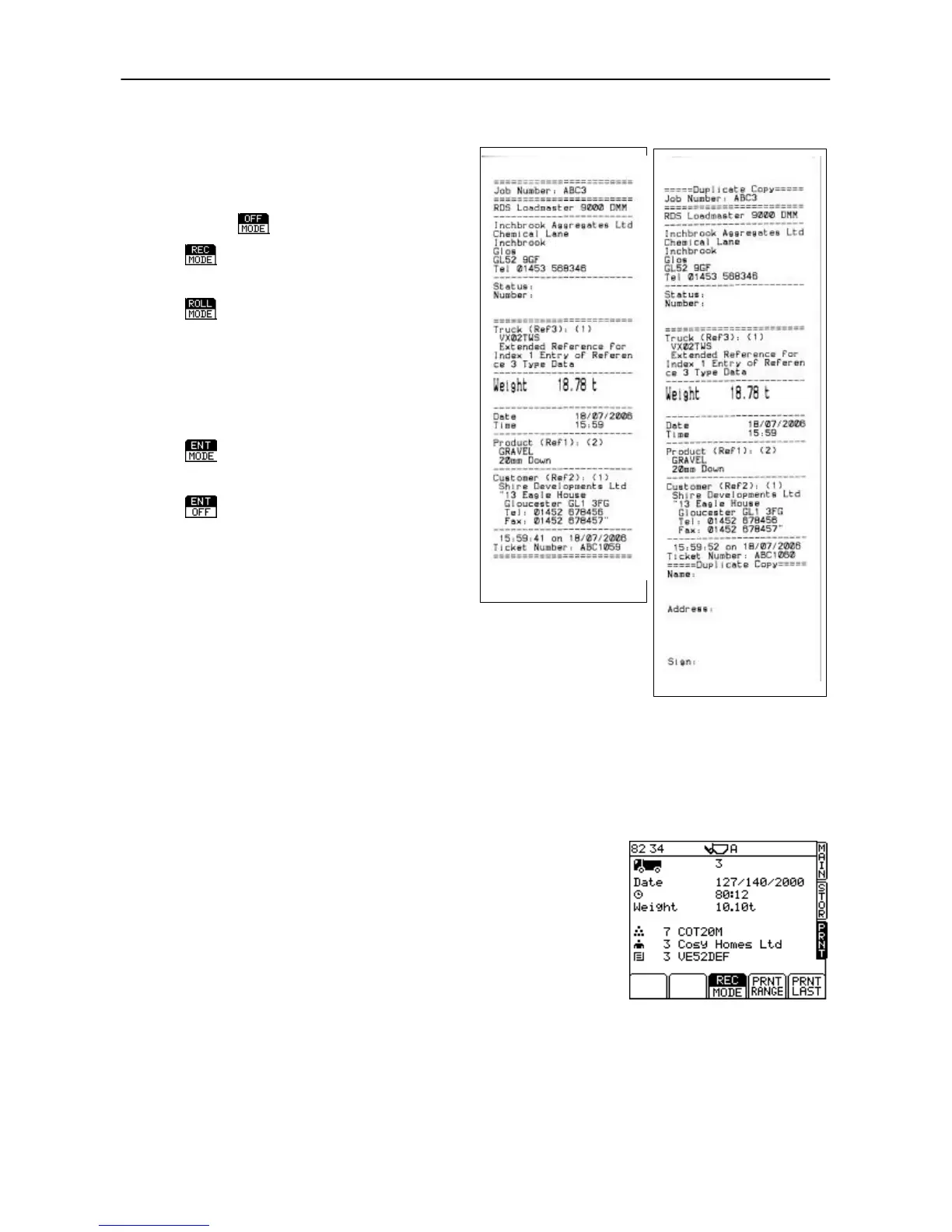
A Job Record is printed out (fig. 38a)
when you press CLR to reset for the
next load.
A job record including space for the
customer name address and
signature is printed out (fig. 38b).
NOTE: If the "Bucket List" function is
switched on via the "Output Port
Setup" menu, a list of all bucket lifts is
printed on the ticket (only when in
"Customer" mode).
A lift record is printed out
automatically to the printer and card
module after each entered lift.
Each lift record is saved to the card
automatically, but output to the
printer is manual.
4.6.2 View / Print Last Load Record
Press "PRNT LAST" (fig. 35) to print out the last load record.
Printing the same load a second time will produce the same information
again. A secondary print is marked by the words "duplicate copy". The
first copy is generally used for the customer receipt. Any further
"duplicate copies" are kept for data records (ICP 200 printer only).



 To Next Page