3 - WEIGHING
16
3.4.2 Set Target Weight
The target weight is set automatically to the value programmed in field 2 of the selected 'Truck' index (a blank
field sets a zero target weight).
After completing the store selection and returning to the MAIN screen, you can manually enter a different target
weight if required.
3.5 Error Messages
3.5.1 Angle of Slope
This indicates that the angle of slope is too great in a particular
direction - move to a more level area.
3.5.2 Low Oil Temperature / Sensor Faults
The instrument also warns you of low oil temperature or a sensor fault
and inhibits the zero routine.
3.5.3 Anti-bounce
Caused by excessive bouncing of the loader whilst weighing. The
screen prompts "To Much Bounce - Lift Again".
3.5.4 Maximum Weight Exceeded
flashes on-screen with a 3-second continuous beep when the
maximum weight limit is exceeded. This will occur 9 divisions (9 x e)
above the stated maximum figure that the system is certified to.
Weighing is inhibited in NAWI or AWI mode.
Example: If Max weight = 10.0t and 'e' = 0.05t,
the Alarm weight = 10.45t.
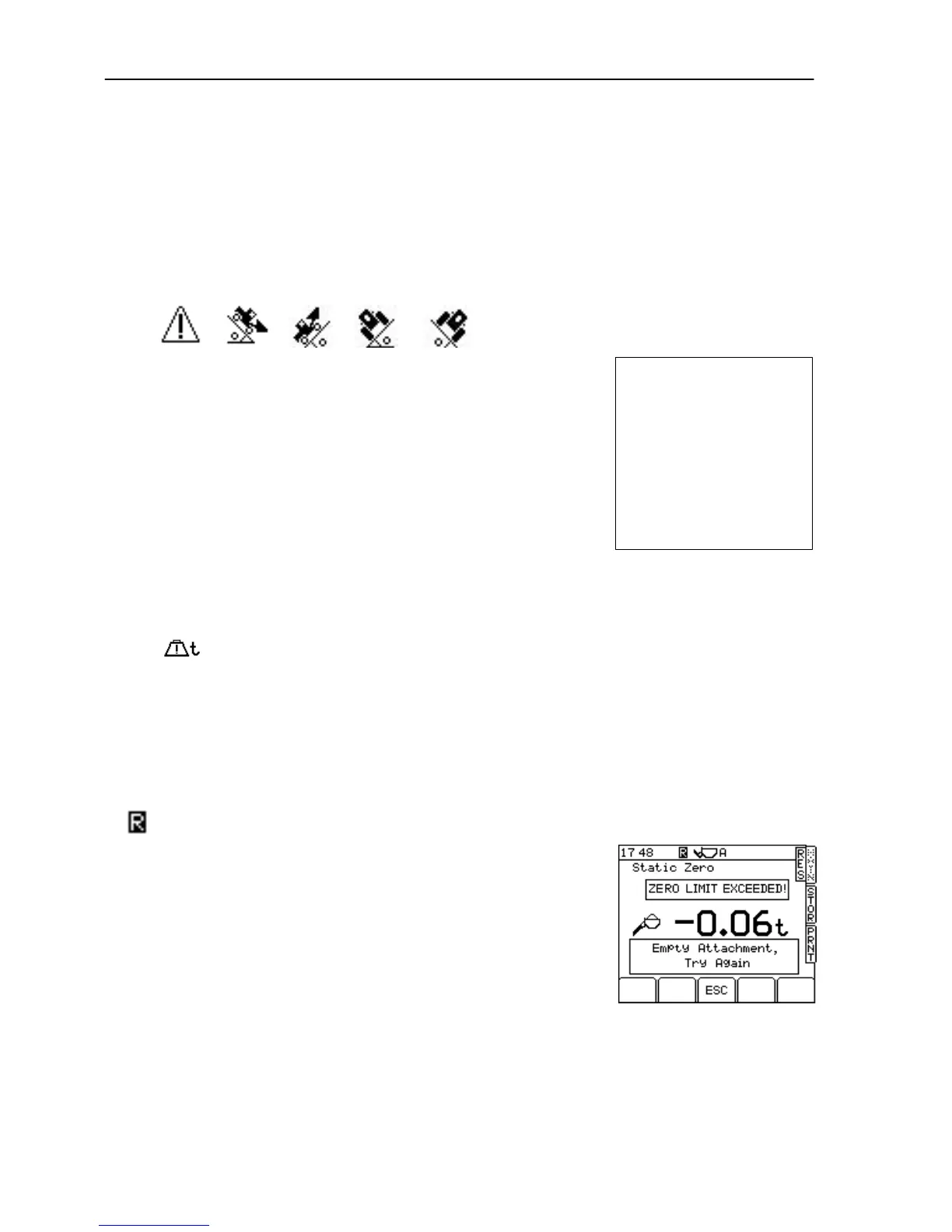
3.6 Zero Alarms
Zero Limit Exceeded (more than ±2% drift)
When a zero procedure is performed in normal use, the instrument
automatically detects if the Zero readings have moved more than ± 2
% of the maximum weight, from the Zero set at the first Zero after
switch on (fig. 22b).
This prompt is designed to alert the operator that there could be a build
up of material in the bucket, and automatic confirmation of the Zero is
inhibited. Clean out the bucket as necessary.
Example zero limits are:
for 2000kg max. weight: -±40kg
for 5000kg max. weight: -±100kg
for 10000kg max. weight: -±200kg



 To Next Page