5 - SYSTEM SETTINGS
32
5.7 Set Language
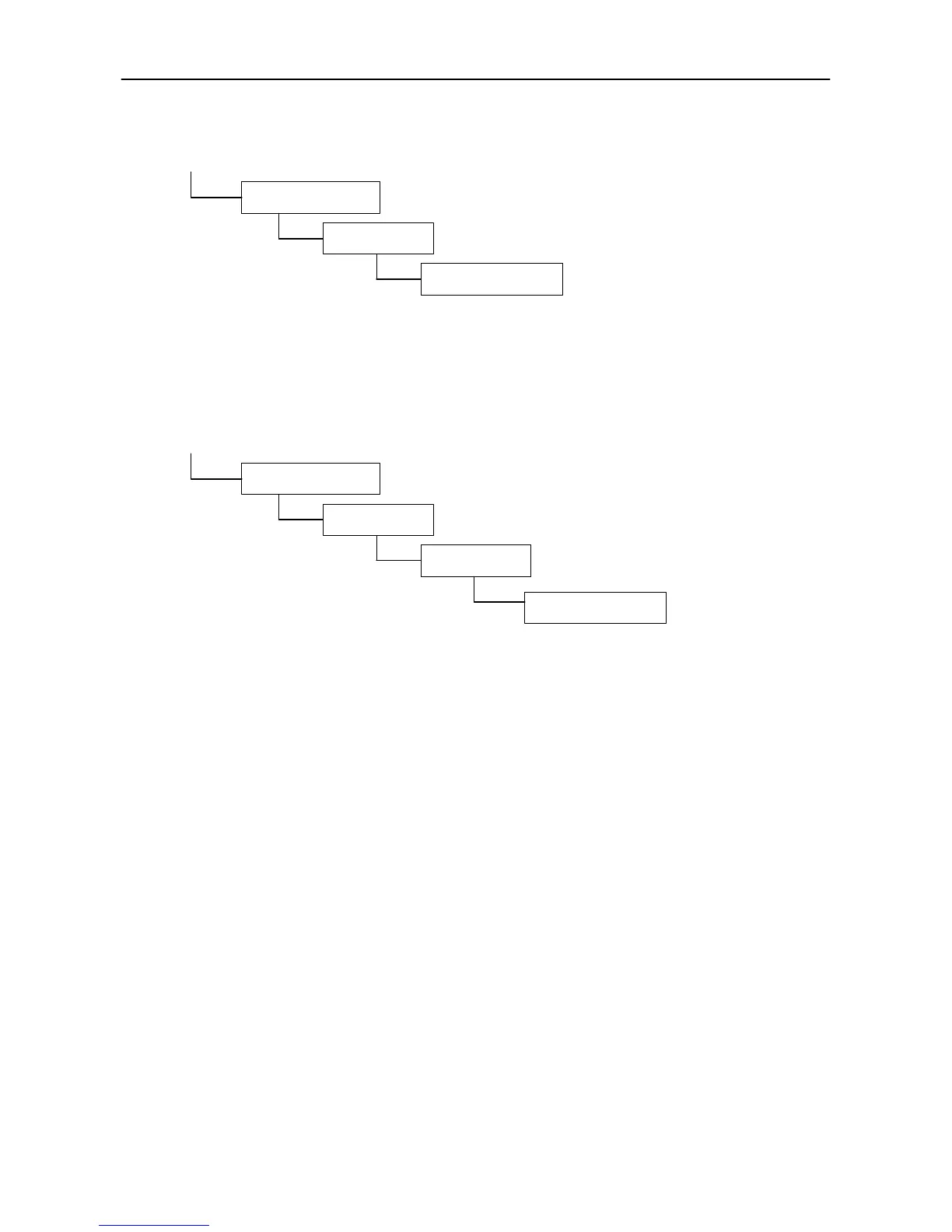
From the SETUP screen, press;
Select the preferred language from the list displayed.
Note that English has three settings:- "UK", "AU" for Australia and "US", to cater for differences in some wording
and Time+Date format.
5.8 Module Check
From the SETUP screen, press;
This functions acts as the "key" to enable instrument to switch between the internal software and the software
on the secondary software module. It must be switched on for the LM9000 instrument, to enable you to switch
to non-approved mode (LM8000) as required.
6. Other Information Screens
6.1 'Diagnostics
Please refer to the installation manual.
6.2 'Helpline'
Contact details for any queries.
6.3 Serial Numbers
Some regions may specify that the serial numbers of various system components must be recorded. The
serial numbers are recorded on the secondary software module installed in the head unit, and are viewed from
this screen.
6.4 Approval Status
This screen allows editing of 2 text lines that appear on the printout. For use normally by Weights and
Measures officials.
3. System Settings
*. More
3. Language
3. System Settings
*. More
3. Module Check
*. More



 To Next Page