5 - SYSTEM SETTINGS
30
5 System Settings Menu
A number of settings can be programmed by the operator from the SETUP menu. These settings are
accessible without a PIN number.
NOTE: Certain menus including the ‘Calibration’, 'Printer Setup' and 'Weighing Units' menus are not normally accessible
to the operator.
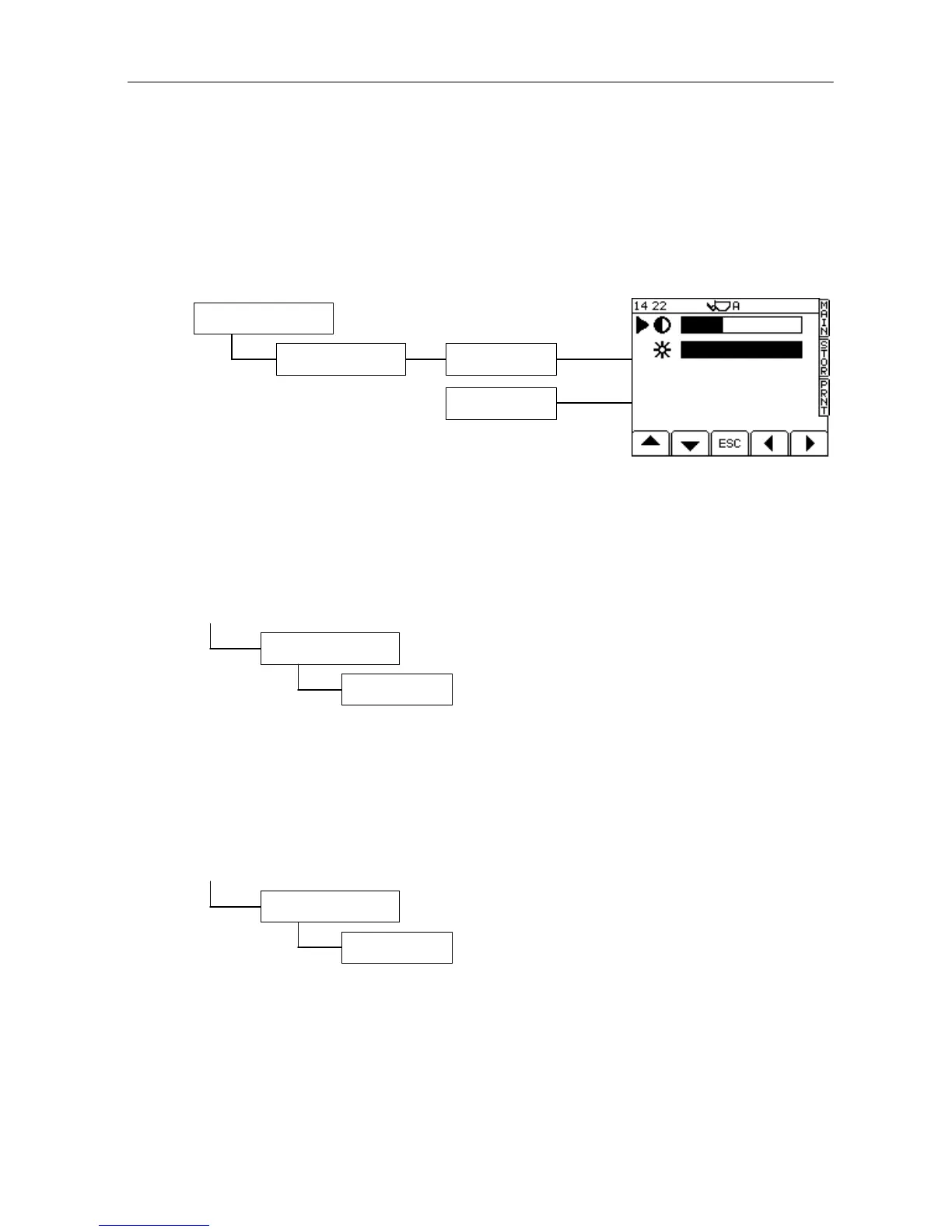
5.1 Adjusting Screen Contrast or Brightness
From the SETUP screen, press;
NOTE: The screen may darken slightly at higher temperatures e.g. if it is exposed
directly to bright sunlight. This is a normal characteristic of this type of
display.
5.2 Set Time and Date
From the SETUP screen, press;
If you need to change a time setting, position the menu pointer against the function, type in the new value and
press ENTER.
5.3 Switch Tare Facility Off
From the SETUP screen, press;
Switch “On”, “Off” or “Tare –1” using the left and right arrow keys..
3. System Settings
2. Display Settings
Brightness
Contrast



 To Next Page