4 - STORE FUNCTIONS
24
4.4 How to read the Load Data file (LM9KTOTL.CSV)
1. Transfer the flash card to the card slot on your PC card reader.
Under Windows
®
95/98, the SD card will normally appear in either the 'My Computer' window, or Explorer as
'Removable Disk [D:]'.
2. Double-click on this drive to access the card and the folder "Rds_data.xxx".
3. From the File menu in Explorer, transfer files using the normal commands e.g. Cut or Copy and Paste, or
'drag and drop' the files.
NOTE: Never remove the card if data is being written to it (i.e. when the red LED is on).
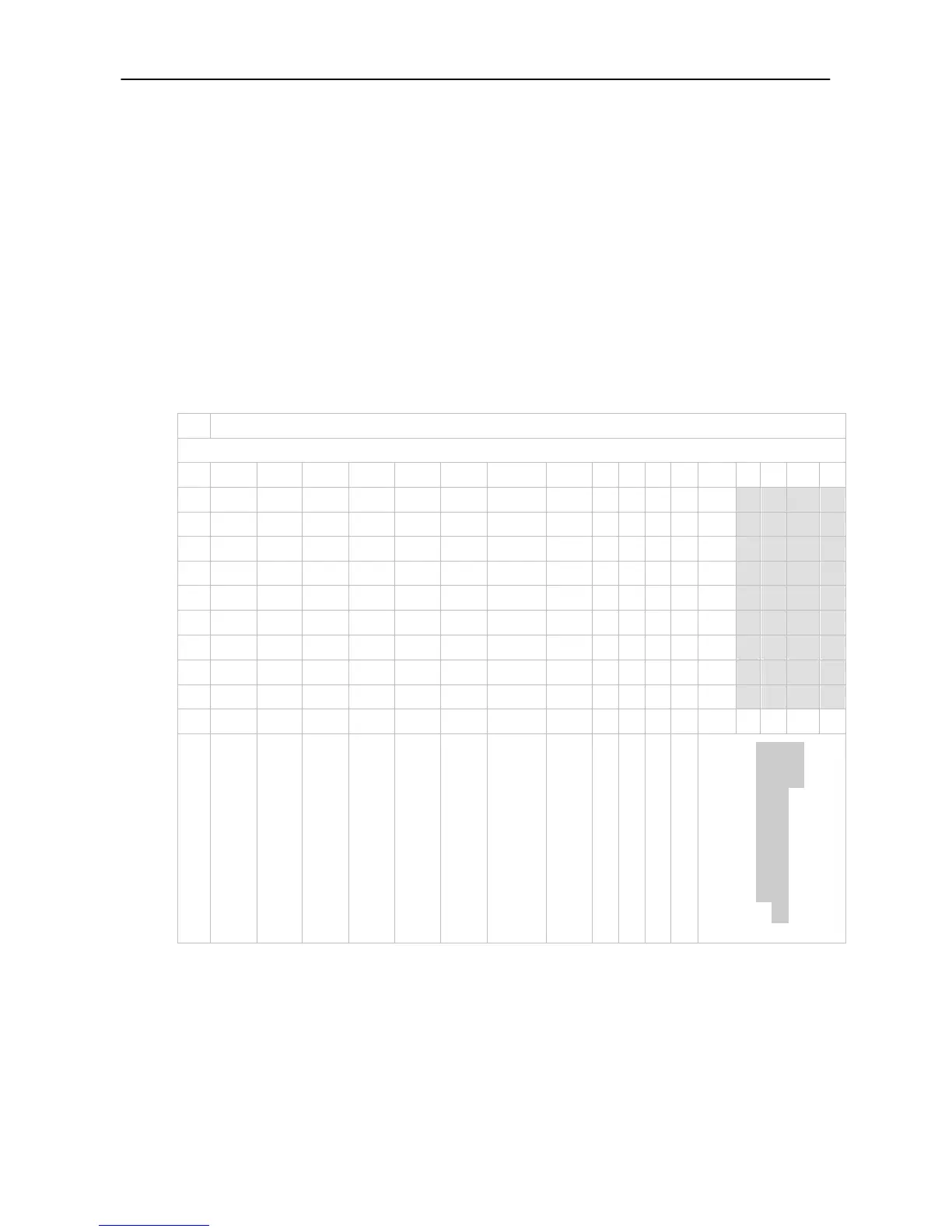
All load data is stored in the file LM9KTOTL.CSV. Each line in the file records an Individual load as shown in
figure 26a.
TIP: As load records are added, the search function on the PRNT menu will become progressively longer. You may
wish therefore, to periodically move the file from the data card onto the PC, replacing it with an empty
LM9KTOTL.CSV file.
Figure 31: Load Data File Example
CN
Preset Tare
TOTAL WEIGHT
The last columns (shaded)
indicates the individual bucket
weights
NOTE: The unit column is as follows,
0 = tonnes, 1 = M
3
, 2 = Kg, 3 = lbs, 4 = UK Tons, 5 = US Tons, 6 = Yards
3



 To Next Page