City Series CV40E-12 | 77
installation
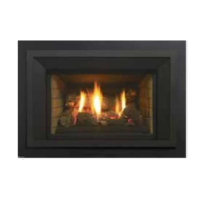
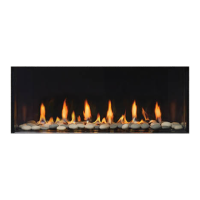
Completed Install
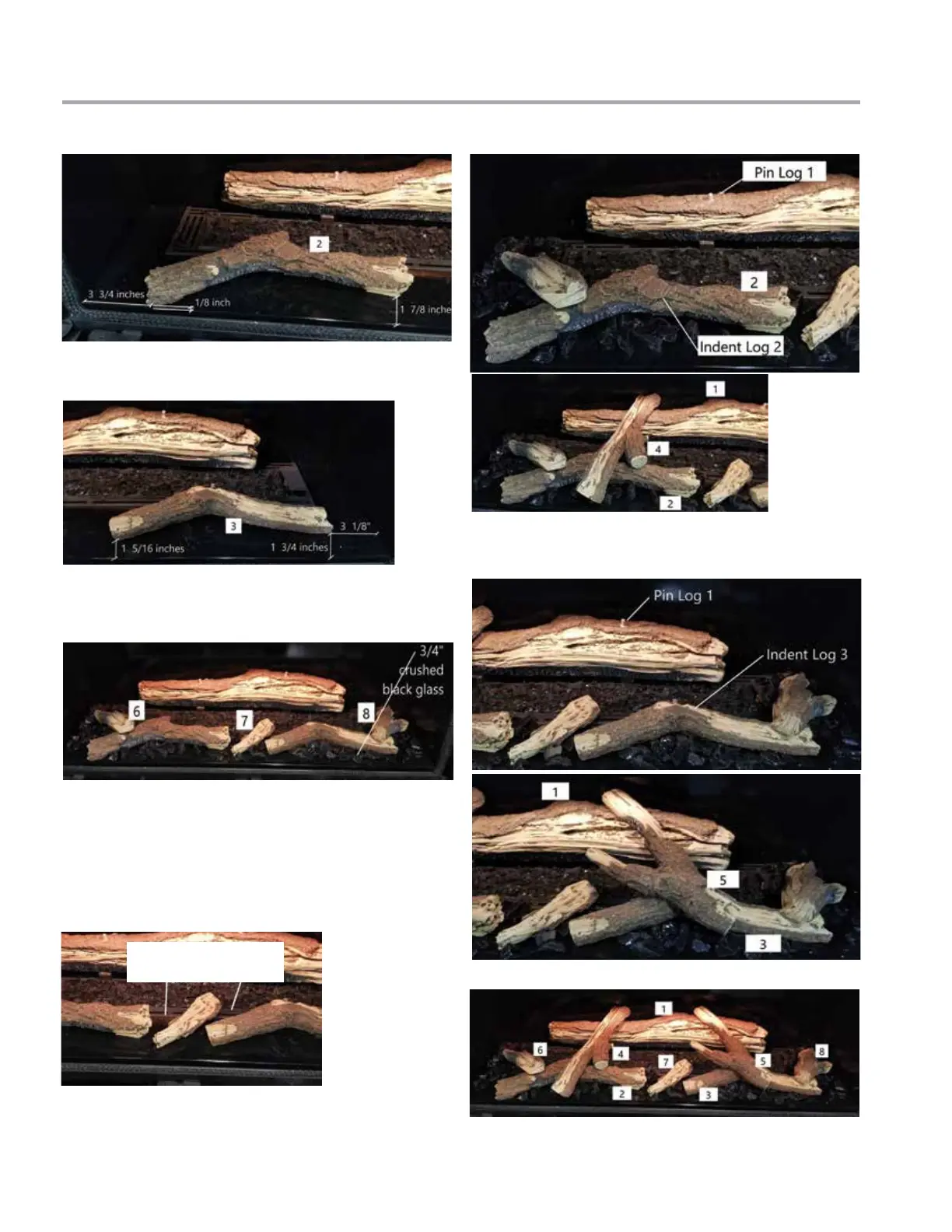
7. Position Log 2 as shown and follow the measurements. 11. Place Log 4—identify the pin locator and match with the left side
pin on Log 1. Rest the Log 4 on the indent in Log 2 as shown below.
9. Place Log 6, Log 7 and Log 8 on the burner locations shown below.
10. Before placing the next log—spread the optional media evenly
throughout the burner tray as shown.
NOTE: Ensure the installed optional media doesn't completely block the
air fl ow—ensure more than 50% of the airfl ow is open (shown with 3/4"
crushed black glass).
8. Place Log 3 to the right front corner of the burner. Follow the mea-
surement as shown.
12. Place Log 5—identify the pin locator and match with the right side
pin on Log 1. Rest the Log 5 on the indent in Log 3 as shown below.
Do not completely block
air fl ow
Log 2 in position
Log 3 in position
Log 4 in position
Log 5 in position
Log 6, 7, and 8 in position




 To Next Page