GB.31
VIDEO (2/2)
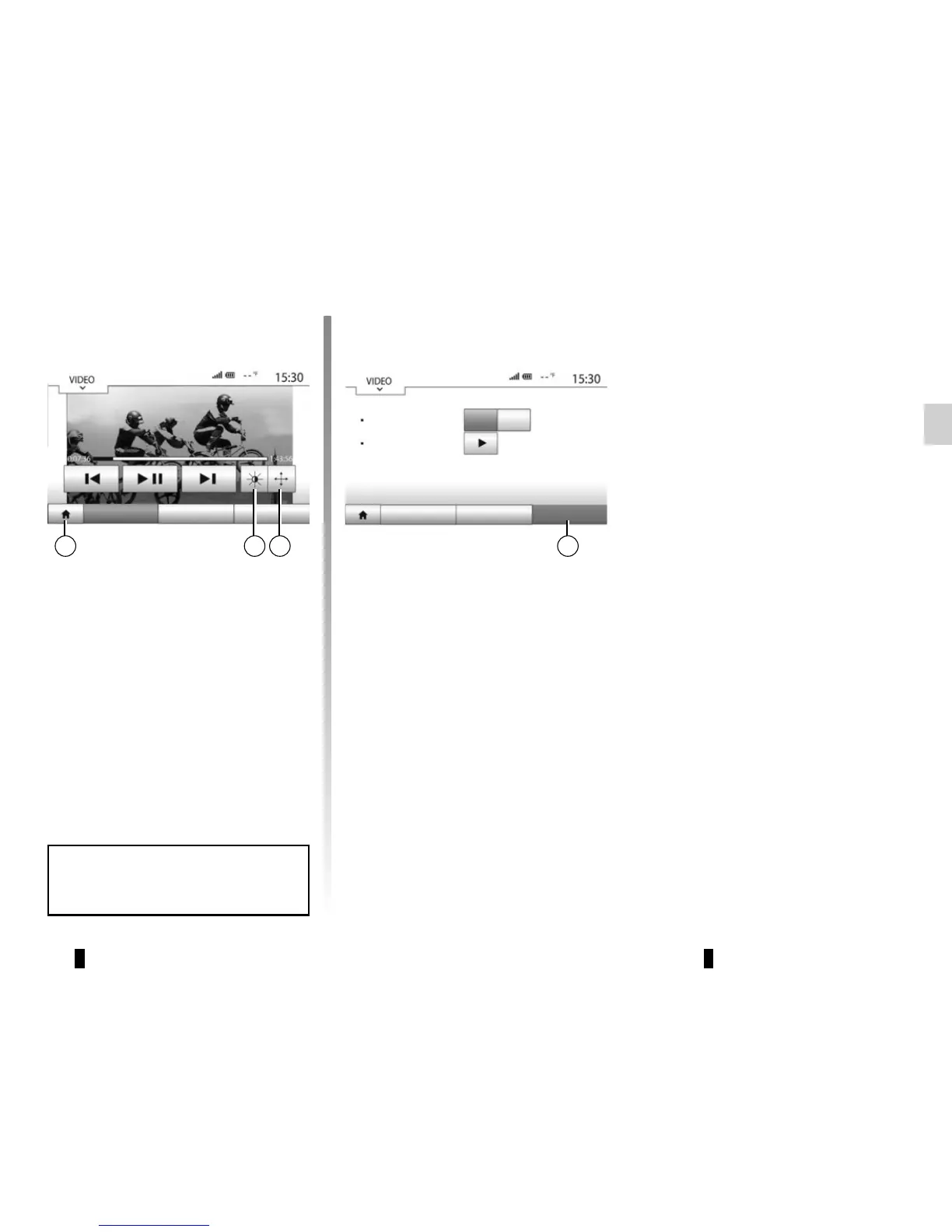
“Options” mode
Press the “Options” tab 12 to:
– access the playback settings;
– view detailed video information (title,
type, date, etc.).
– view the video in full screen by press-
ing 9;
– adjust the brightness of the screen
by pressing 10. A control bar will
appear for you to perform the adjust-
ment. Touch the screen outside this
bar to make it disappear and con-
tinue the video playback;
– return to the previous menu by press-
ing 11.
List ListPlayer Player
View mode
information
Fit Full
Options Options
1011 129
Video playback is only possible
when the vehicle is stationary.



 To Next Page