GB.38
ENTERING A DESTINATION (3/6)
Searching for Points of Interest by
category
You can search for points of interest by
their categories and subcategories.
Press “Home” > “Nav” > “Destination” >
“Points of interest” > “Custom search”.
Select the area around which the place
should be searched for:
– Press “In a Town” to search for a
place within a selected town/suburb
(the result list will be ordered by the
distance from the centre of the se-
lected city/town).
Where to find points of interest?
In a Town
Around my
position
Vicinity of the des-
tination
Along Route
– Press “Along Route” to search along
the active route, and not around a
given point. This is useful when you
search for a later stopover that re-
sults in a minimal detour only, such
as searching for nearby petrol sta-
tions or restaurants (the result list will
be ranked by the length of the neces-
sary detour).
– Press “Around my position” to search
around the current position or if it is
not available, around the last known
position (the result list will be ordered
by the distance from this position).
– Press “Vicinity of the destination” to
search for a place around the desti-
nation of the active route (the result
list will be ordered by the distance
from the destination).
Selecting a destination from
the previous destinations
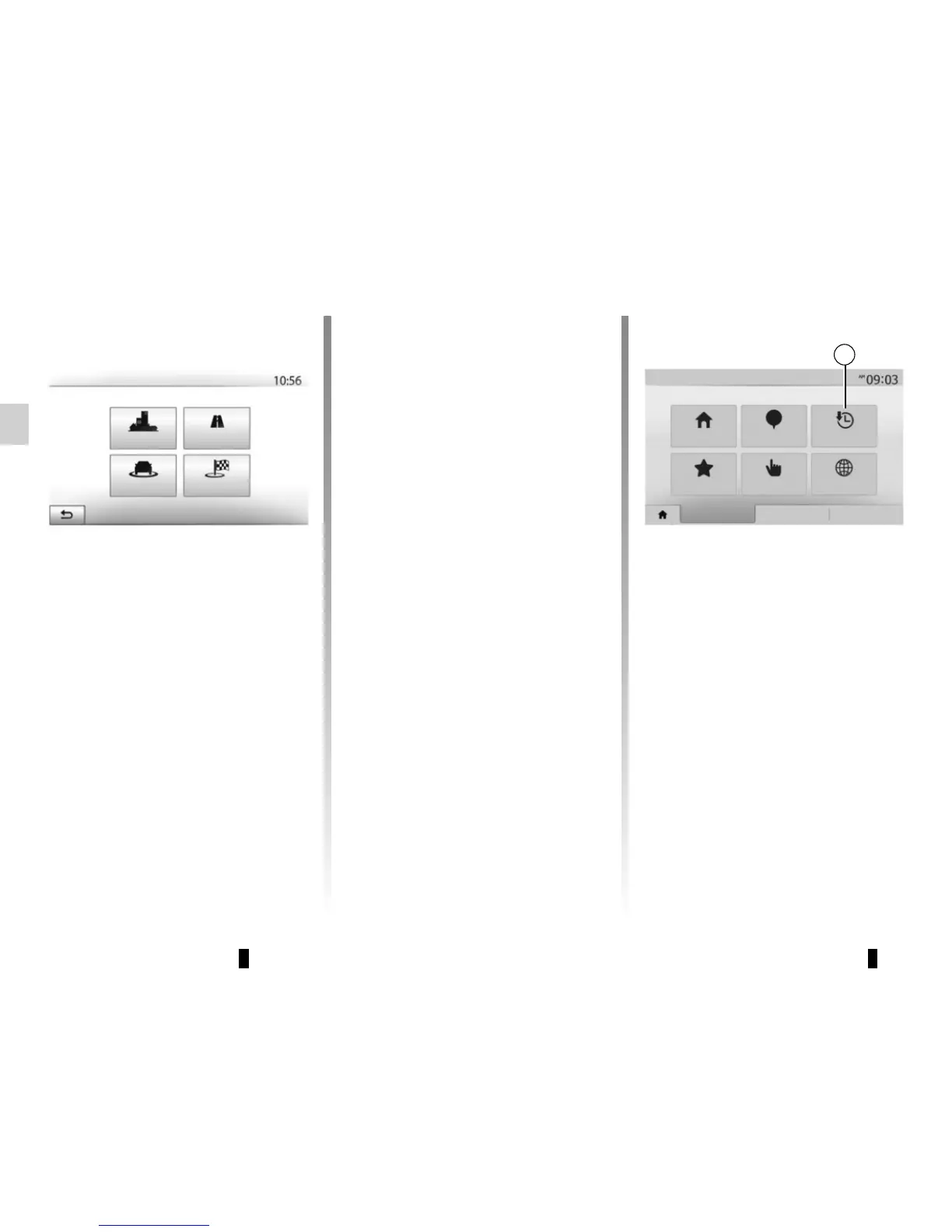
Press 5 to find a destination you have
previously defined.
5
Navigation
Address
History
Points of interest
Coordinate
Find on map
Destination
Route
Favourites
Options



 To Next Page