GB.47
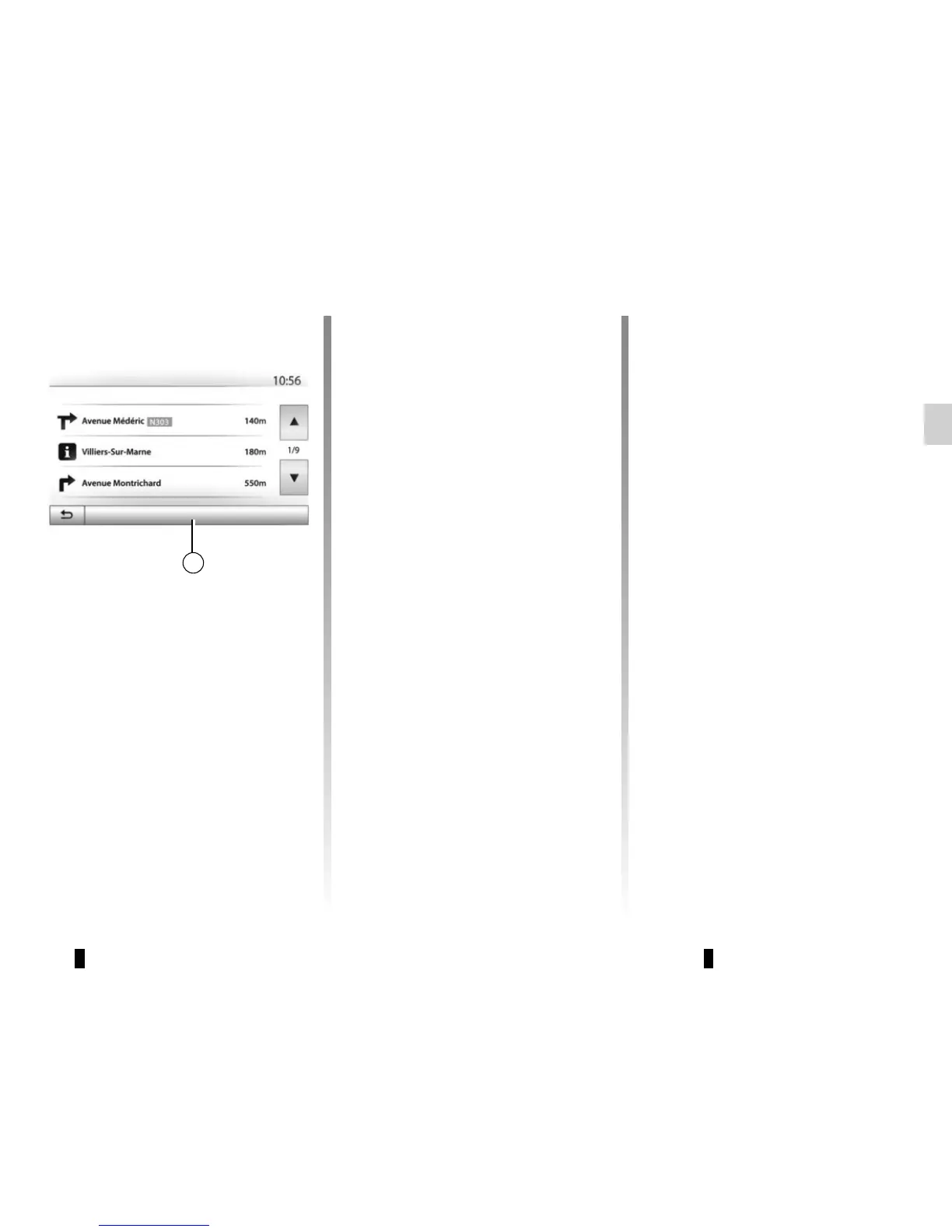
Press 29 to sort the route details:
– by summary.
Only showing the main elements of
the trip (start, destination) the total
distance, remaining time and arrival
time.
– By standard description.
It shows all the manoeuvres and their
signpost information, route num-
bers, street name and distance. Also
showing information and warnings,
such as route section names entered
by the driver, restrictions (access
and manoeuvre restrictions), ignored
user preferences, etc.
– By road list.
Detail of the route by road names
and numbers. It also shows their
length, average direction and travel
time information. Elements of the trip
are not shown in this mode.
Options
Route - Normal
« Route »
This function makes it possible to view
the route plan. Several details of the
route will appear:
– direction-change arrows;
– road number;
– distance before a fork.
« Route settings »
This item enables you to choose your
route settings. Please refer to the infor-
mation on “Route settings” in the sec-
tion entitled “Navigation settings”.
29
GUIDANCE (6/6)



 To Next Page