GB.68
ANDROID AUTO™, CARPLAY™ (4/4)
3
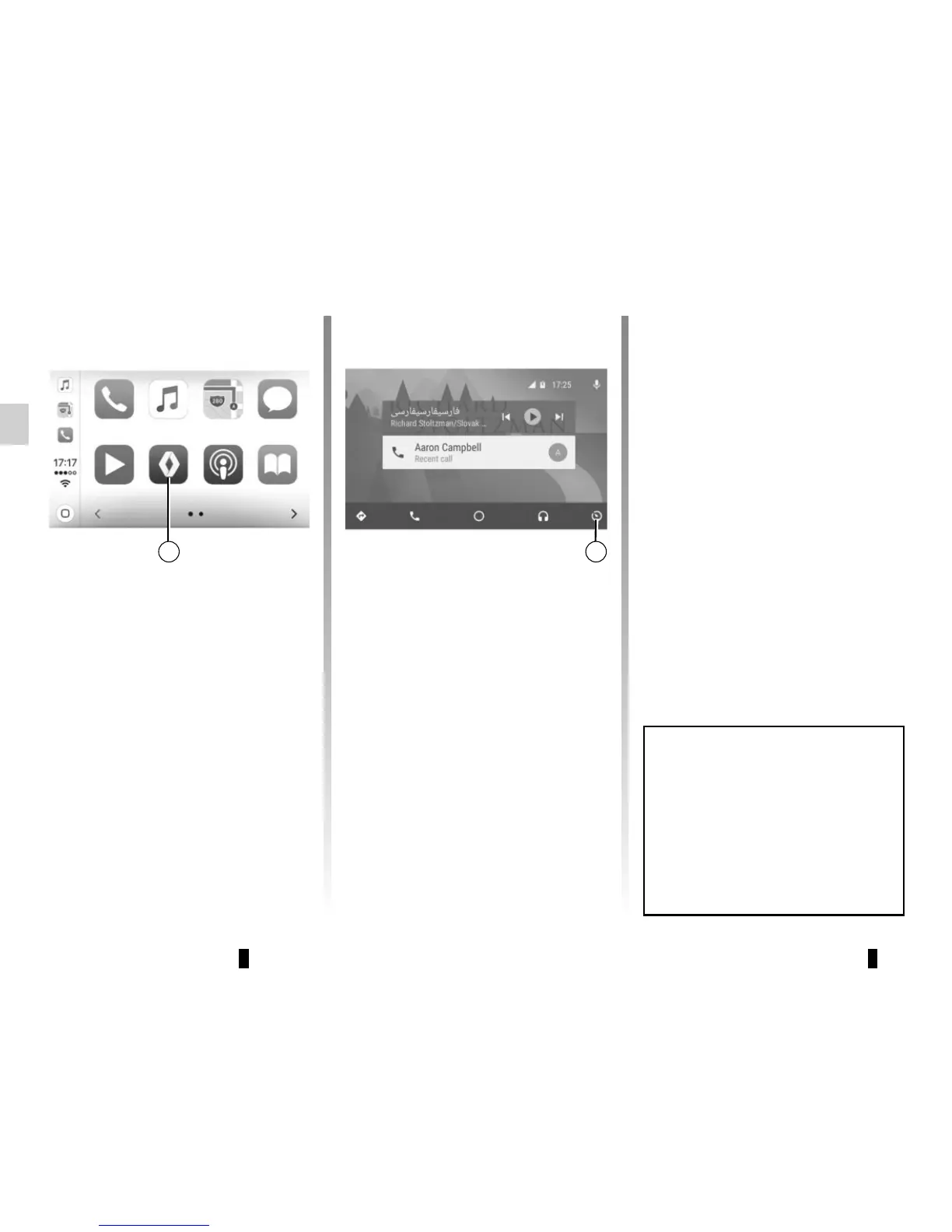
Returning to the Media Nav
Evolution interface
To return to the Media Nav Evolution in-
terface:
– press the “Home” button on the front
panel of your multimedia system or
on the central control;
or
– press button 3 on the multimedia
system screen according to “Android
Auto™” or “CarPlay™”.
3
The functions of the “Android
Auto™" application and the
"Carplay™" service depend on the
make and model of your telephone.
For further information, please refer
to the manufacturer's website if
there is one.



 To Next Page