repligen.com XC-LAB-UG-V4
7. XCell™ Lab Software
7.1 Touchscreen and touchpad
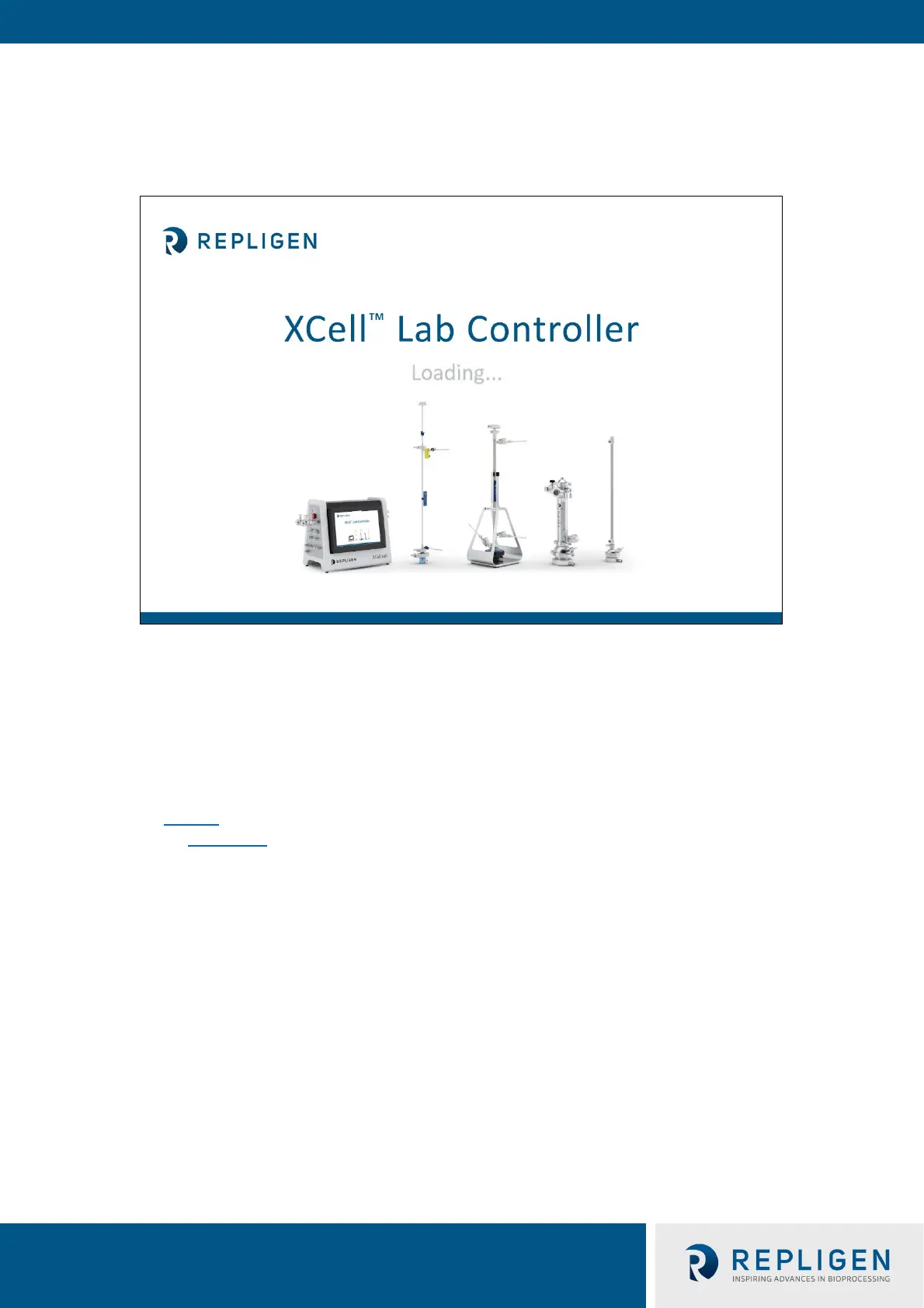
Figure 8. Touchscreen splash display example
The user interface is designed to be intuitive and simple to use. The XCell™ Lab Controller is
controlled and operated using a touchscreen tablet. The touchscreen enables quick user input and
easy navigation between different screens. A touchpad is also provided for use with the Query and
Trend Tools, for executing more complicated and advanced selections.
7.2 Initial startup
The tablet will boot directly into the XCell™ Lab Software program and display the splash screen
below (Figure 8
) w
hen switched on. Login to Windows is not required. To add a Windows login,
please see Appendix B.
As the program loads, it will display Loading… and then either ask for a login or go straight to the
Overview screen if login is disabled.



 To Next Page