repligen.com XC-LAB-UG-V4
Note: Pausing or stopping the controller requires manual interaction to re-start the operation.
Application of pause or stop as an action should therefore be carefully planned especially in
case the alarms get triggered at an unattended moment.
7.11.3 Displacement volume alarm configuration
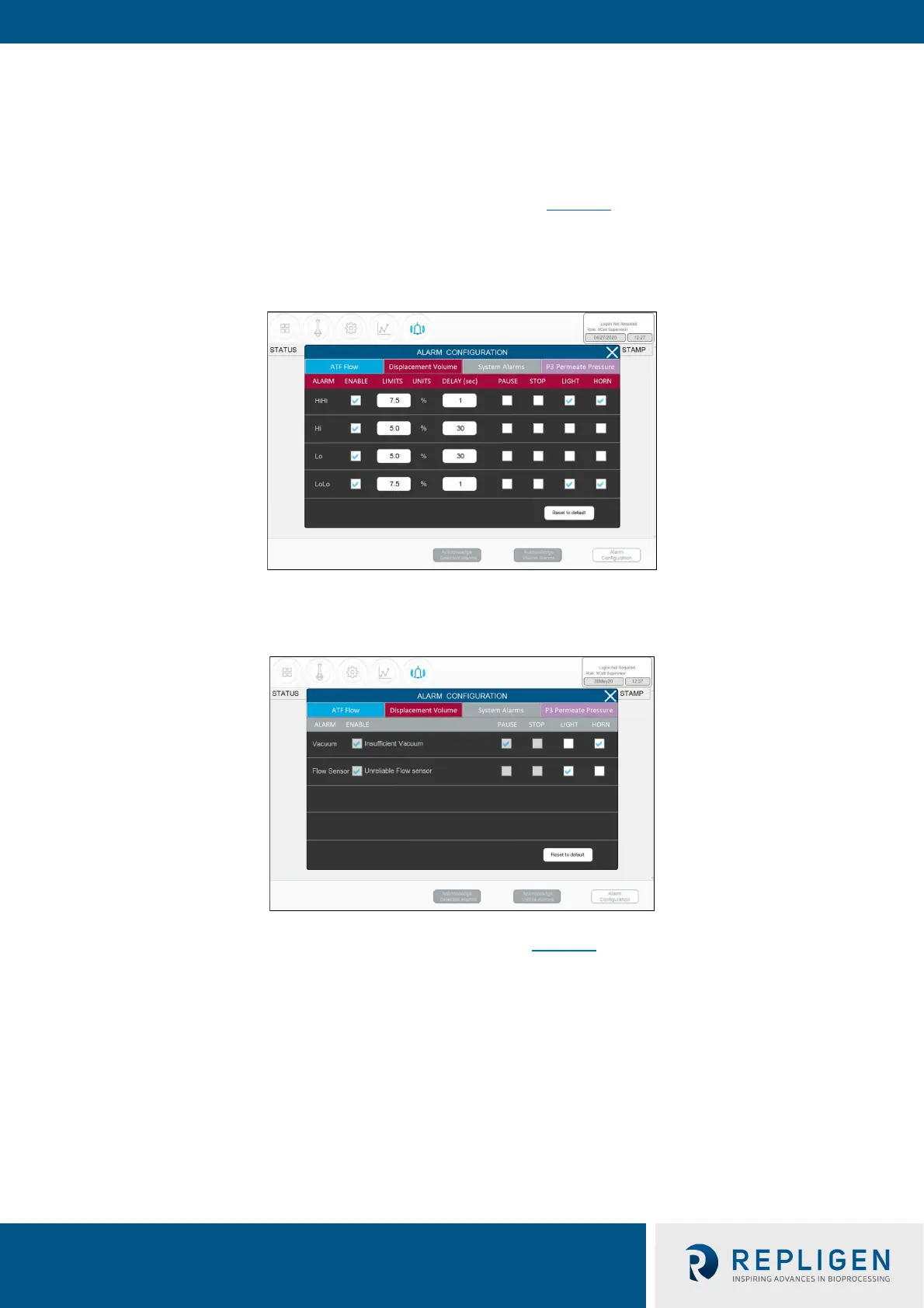
Like ATF Flow, the Displacement volume alarm configuration (Figure 34
) has a layout, and
functionality similar to ATF Flow. Like ATF Flow, the values on the selections apply to all ATF sizes
and formats the controller can operate.
Figure 34. Displacement volume alarm example
7.11.4 System alarm configuration
Figure 35. System alarms example
Two System Alarms are available in the Systems Alarms tab (Figure 35
): vacuum and flow sensor.
Neither the system alarm itself nor the triggered action may be disabled by the user (check boxes
are greyed out). System alarms are therefore shown for informational purposes only. For instance,
the vacuum alarm pauses the ATF when detected. You can, however, choose whether a light and/or
horn alarm should be triggered in each case.



 To Next Page