repligen.com XC-LAB-UG-V4
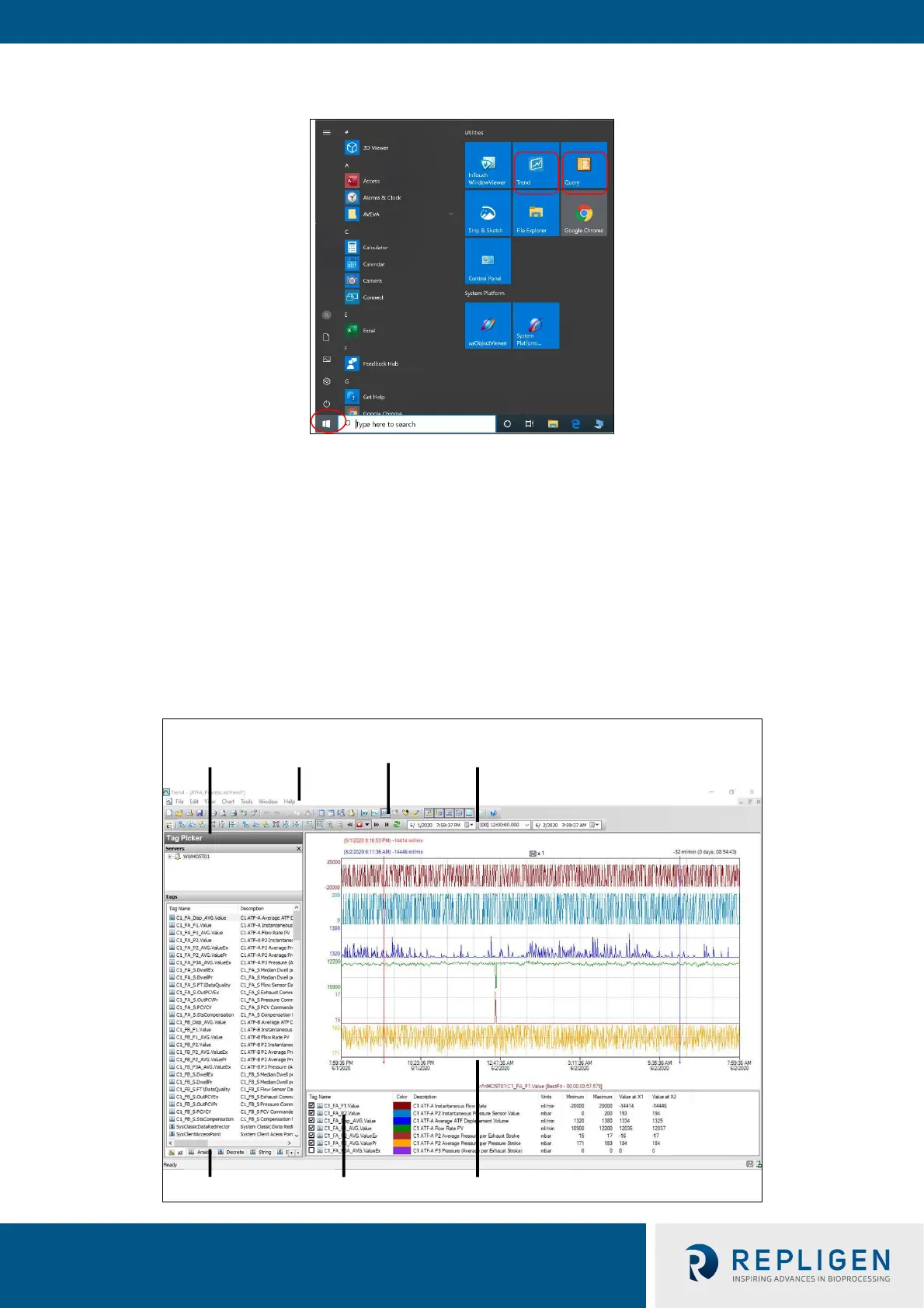
Figure 37. Accessing Trend and Query example
7.12.1 Historian Client Software
Wonderware Historian, a relational database that acquires and stores process data at full resolution,
always runs in the background, providing real-time and historical data. Historian combines the
power and flexibility of a Microsoft® SQL Server with the high-speed acquisition and efficient data
compression characteristics of a real-time system.
The Historian enables queries that can retrieve relevant data more efficiently from the database.
Historian is stored locally; no remote access is allowed.
7.12.2 Trend
Figure 38. Trend screen example
Status bar
Tag picker
Time toolbarMain
toolbar
Scaling
toolbar
Status bar Tag list Chart



 To Next Page