repligen.com XC-LAB-UG-V4
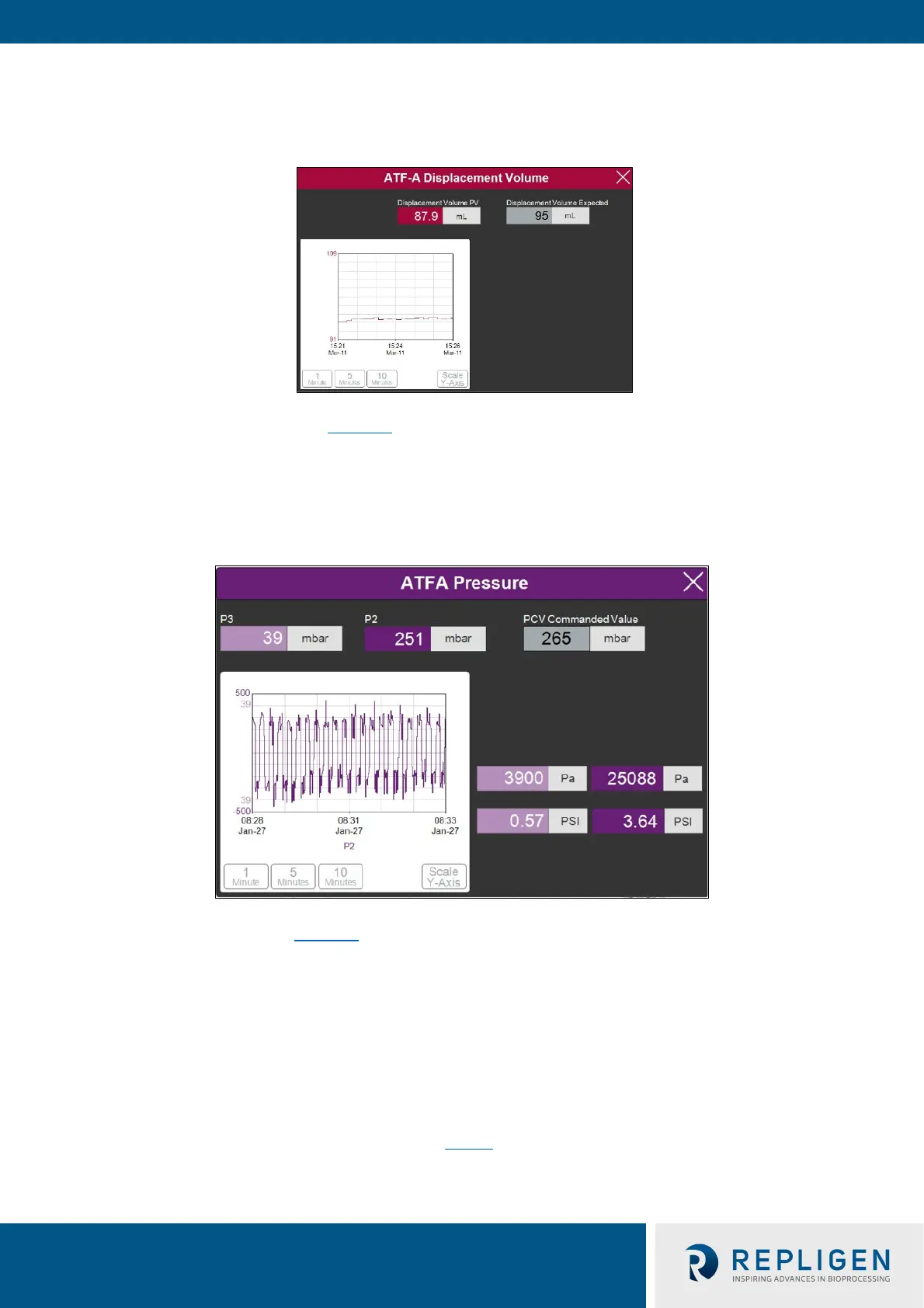
7.8.5 ATF displacement volume pop-up window
Figure 20. ATF displacement volume pop-up example
The ATF displacement pop-up (Figure 20
) displays the measured and expected displacement volume
per cycle. A 5-10% variation between the two is typical. No changes are allowed on this screen,
however it is possible to set-up an alarm for this value.
7.8.6 ATF pressure pop-up window
Figure 21. ATF pressure pop-up screen example
The ATF Pressure pop-up (Figure 21
) displays the measured pressures in the permeate line (P3), the
A2C line (P2) and the PCV Set point for P2 (PCV commanded value). You may change the units of the
values displayed on the ATF Pressure pop-up and the ATF Main Screen (in the Settings menu), but
the values logged into the Historian are always ‘mbar’, which is shown at the top of the pop-up.
P3 pressure is typically either zero or negative. As permeate flow increases, the pressure (P3) drops.
If the filter starts to foul, P3 is also expected to drop. P3 is a process-dependent value; no lower limit
for alarm set-up has been established.
You may choose to alarm P3 via the Alarm Settings if it is critical for your process. Alarms for P2 are
automated and cannot be changed by the user. Alarms
are described in more detail later. Please
contact your local FAS to discuss appropriate values and alarms settings.



 To Next Page