KrosFlo® TFDF™ Lab System
XC-LAB-UG-V4
Contents
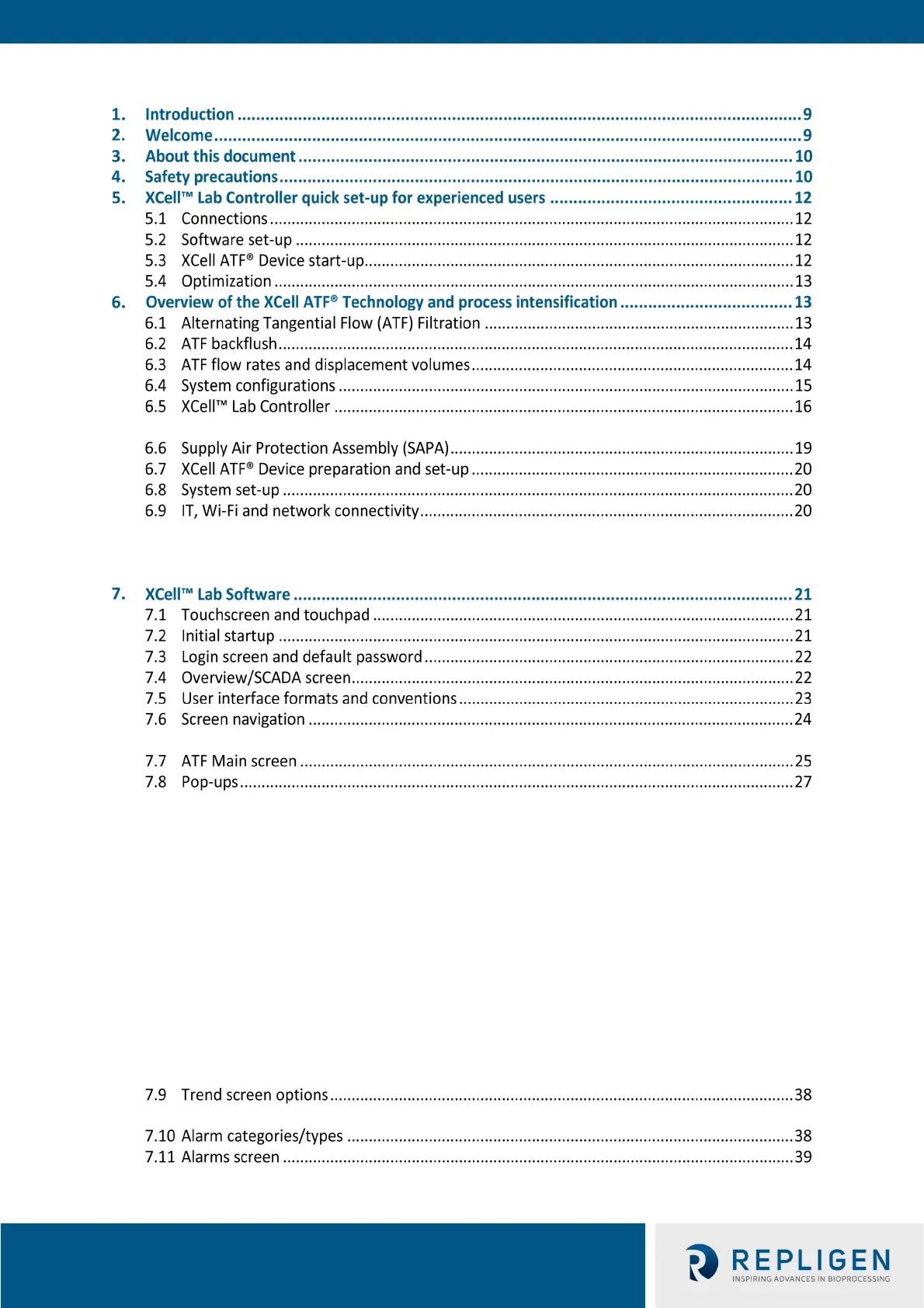
6.5.1 A2B and A2C tubing sets ............................................................................................. 18
6.9.1 Windows environment ............................................................................................... 20
6.9.2 Repligen XCell™ Lab Software .................................................................................... 20
6.9.3 Modbus/ethernet remote monitoring ....................................................................... 20
7.6.1 Menu bar .................................................................................................................... 24
7.8.1 Changing ATF Flow set points ..................................................................................... 28
7.8.2 Starting, pausing and stopping an XCell ATF® Device ................................................. 28
7.8.3 Pump status box ......................................................................................................... 28
7.8.4 Dual mode ................................................................................................................... 29
7.8.5 ATF displacement volume pop-up window ................................................................ 32
7.8.6 ATF pressure pop-up window ..................................................................................... 32
7.8.7 Settings sub-menu ...................................................................................................... 33
7.8.8 XCell ATF® Device configuration ................................................................................. 33
7.8.9 Bioreactor configuration ............................................................................................. 34
7.8.10 Default configuration/ATF pump settings .................................................................. 34
7.8.11 General configuration ................................................................................................. 35
7.8.12 Service /performance screen ...................................................................................... 36
7.8.13 Logon required - security on/off ................................................................................. 36
7.8.14 Algorithm pop-ups ...................................................................................................... 37
7.9.1 XCell™ Lab Trend screen ............................................................................................. 38
7.11.1 Alarm Configuration .................................................................................................... 40



 To Next Page